Zen Browser (zen-browser.app) is a free, open-source desktop browser built on the Mozilla Firefox codebase. Its source code is published on GitHub under the MPL-2.0 license and maintained by a distributed team of volunteers. The interface is designed around vertical tabs, and tab management is its core selling point: Workspaces isolate tabs by project, Compact Mode hides the tab bar until you need it, Split View shows pages side by side, and Glance previews your most-used tabs. The team also states that Firefox's telemetry components have been removed. Among Firefox-based browsers it stands out for community activity and feature completeness — as of 2026-09-19 the GitHub repository has about 44.5k stars — and reviewers routinely compare it to Arc, describing it as an open-source alternative (ZDNET). It is listed here because it is completely free, available on all three major desktop platforms, explicit about privacy, and still actively developed in 2026.
At a Glance
- URL: https://zen-browser.app/
- Type: Firefox-based open-source desktop browser (MPL-2.0), community-driven
- Cost: Completely free; development is funded through Patreon and Ko-fi donations plus sponsors (official FAQ)
- Account: None required; optional cross-device sync uses Firefox Sync with a Mozilla account
- Platforms: Windows (x64 and ARM64), macOS (universal build), Linux (AppImage, tar.xz, Flatpak, AUR); no Android or iOS version
- Interface languages: English by default, with community-contributed translations via Crowdin (translation docs)
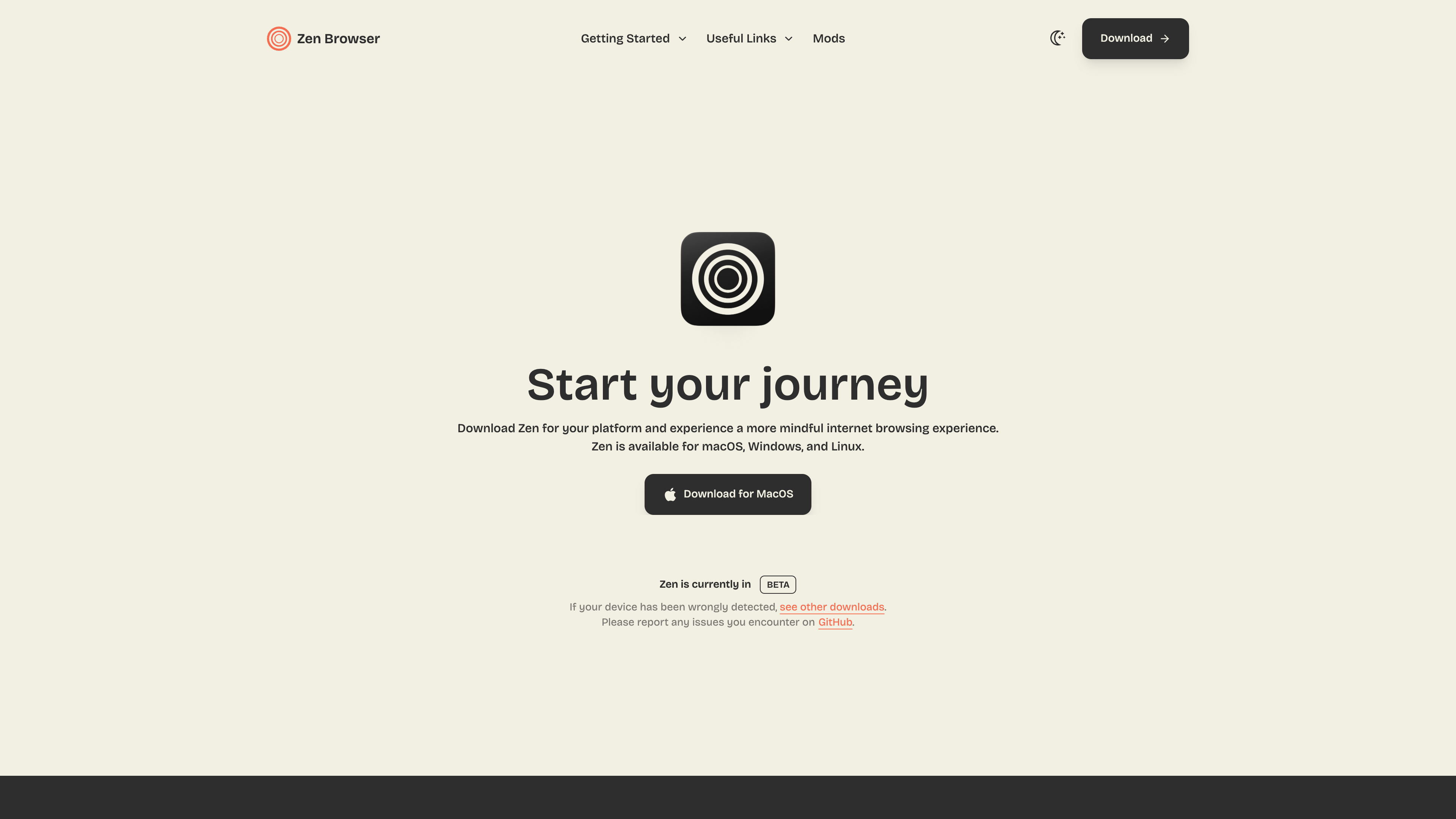
- Project status: The official download page still states "Zen is currently in BETA" as of 2026-09-19
Background
Zen Browser was created by Mauro V. (GitHub user mr-cheffy), its main developer. The About page lists the core team as volunteers covering macOS builds and notarization, site reliability, theme features, and AUR packaging, and describes the group as "a group of developers and designers who care about your experience on the web."
Timeline (all verified against primary sources):
- March 2024: the zen-browser/desktop GitHub repository is created (repository creation does not equal product launch; shown for reference only).
- July 11, 2024: first public release (the official release notes mark this date as the first version; the Wikipedia entry records the same date). It began as an alpha and iterated as a beta for a long time.
- August 2024: launched on Product Hunt, ranking near the top of the day (Product Hunt page), and started receiving broad media coverage.
- As of 2026-09-19: 44,505 stars and 1,760 forks on GitHub (checked via the GitHub API); the latest stable release is 1.22.2b (2026-09-16), tracking Firefox 156.0 with that cycle's Mozilla security fixes; a Twilight channel offers pre-release builds for early adopters. The download page still labels the project as beta.
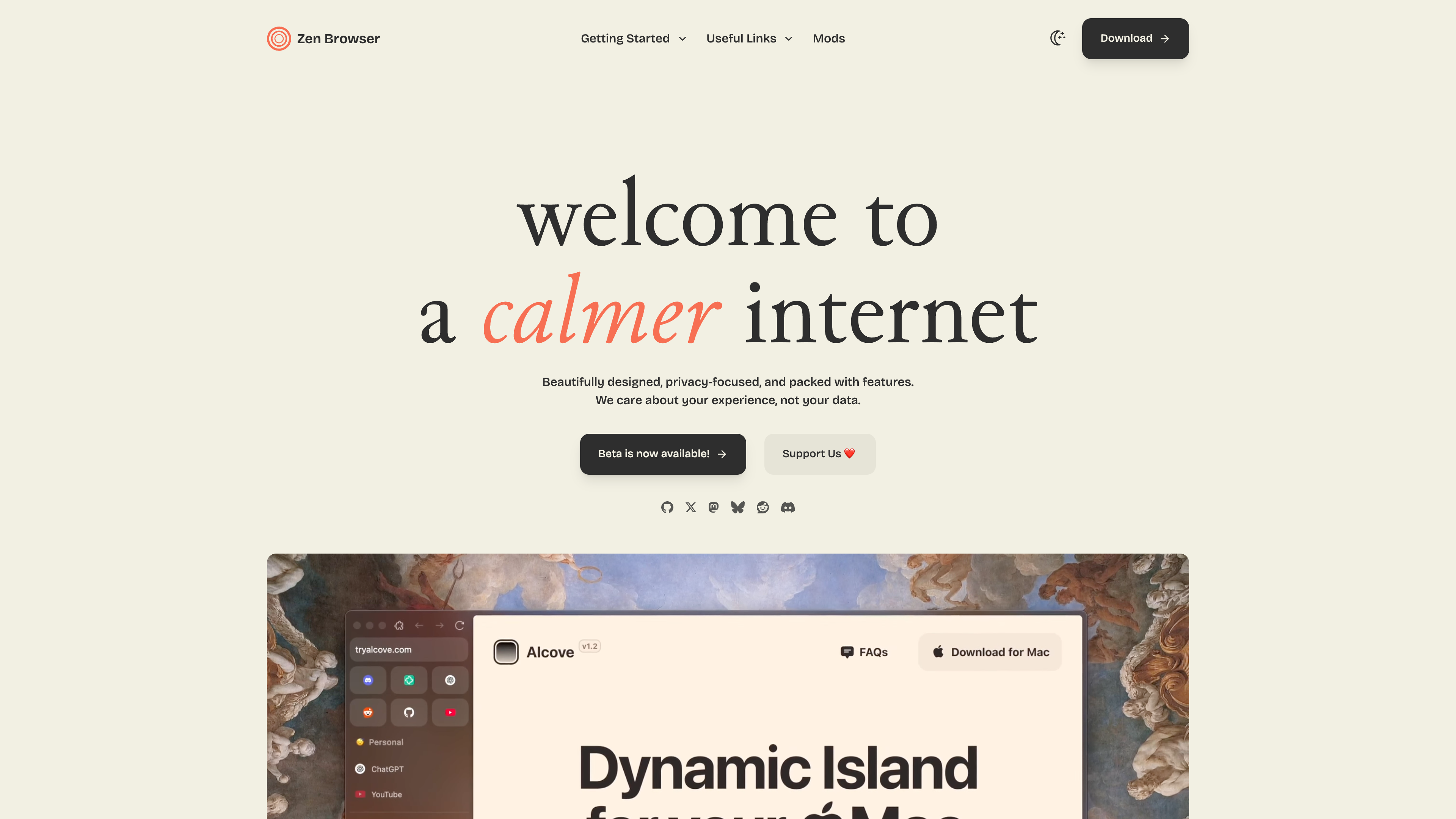
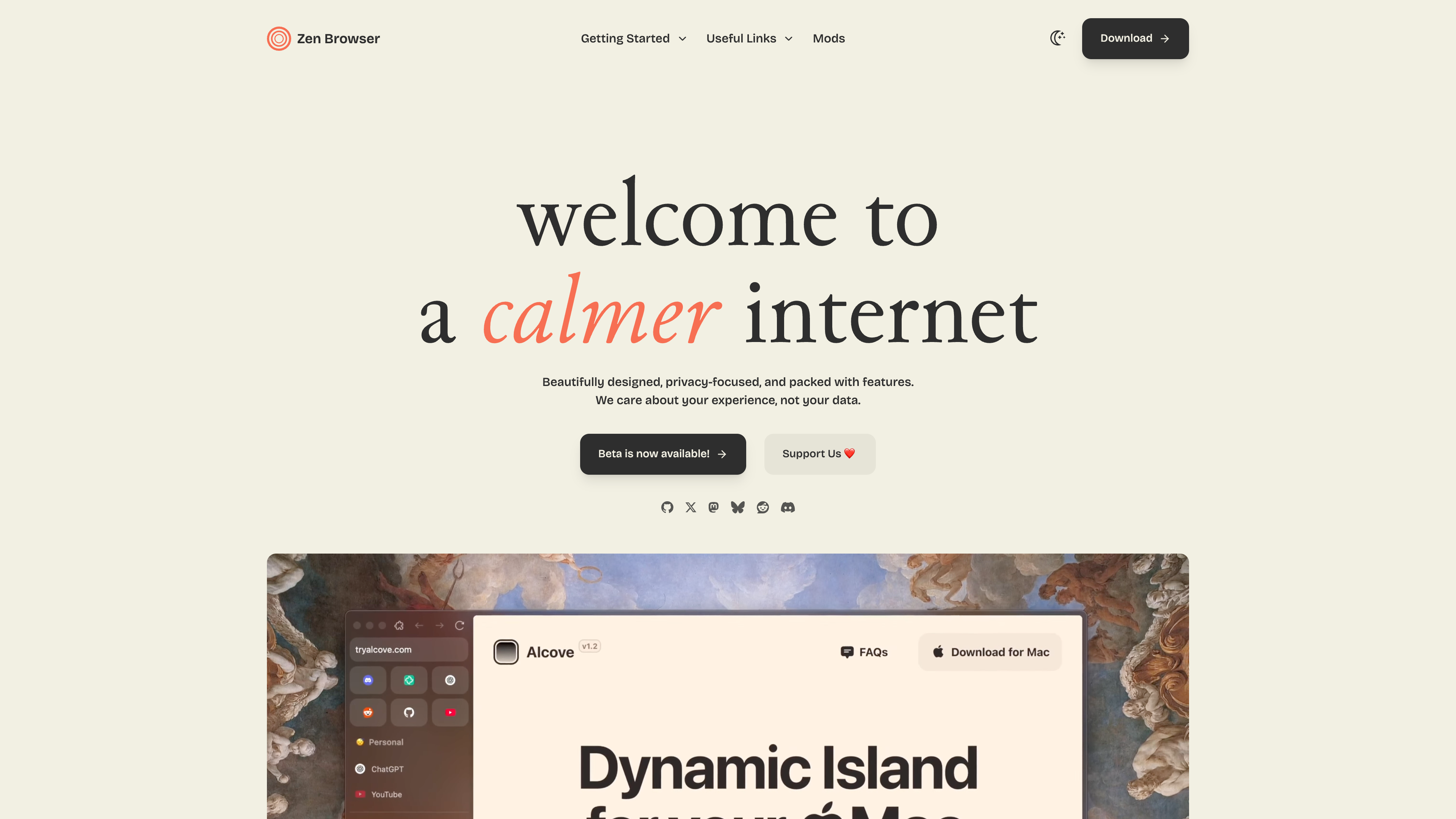
The homepage below shows the tagline "welcome to a calmer internet", a download button annotated "Beta is now available", and a donation entry point:
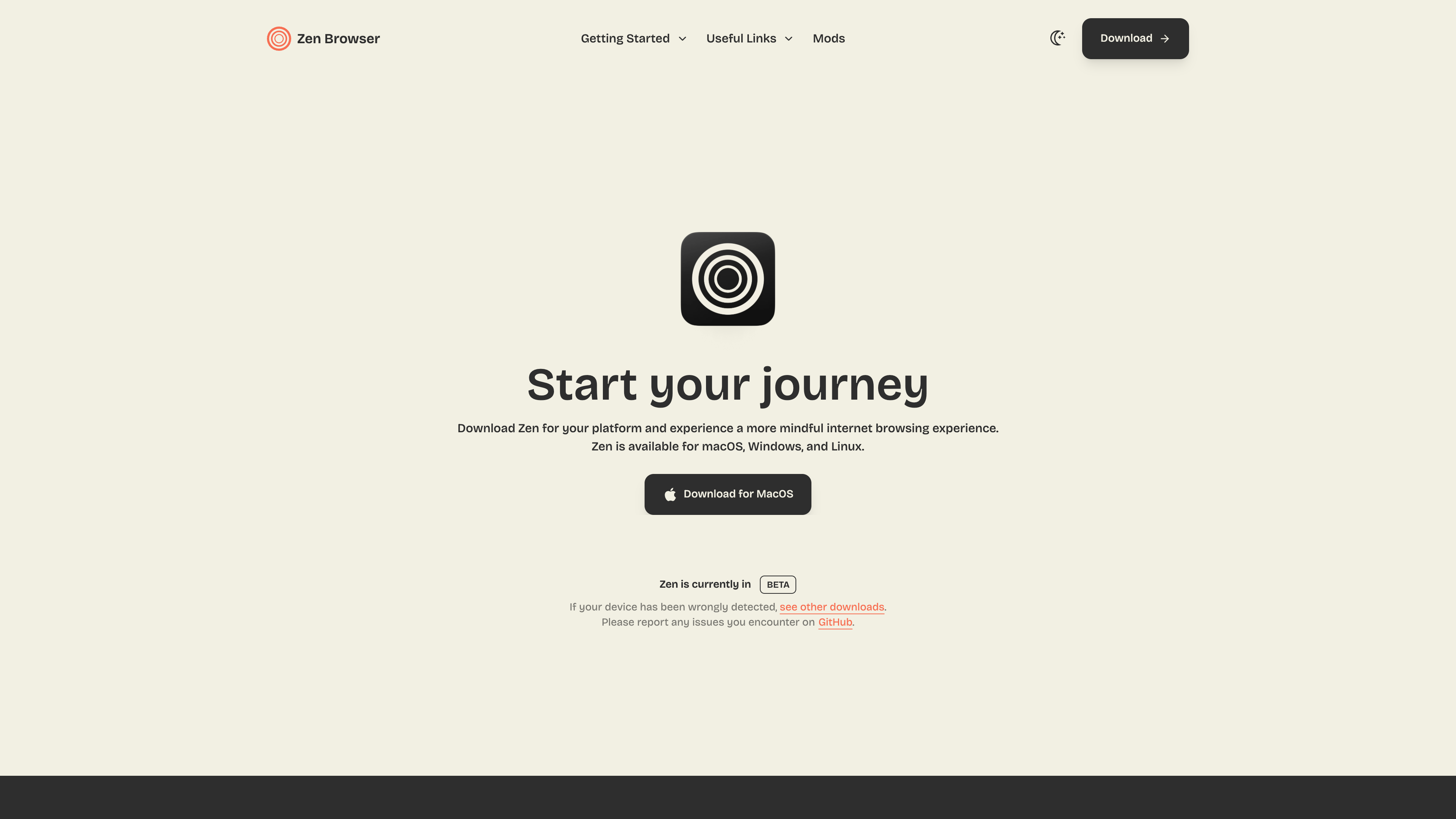
The download page below (captured 2026-09-19) still carries the "Zen is currently in BETA" label and offers installers for macOS, Windows and Linux:
Core Features
An interface centered on vertical tabs. Zen only offers vertical tabs — this is a design philosophy rather than a default setting, and the FAQ states plainly that horizontal tabs will not be supported. On top of that foundation:
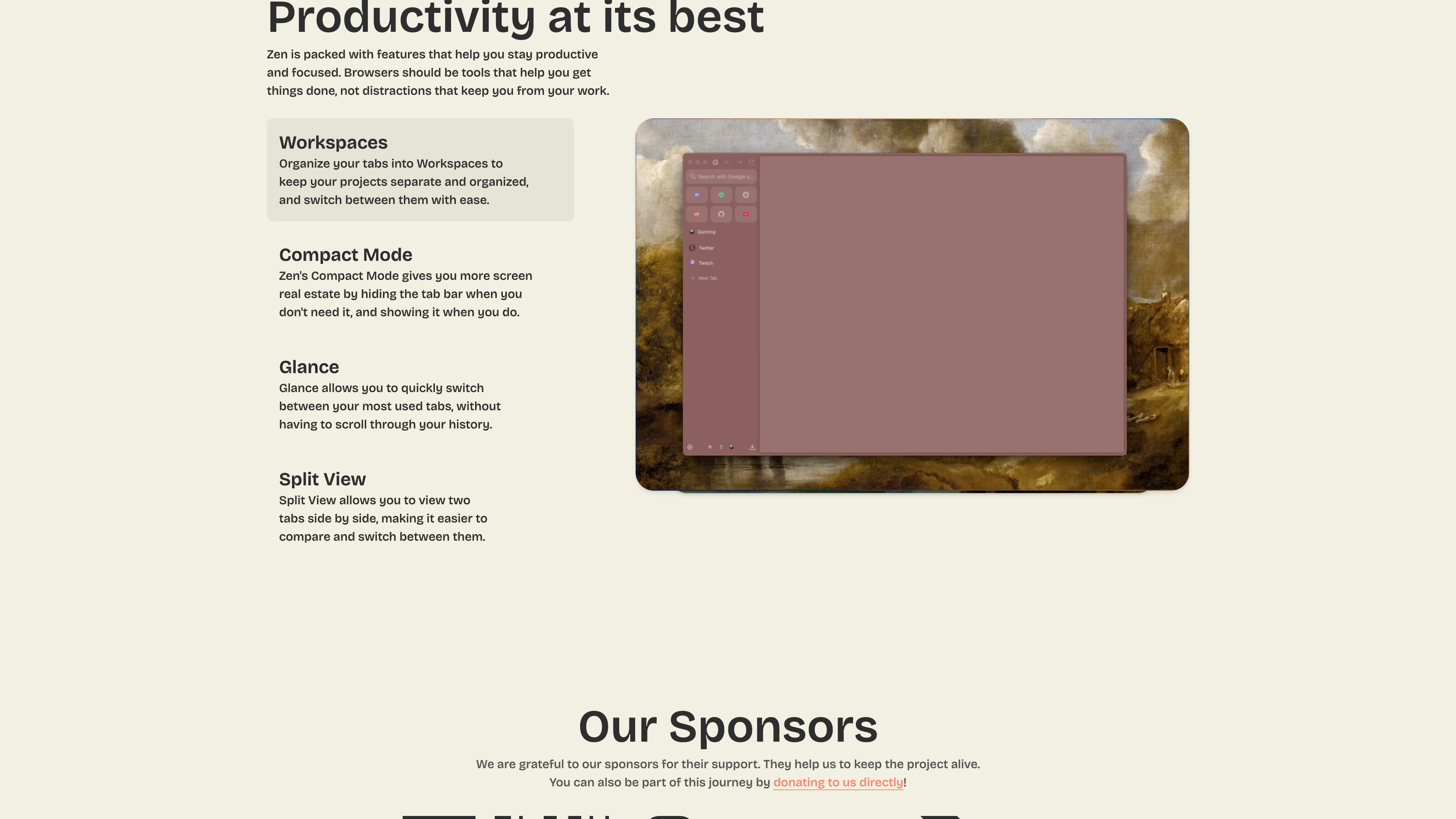
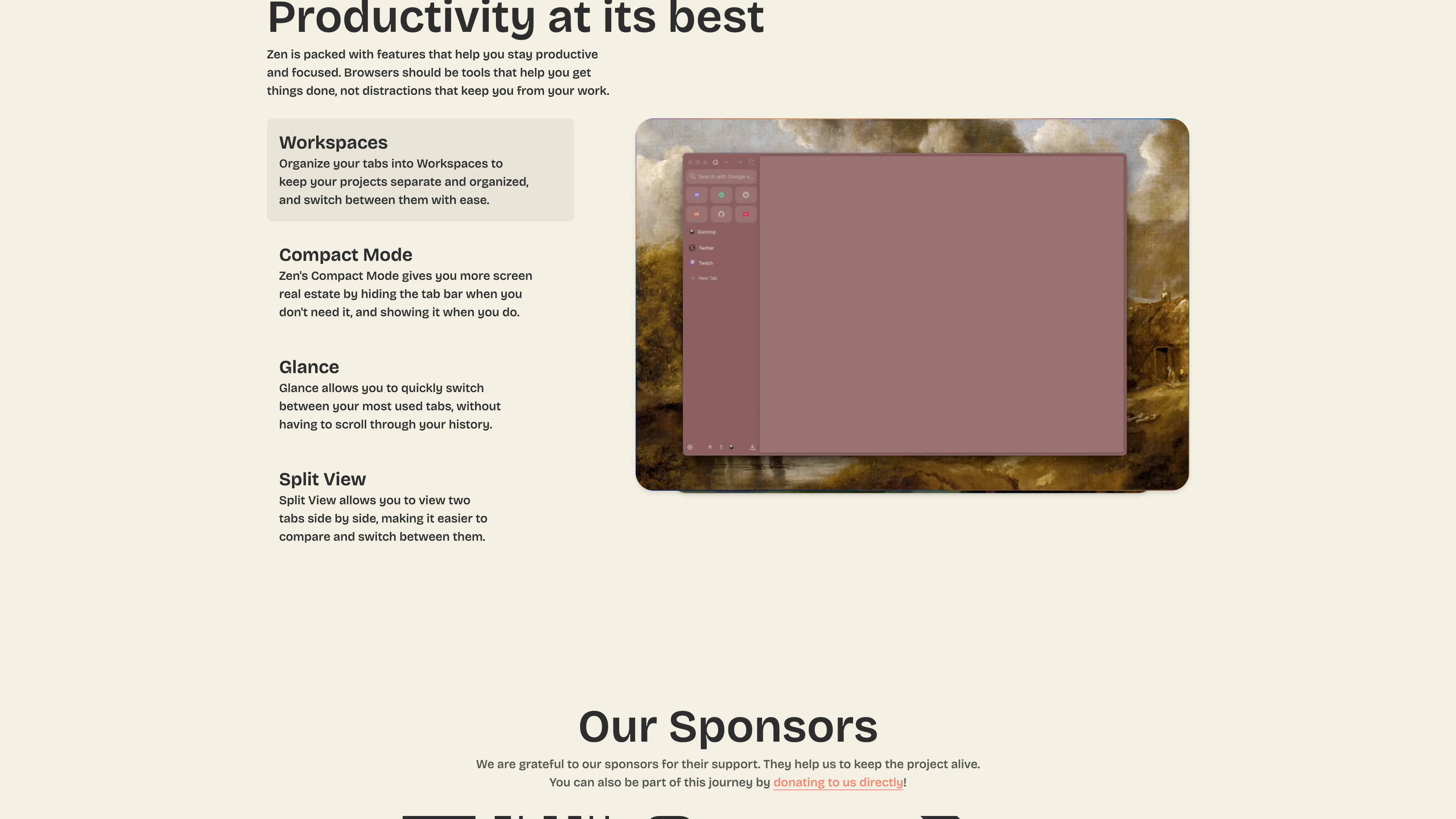
- Workspaces: group and isolate tabs by project or context, and switch between them in one click.
- Compact Mode: hides the tab bar when you don't need it to free up screen space, and brings it back when you do.
- Glance: quickly preview and switch between your most-used tabs without scrolling through history.
- Split View: select multiple tabs, right-click, and view them side by side for comparison (usage notes in the FAQ).
- Recent releases have added a Command Bar with built-in actions and Live Folders (1.22.2b release notes).
The screenshot below shows the homepage feature section: the four core features on the left, and Zen's actual interface (sidebar tabs with workspaces) on the right:
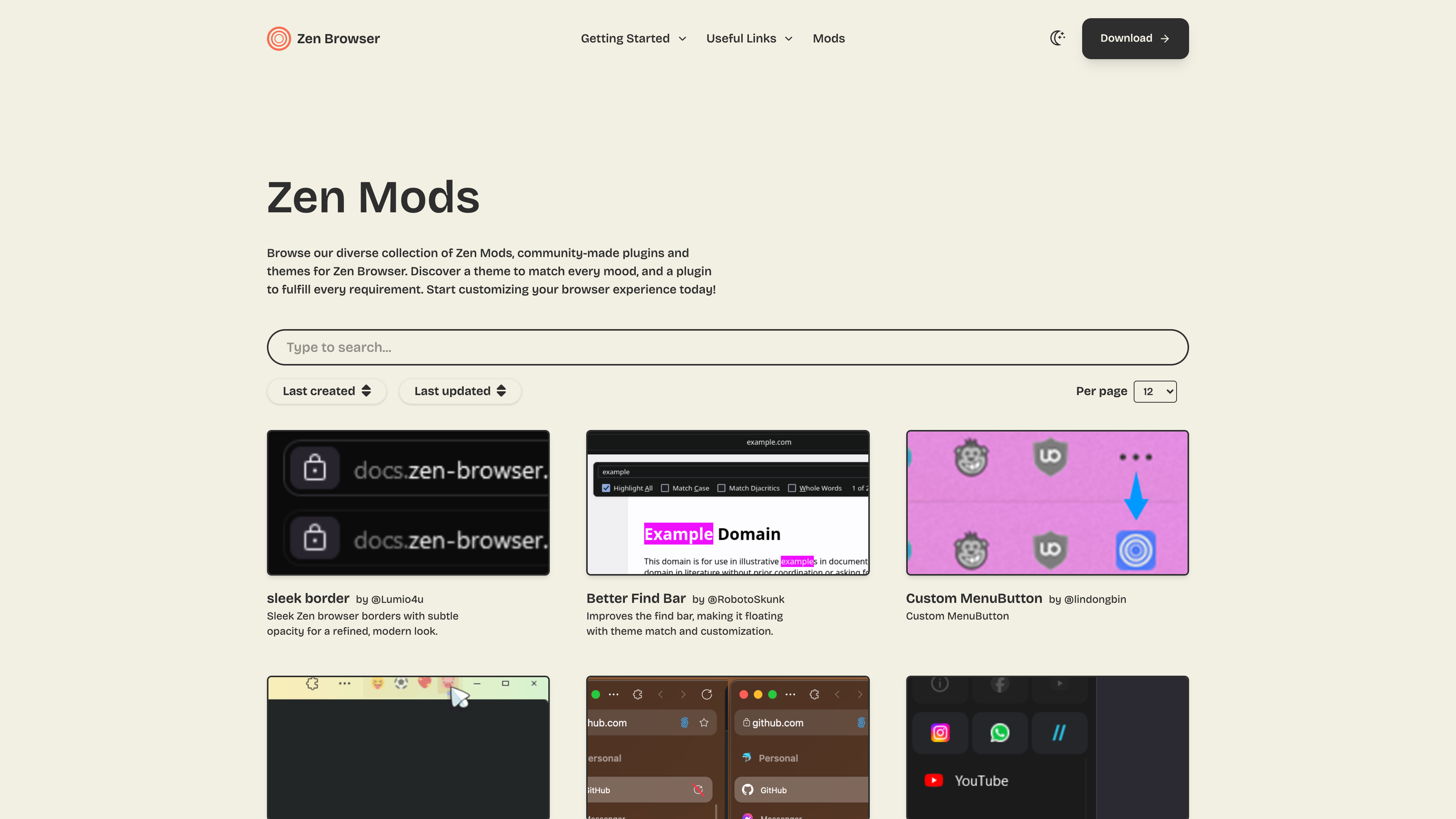
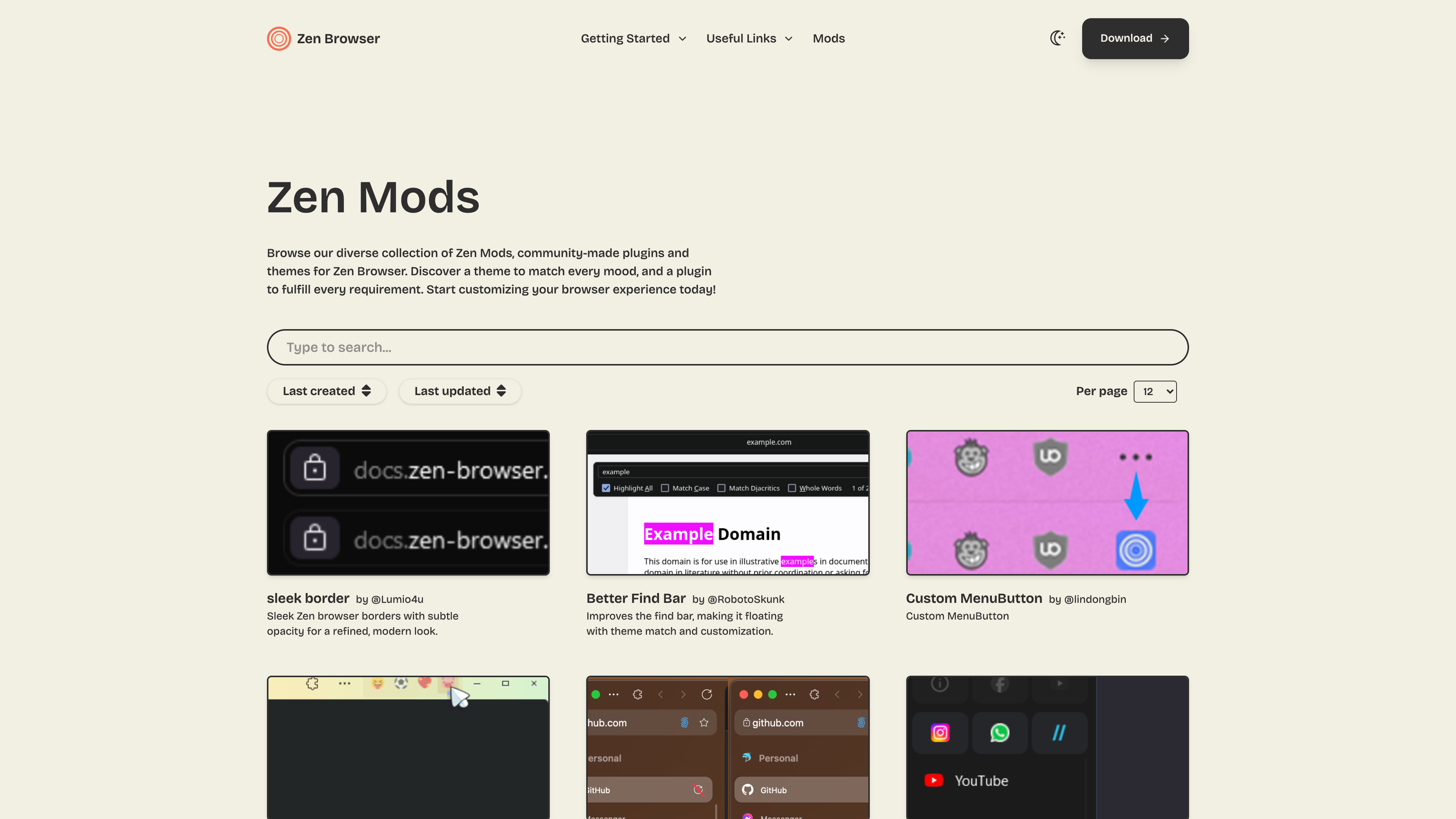
Customization and the Mods ecosystem. Zen ships with a gradient theme generator and runs a community Mods store at zen-browser.app/mods: as of 2026-09-19 it lists 77 items — community-made themes and interface tweaks (such as a floating find bar or custom menu buttons) — distributed as static files downloaded to your device, which the team says collect no data. Advanced users can also restyle the interface live with the CSS Live Editing feature documented on the official docs site.
Firefox ecosystem compatibility. Zen supports extensions from addons.mozilla.org, and cross-device sync is handled directly by Firefox Sync: sign in with a Mozilla account to sync bookmarks, history, passwords and extensions (official FAQ).
Privacy and Data Policy
Key commitments from the official privacy policy (last updated 2025-02-05 per the page):
- No telemetry: the team states that Firefox's built-in telemetry and crash reporting have been stripped out; no IP addresses, browsing history, or search queries are collected, and no third-party analytics run inside the browser. It also candidly notes that some Mozilla telemetry "may have been missed" and points readers to the Firefox Privacy Notice.
- Local storage: browsing data, cookies and settings stay on your device and can be cleared at any time.
- Sync data lives with Mozilla: Firefox Sync data is encrypted and stored on Mozilla's servers, which the Zen team cannot read — so the privacy boundary for sync is Mozilla's own policy.
- Startup connections: Zen makes external connections at startup (update checks, add-on updates, connectivity detection, geolocation/push services). The team says no data is collected from these and that they can be disabled via about:config.
- Website hosting: the website is hosted on Cloudflare with analytics and tracking stated to be disabled.
Pricing and Sustainability
The browser is completely free, with no paid tier or feature unlocks. Funding comes from donations (Patreon, Ko-fi) and the sponsors listed on the homepage (Blacksmith, Crowdin and Tuta as of 2026-09-19). This is a typical community open-source model: no commercial backer means no pressure to monetize, but also limited development resources — the official FAQ itself warns that the team is very small and that bug reports and feature requests may take time.
Who It's For
- Users who like Arc-style workspaces and sidebar browsing but prefer the Firefox engine or open-source software.
- Privacy-conscious users who want a browser without telemetry or data collection.
- Linux desktop users: with AppImage, Flatpak and AUR packages, Zen is one of the few design-forward browsers with first-class Linux support.
- Users who enjoy deep interface customization (themes, Mods, CSS).
Limitations
- Still in beta: the download page explicitly states "Zen is currently in BETA" (as of 2026-09-19). Expect a less polished, less stable product than mature browsers; issues go through GitHub Issues and the small team responds at its own pace (per the official FAQ).
- No DRM playback: without a Google Widevine license, DRM-protected content such as Netflix, Disney+ and Spotify's web player will not play (affecting Windows and macOS); as of 2026-09-19 the team says it is still awaiting Google's approval (official FAQ).
- Vertical tabs only: there is no horizontal tab option, so users accustomed to a traditional top tab bar need to adjust.
- No mobile version: the team explicitly has no Android or iOS plans, so cross-device sync is desktop-only.
- Sync depends on Mozilla: Zen has no account system of its own; sync relies entirely on Firefox Sync and Mozilla's servers.
- "Arc-like" is a third-party assessment: reviewers commonly make the comparison, but the two browsers use different engines (Firefox vs Chromium), and this article has not benchmarked the experience differences one by one.
Alternatives
- Firefox: Zen's upstream foundation; sync and the extension ecosystem come from Mozilla.
- Arc: the Chromium-based browser that pioneered workspaces and sidebar design; media often describe Zen as its open-source counterpart (ZDNET).
- Floorp: another Firefox-based browser focused on interface customization.
References
- Zen Browser homepage (checked 2026-09-19)
- Zen Browser About page (team) (checked 2026-09-19)
- Zen Browser download page (BETA label, Twilight channel) (checked 2026-09-19)
- Zen Mods store (checked 2026-09-19)
- Zen Browser Privacy Policy (updated 2025-02-05) (checked 2026-09-19)
- Zen Browser Release Notes (first release 2024-07-11) (checked 2026-09-19)
- Zen Browser docs FAQ (vertical tabs, DRM, donations, sync) (checked 2026-09-19)
- Zen Browser translation docs (Crowdin) (checked 2026-09-19)
- GitHub repository zen-browser/desktop (MPL-2.0, 44,505 stars) (checked 2026-09-19)
- GitHub Release 1.22.2b (2026-09-16, based on Firefox 156.0) (checked 2026-09-19)
- ZDNET: Zen Browser is the customizable Firefox I've been waiting for (2024-11-13) (checked 2026-09-19)
- Wikipedia: Zen Browser (first released 2024-07-11) (checked 2026-09-19)