tldraw means two things. For casual visitors, tldraw.com is a free online whiteboard that works the moment you open it: an infinite canvas with hand-drawn strokes, no sign-up required, with your work saved locally in the browser. For developers, tldraw is the flagship product of London-based tldraw Inc — the tldraw SDK, a React/TypeScript infinite-canvas library that powers the whiteboard itself as well as third-party products like ClickUp Whiteboards and Padlet Sandbox. Compared with account-centric collaboration suites like Miro or FigJam, its verifiable differences are that the full editor works without registration, the entire codebase is publicly readable on GitHub, and the sketchy rendering style descends from the founder's earlier open-source project perfect-freehand.
At a glance
- URL: https://www.tldraw.com/ (the whiteboard); SDK, docs, and pricing at https://tldraw.dev/
- Type: Online whiteboard / infinite canvas + developer-facing canvas SDK
- Cost: The whiteboard is free. The SDK is free in development; production use requires a license key (100-day free trial / commercial license by quote / free hobby license for non-commercial projects with a mandatory watermark)
- Registration: None needed to draw (canvas stored in browser-local storage); sharing, multiplayer, and cloud saving require a free account (Google or email sign-in), verified 2026-09-08
- Interface language: English only
- Code footprint: ~50.2k GitHub stars and 3.5k forks as of 2026-09-08; the npm package sees roughly 340k weekly downloads (2026-08-31 to 09-06)
Background
tldraw started in 2021 as an open-source side project by designer-developer Steve Ruiz, building on his earlier work such as the perfect-freehand stroke library; it gained traction quickly as he built it in public on Twitter (TechCrunch, 2022). Ruiz founded the company in 2022, which describes itself as a London-based startup backed by Lux Capital, Amplify Partners, and Definition Capital. Each funding step was announced on the company blog: a $2.7M seed in November 2022, another $2M in November 2023, and a $10M Series A in April 2025 — the latter also disclosing roughly $1M in first-year license revenue and a team of nearly twenty people.
Part of the company's developer-community profile comes from AI experiments: make real (November 2023), which turned sketches into working web interfaces, went viral, and was followed by projects like tldraw computer with Google DeepMind. In July 2026 the company launched tldraw offline, a free desktop app with no accounts and no server, storing local files that on-machine AI coding agents can read and extend — though that app is explicitly not open source.
The whiteboard, tested
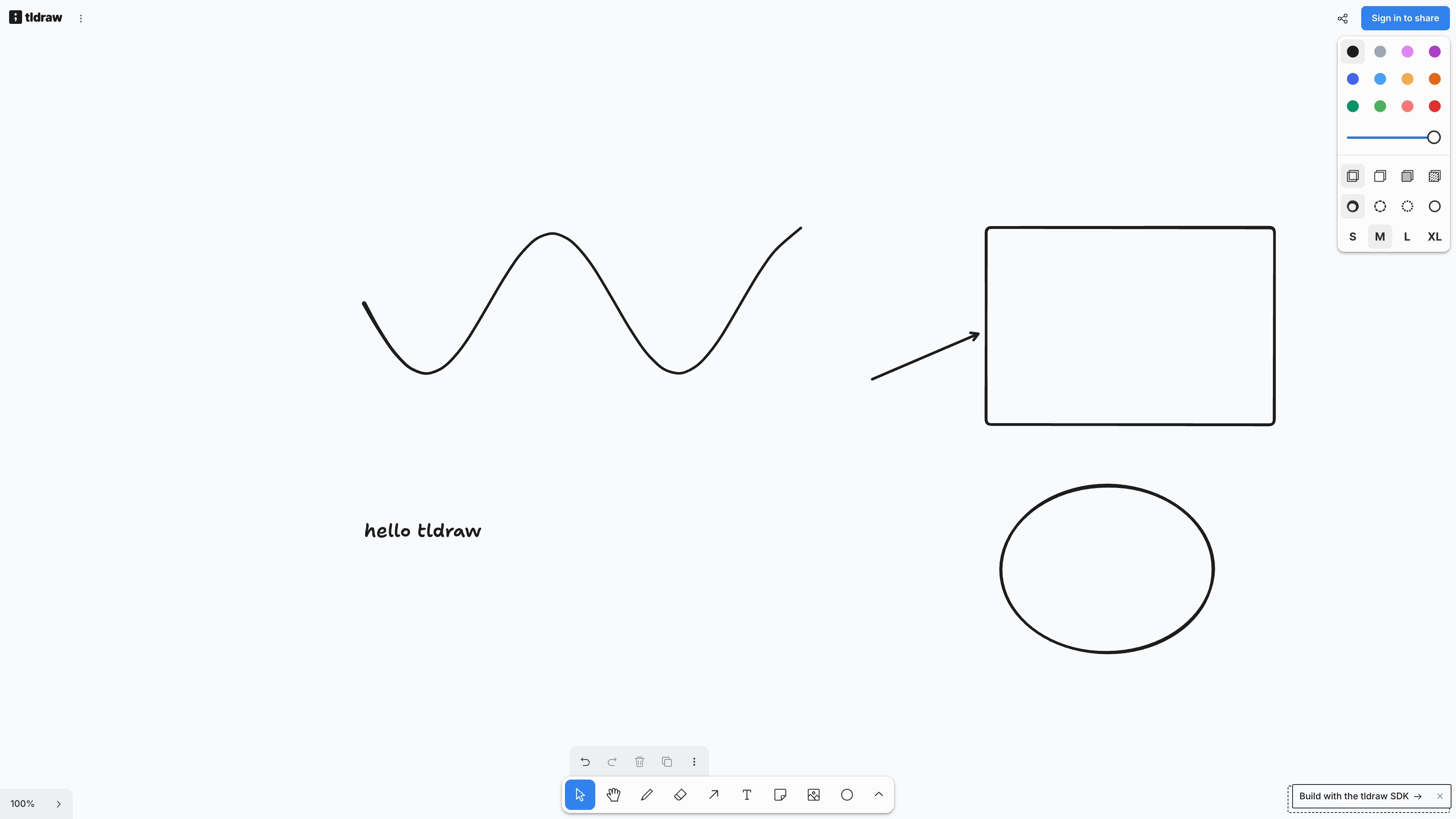
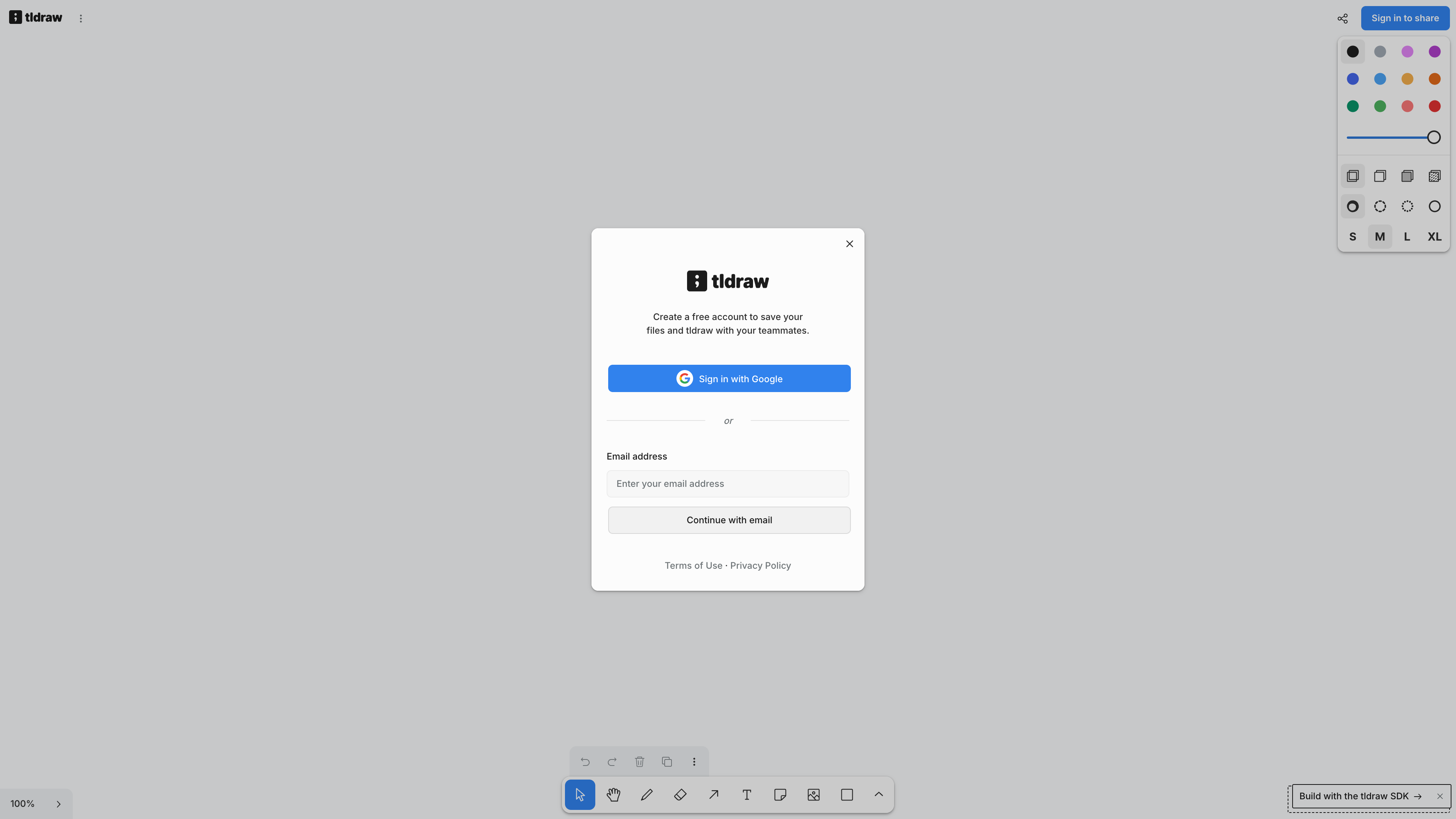
Tested on 2026-09-08 without an account: the homepage opens straight into the canvas, with no sign-up wall or forced onboarding. The bottom toolbar offers select, draw, geometric shapes, arrows, text, and image tools; freehand strokes support pressure sensitivity, arrows snap and bind to shapes, and a style panel on the right controls color, fill, dashes, and font size. A persistent "Build with the tldraw SDK →" watermark sits in the bottom-right corner — the same watermark described in the licensing documentation.
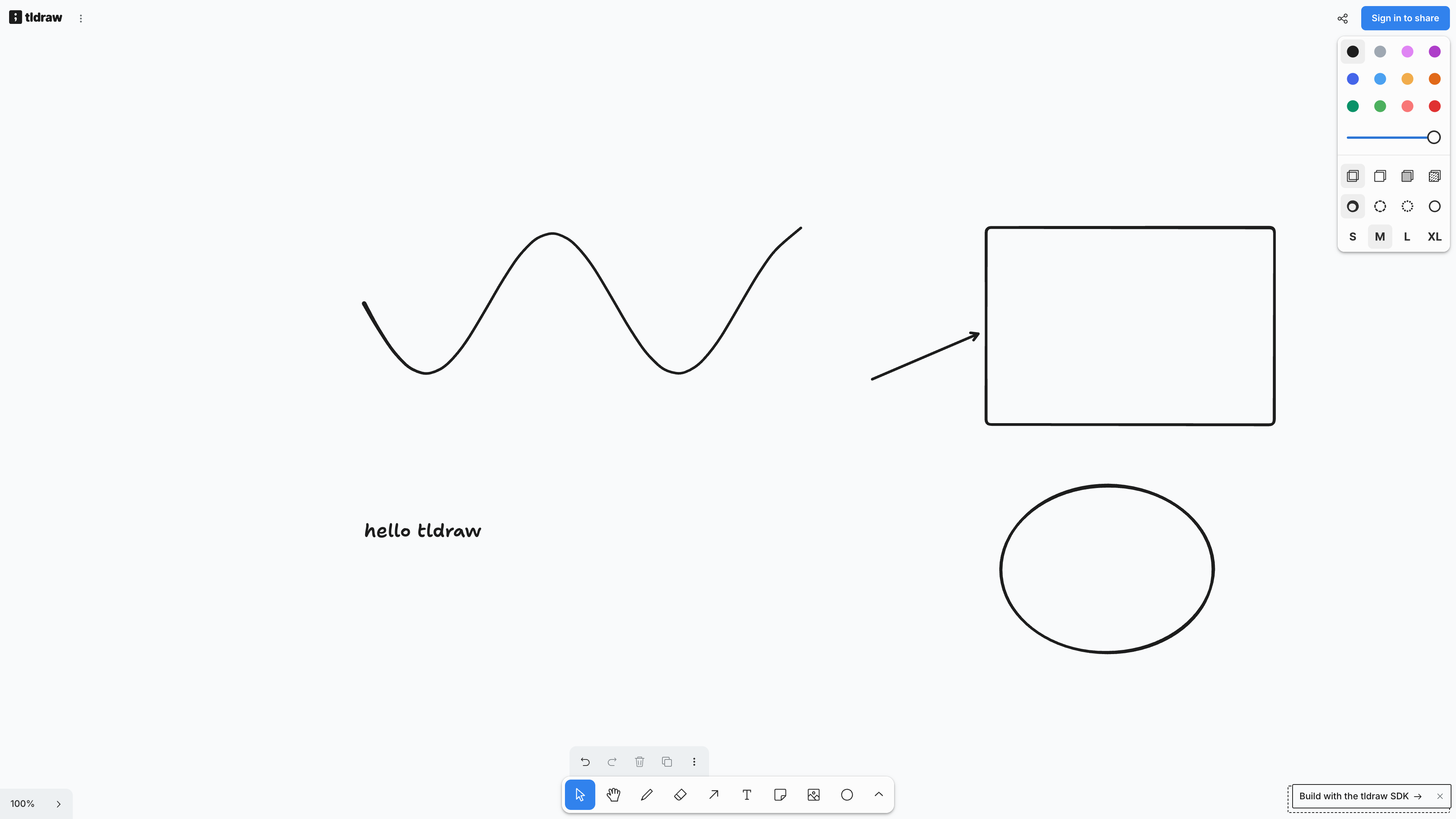
An anonymous canvas is automatically saved in the browser's local storage and survives a page reload (verified), but clearing site data erases it. Boards can be exported as images or saved locally as files.
Accounts, sharing, and privacy
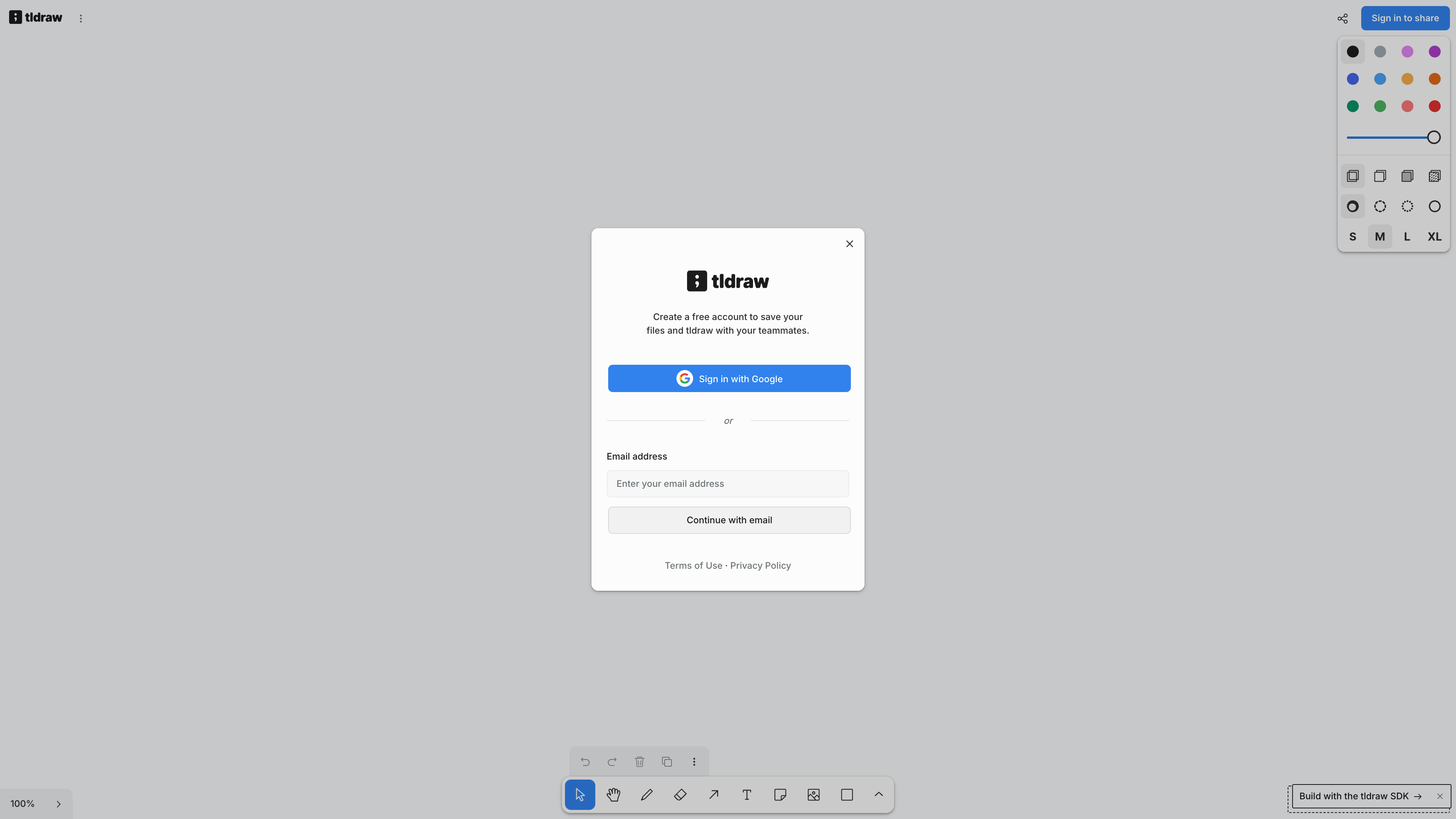
Collaboration now requires signing in: the "Sign in to share" button opens a dialog reading "Create a free account to save your files and tldraw with your teammates," offering Google or email registration. In other words, a free account unlocks cross-device file saving and multiplayer — a tightening compared with the "no login" collaboration TechCrunch described in 2022.
Shared boards deserve special attention. According to the official privacy policy (effective 2024-07-29; the operating entity is UK-based tldraw GB Limited), every shared whiteboard — URLs starting with tldraw.com/r, /s, /ro, or /v — is public: anyone with the link can view, export, or edit its contents, and the policy explicitly advises you to "only include information in the Whiteboard that you are comfortable sharing with other users." The policy also states that server logs automatically record IP addresses, geolocation, and device type, while the service does not track users across third-party websites. The terms of service leave ownership of user content with the user but require a broad license to tldraw and to anyone the board is shared with; the service is restricted to users 13 and older, and governed by the laws of England and Wales.
The SDK and its licensing model
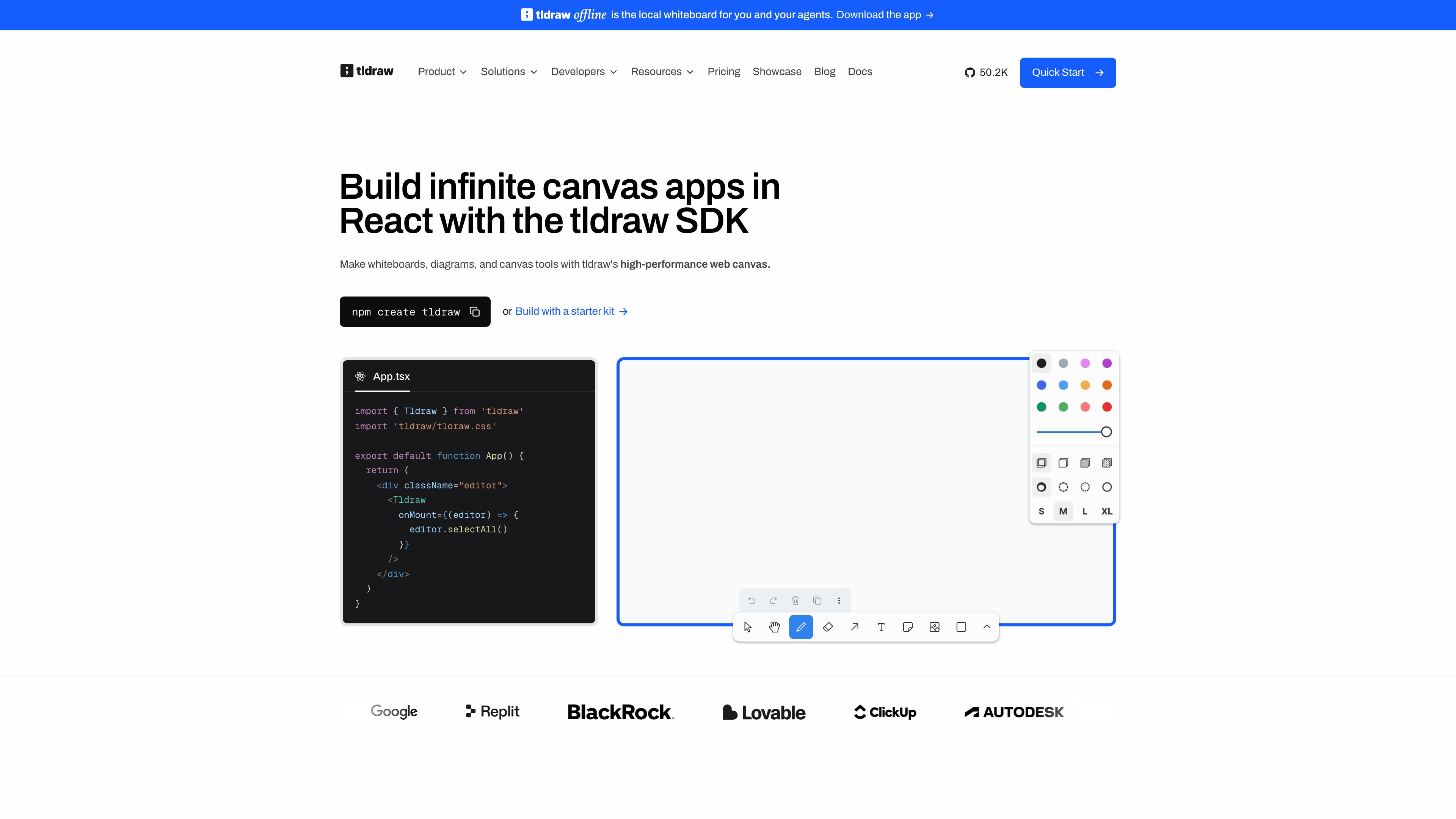
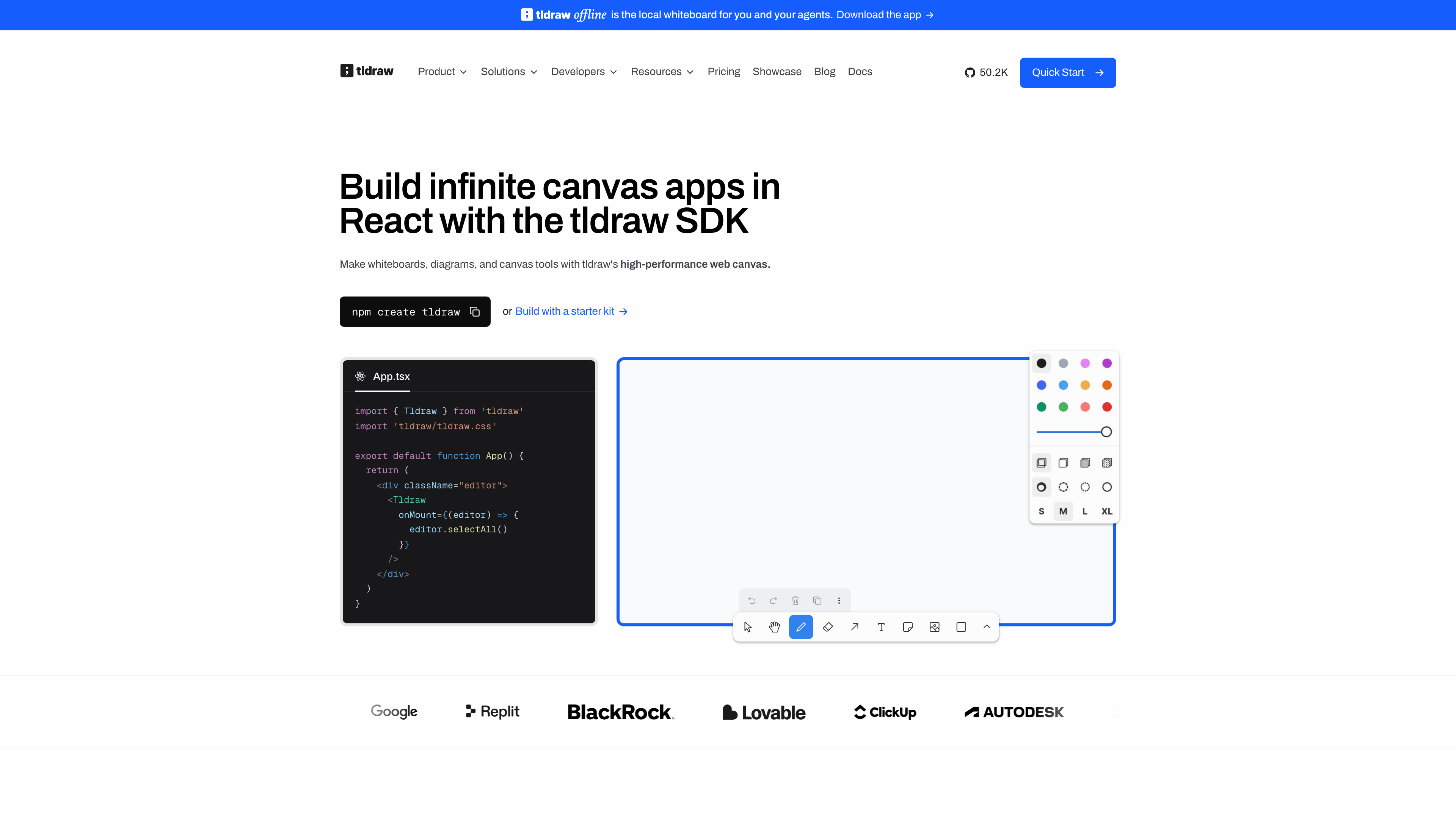
The whiteboard is the storefront; the SDK is the actual product. After npm i tldraw, dropping a <Tldraw /> component into a React app yields a complete canvas. Advertised capabilities include custom shapes, tools, and UI components, a runtime Editor API, self-hostable multiplayer via @tldraw/sync (with a Cloudflare Durable Objects template running the same architecture as tldraw.com), and a set of MIT-licensed starter kits (multiplayer, AI agent, workflow nodes, branching chat, and more). Since SDK 4.0 the library also documents WCAG 2.2 AA accessibility compliance. The latest release is 5.4.0 as of 2026-09-08.
Licensing is the point to understand before adopting the SDK. The source code is publicly readable, but the company states plainly that it is "source available" and not open source by any definition (official license page). The license has changed several times: 1.x remains MIT forever, the 2.x pre-releases were Apache-2.0, a December 2023 update introduced the company's own license, and SDK 4.0 in September 2025 tightened it to the current rules — by default the SDK may be used only in development environments. Production use requires a license key: a 100-day free trial (during which the SDK pings home a hash of the key), a commercial license (sales-quoted, removes the watermark, startup pricing negotiable), or a hobby license (free for non-commercial projects, with a mandatory "made with tldraw" watermark). Enforcement is built into the SDK itself. Using the tldraw.com whiteboard is unaffected by the SDK license.
Good fits
- Sketching diagrams, flowcharts, or wireframes on the spot, without creating an account or installing anything; export an image when you're done.
- Improvised annotation during meetings or classes, where the hand-drawn look naturally signals "this is a draft."
- Developers evaluating production-ready, self-hostable canvas infrastructure to embed whiteboarding in their own product.
- Prototyping a multiplayer whiteboard, an AI canvas app, or a node-based workflow on top of the MIT-licensed starter kits.
Limitations
- Anonymous use is local-only: without an account you get a single canvas stored in browser-local storage; sharing, multiplayer, and cloud saving all require a free account — a step back from the project's original "no login collaboration" positioning.
- Share links are public: anyone who obtains a shared-board URL can view, export, and edit it, with no finer-grained permission controls; unsuitable for sensitive or unpublished material.
- Local data lives in the browser: anonymous canvases disappear if you clear site data or switch browsers or devices.
- The SDK is not OSI-open-source: production use requires a license (paid commercial or watermark-bearing hobby), and the terms have been tightened more than once; teams that need a stable permissive license must pin the frozen 1.x (MIT) line or choose an alternative.
- English-only interface with no official localization, and no dedicated mobile app (mobile browsers work, but the experience is desktop-first).
Alternatives
- Excalidraw: another hand-drawn-style online whiteboard, genuinely open source under MIT (~131k stars as of 2026-09-08), also usable without an account; team features are monetized as Excalidraw+. Projects that require a true open-source license usually weigh the two.
- Miro / FigJam: commercial, account-and-team-space-centric collaboration whiteboards with larger template libraries and workshop tooling, better suited to structured team facilitation.
- tldraw offline: the same company's free desktop app from 2026, storing local files that on-machine AI agents can work with — but all rights reserved, not open source.
References
- tldraw.com (the whiteboard app) (checked 2026-09-08, including anonymous-use testing)
- tldraw.dev (SDK site) (checked 2026-09-08)
- tldraw/tldraw - GitHub (checked 2026-09-08)
- License - tldraw Docs (checked 2026-09-08)
- LICENSE.md - tldraw/tldraw (checked 2026-09-08)
- About us - tldraw.dev (checked 2026-09-08)
- tldraw raises $10M to build the infinite canvas for developers (checked 2026-09-08)
- Announcing tldraw SDK 4.0 (checked 2026-09-08)
- License updates for the tldraw SDK (checked 2026-09-08)
- Privacy Policy (tldraw.com) (checked 2026-09-08)
- Terms of Service (tldraw.com) (checked 2026-09-08)
- Introducing tldraw offline (checked 2026-09-08)
- TLDraw offers a collaborative whiteboard without any login - TechCrunch (checked 2026-09-08)