Readymag is a no-code website design tool that runs entirely in the browser: you drag elements onto a freeform canvas, style them, add motion, and publish the result as a live website — all without writing code. Unlike template-section builders such as Wix or Squarespace, its editor behaves more like design software: elements can sit anywhere on the page, animations are choreographed step by step, and typography control goes down to OpenType features. Fast Company gave it the "Established Excellence" prize in its 2024 Innovation by Design Awards, citing how it pairs no-code site building with a rich selection of typographic and animation options. The tool is operated by US company Readymag Inc. and was founded in New York in 2012, originally as a tool for online magazines.
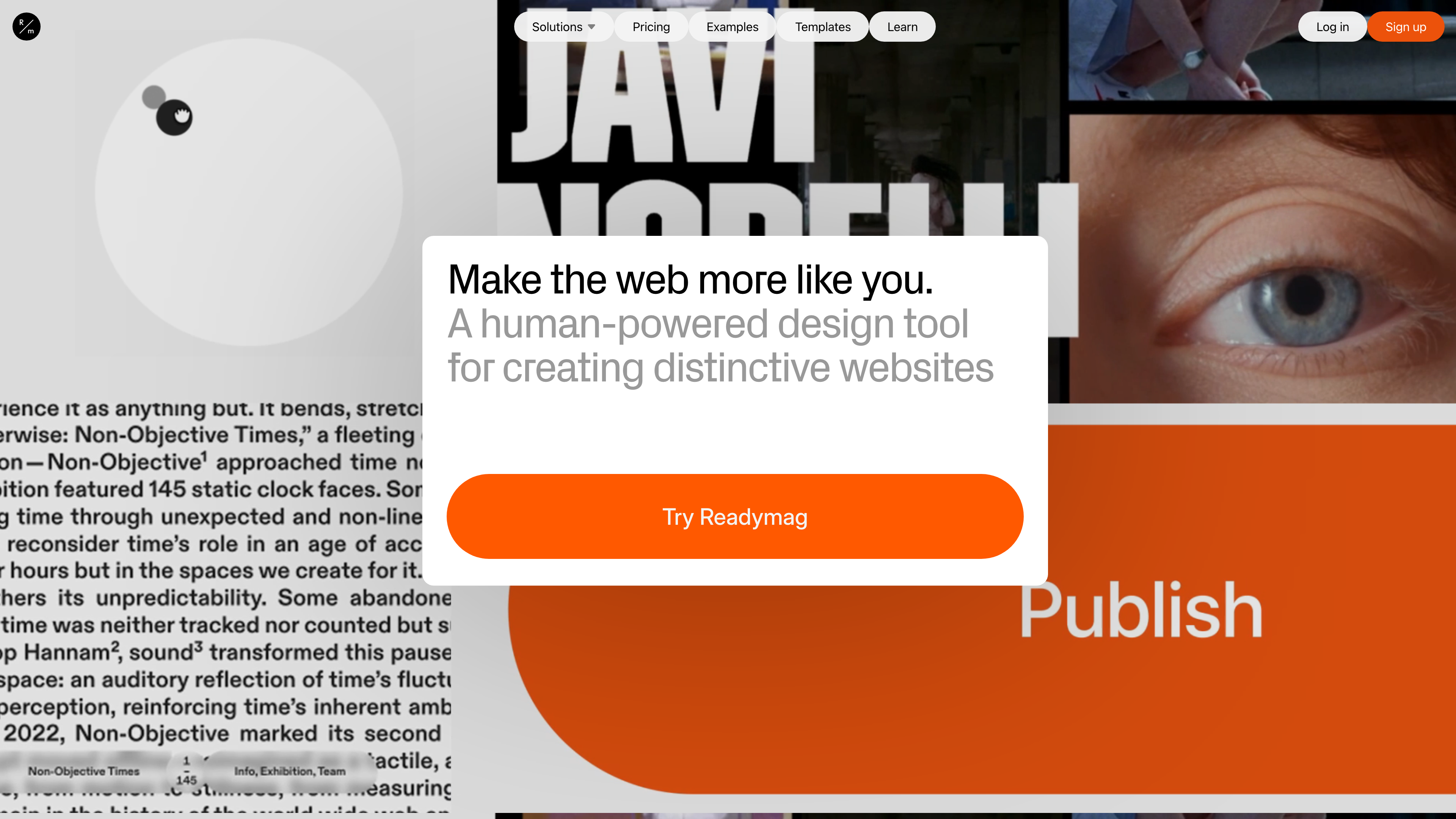
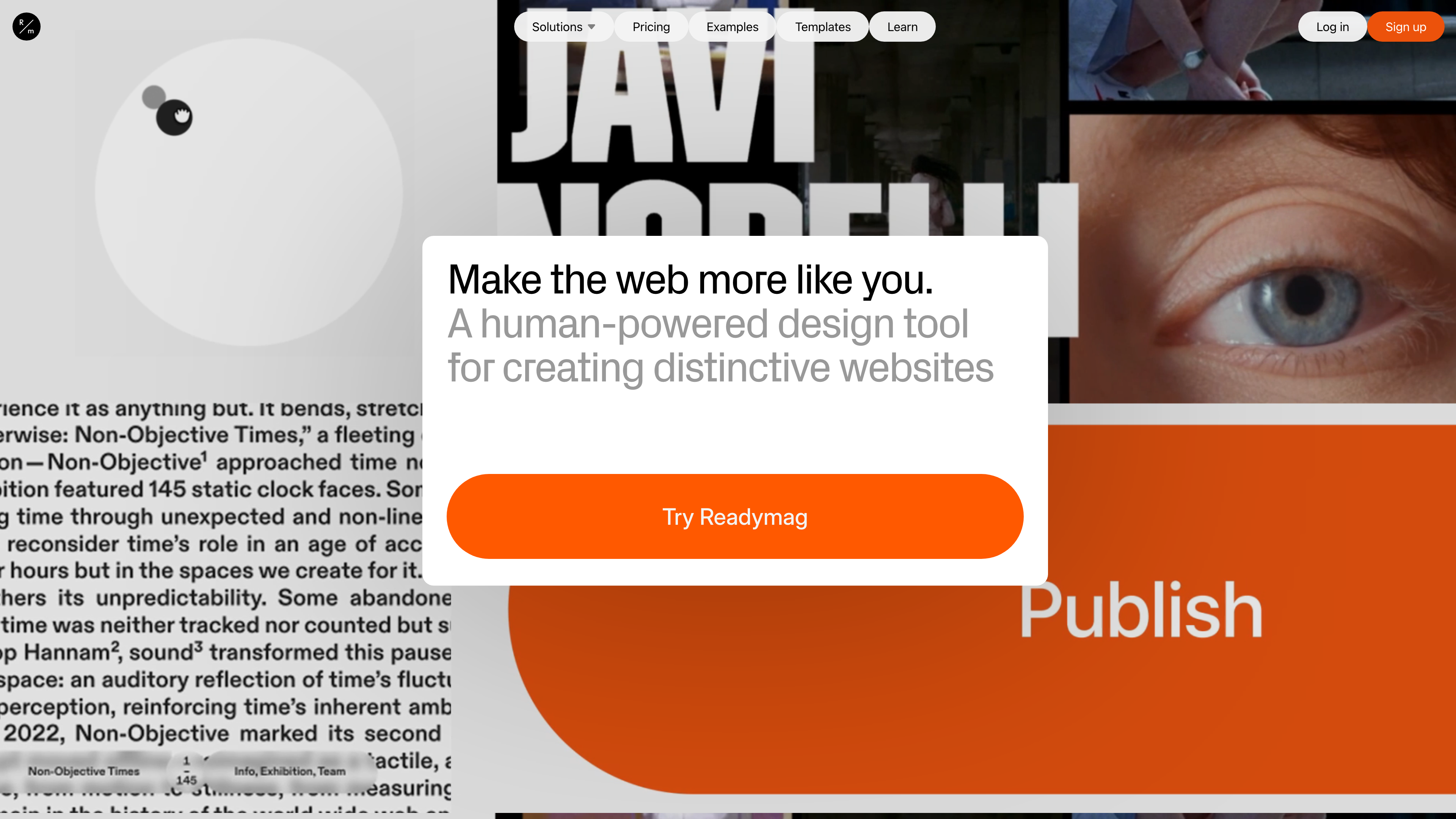
The screenshot above shows the Readymag homepage (captured 2026-09-29). The hero line reads "Make the web more like you," with the company describing itself as a design tool for creating distinctive websites; the backdrop is a wall of real user projects, which gives an immediate sense of the platform's visual output.
At a glance
- URL: https://readymag.com/
- Type: No-code website design tool (freeform canvas editor + hosted publishing), plus a curated examples gallery, a template marketplace and an annual design award
- Cost: Free plan publishes 1 site; paid subscriptions start at $14/month billed yearly (as of 2026-09-29, details below)
- Sign-up: Browsing examples and templates needs no account; creating a project requires email registration and acceptance of the terms, which require users to be at least 16 years old
- Interface language: English only (checked 2026-09-29; no other language versions of the site, editor sign-up flow or help center)
- Operator: Readymag Inc. (incorporated in Delaware, USA; headquartered in New York)
Background
Readymag was founded in New York in 2012 by Diana Kasay, Anton Herasymenko and Kirill Danchenko (source: About Readymag). In the company's own telling, the team set out to build a highly visual platform for designing online zines; they started with 500,000 seed round. The product launched in 2013 and pivoted the same year from magazines into a general-purpose design tool for websites, landing pages, portfolios and "all things online." It was named Product Hunt's "Product of the Day" in its launch year (source: The Brand Identity's interview with CEO Diana Kasay, 2023-07-19).
No institutional funding beyond the seed round is on record, and the company has long operated independently — Fast Company's 2024 profile describes it as bootstrapped. For its tenth anniversary in October 2023, a company press release claimed more than 3 million websites had been created with Readymag (self-reported, not independently verified; source: EIN Presswire). Beyond the Fast Company award, its editorial project The Faces Behind Typefaces won a 2023 Red Dot Award for Brands & Communication Design (source: Wikipedia).
Core capabilities: building sites like a design tool
- Freeform canvas: Start from a blank page or a template, then drag, resize, arrange, animate and publish (source: homepage). The canvas imposes no rigid grid, though grids and guides are available for alignment.
- Animation and interaction: Multi-step animation sequences, scroll-driven effects, Lottie support, and interactive widgets such as Hotspot and Slideshow. The signature Shots feature turns image sequences or video clips into scroll-driven, frame-by-frame interactive animations. You can also set custom cursors and shadows, or make page elements draggable for visitors (sources: homepage, Portfolio page).
- Precise typography: Fonts come from Google Fonts, Type.Today and Adobe Fonts, or you can upload your own (a paid feature). Controls include text styles, hidden characters, variable fonts, OpenType features (ligatures, stylistic sets, small caps and more), multi-column layouts and a glyphs panel (source: homepage). This typographic depth is its most distinctive trait among site builders.
- Separate desktop and mobile layouts: The platform explicitly lets you design desktop and mobile versions of a layout separately for fine control across devices (source: Portfolio page); the trade-off is covered under Limitations.
- Import and integrations: Import designs from Figma; embed 3D content from Spline, email collection (Mailchimp), surveys and analytics tools like Google Analytics; custom code can also embed third-party video and external e-commerce services (sources: Portfolio page, help center).
- Collaboration and management: Collaborator roles, comments and project transfer; version history snapshots; password protection for whole sites or individual pages. The Advanced tier adds code export and embedding projects into external sites via iframe.
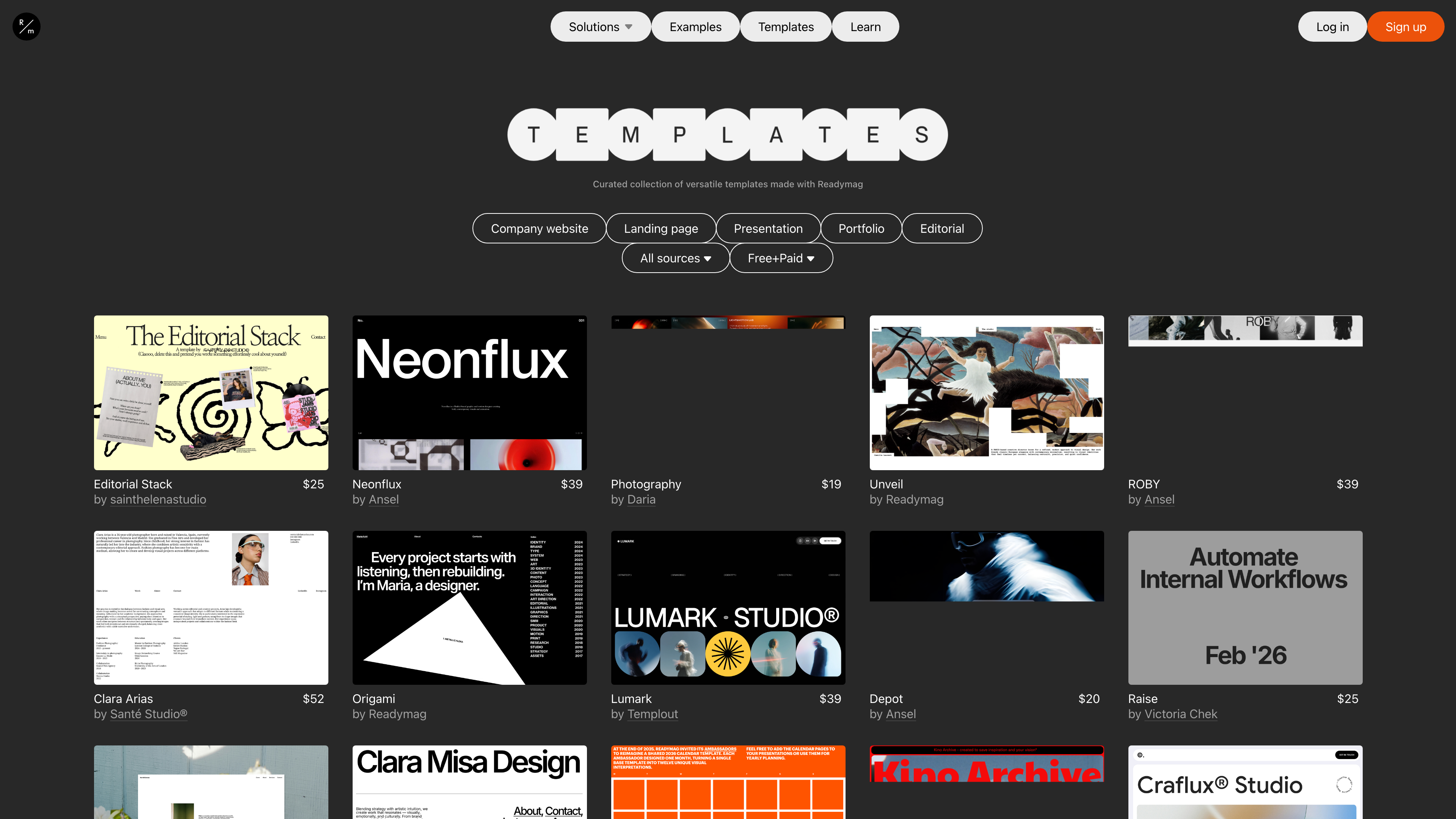
The screenshot above shows the official template gallery (captured 2026-09-29). Templates are grouped by company website, landing page, presentation, portfolio and editorial. Those marked "by Readymag" are free, while paid third-party templates were observed at 89. Templates are an optional starting point rather than a constraint — every element remains editable on the freeform canvas.
Plans and pricing
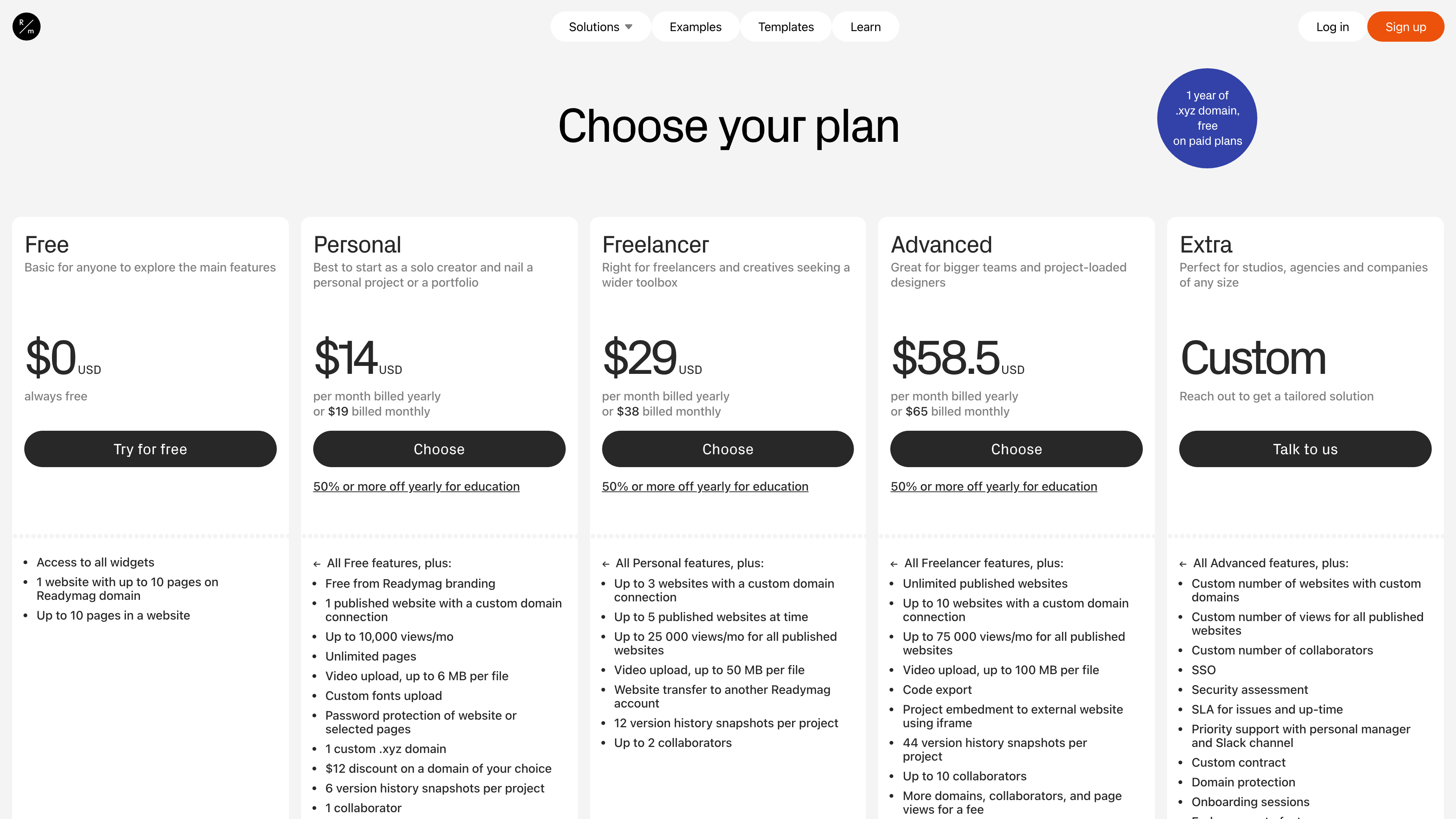
The screenshot above shows the pricing page (captured 2026-09-29). The platform uses a freemium subscription model; as of 2026-09-29 the plans are:
- Free ($0): All widgets included; publish 1 website (up to 10 pages) on a Readymag subdomain with Readymag branding.
- Personal (19 monthly): No branding; 1 published website with a custom domain; up to 10,000 views/month; unlimited pages; video uploads up to 6 MB per file; custom font uploads; password protection; 1 custom .xyz domain (paid plans include one year of a .xyz domain); 6 version history snapshots; 1 collaborator.
- Freelancer (38 monthly): Up to 3 websites with custom domains and 5 published websites at a time; 25,000 views/month across all published sites; 50 MB video uploads; website transfer to another account; 12 snapshots; up to 2 collaborators.
- Advanced (65 monthly): Unlimited published websites; 10 custom domains; 75,000 views/month; 100 MB video uploads; code export; iframe embedding into external sites; 44 snapshots; up to 10 collaborators. Extra domains, collaborators and page views can be purchased.
- Extra (custom pricing): For studios, agencies and companies — SSO, security assessment, SLA, a dedicated manager with a Slack channel, custom contracts, and more.
For education, students get 50% off any plan and teachers 50–100% off depending on the setup (as of 2026-09-29, source: pricing page).
Examples gallery and annual award
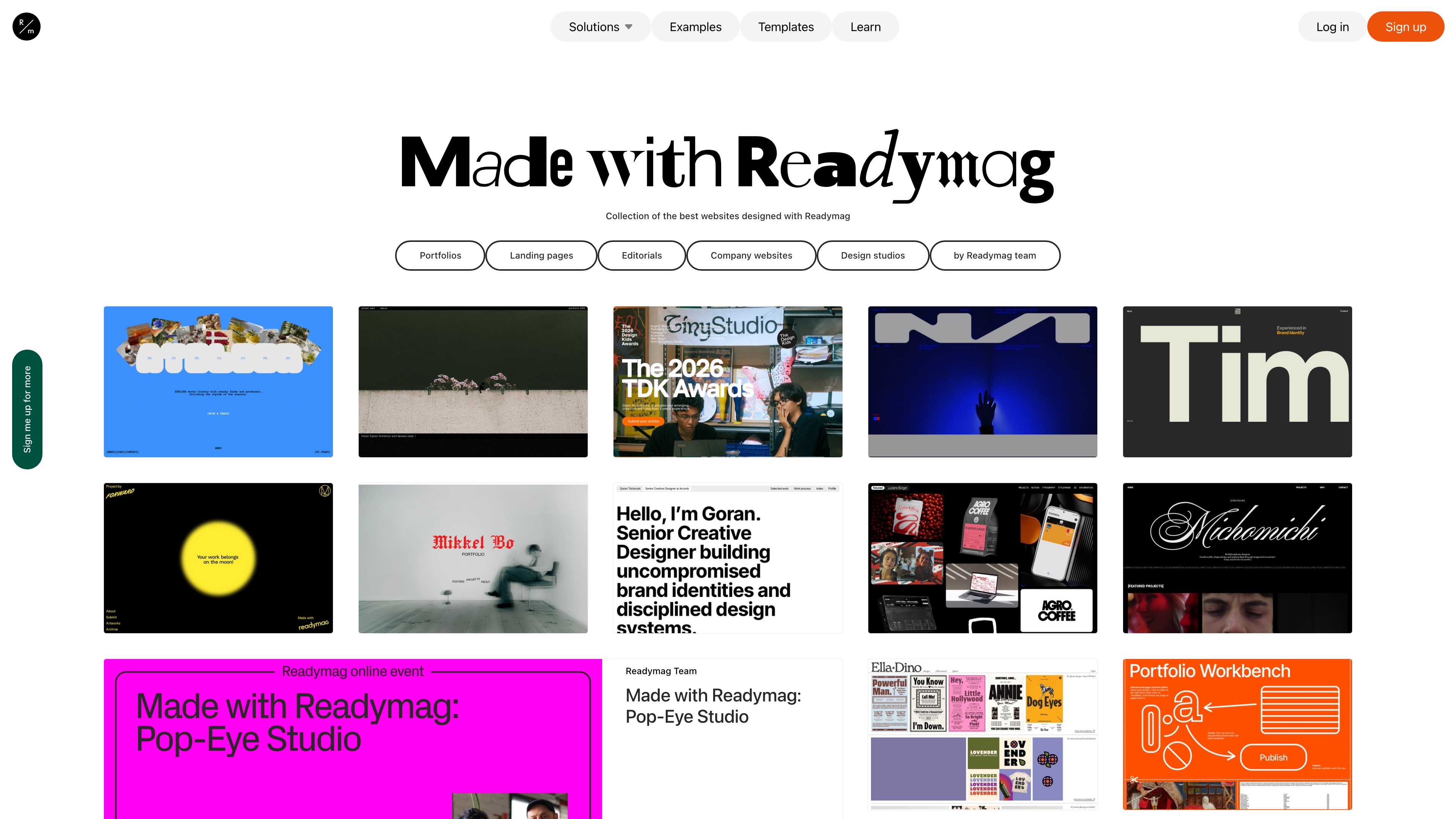
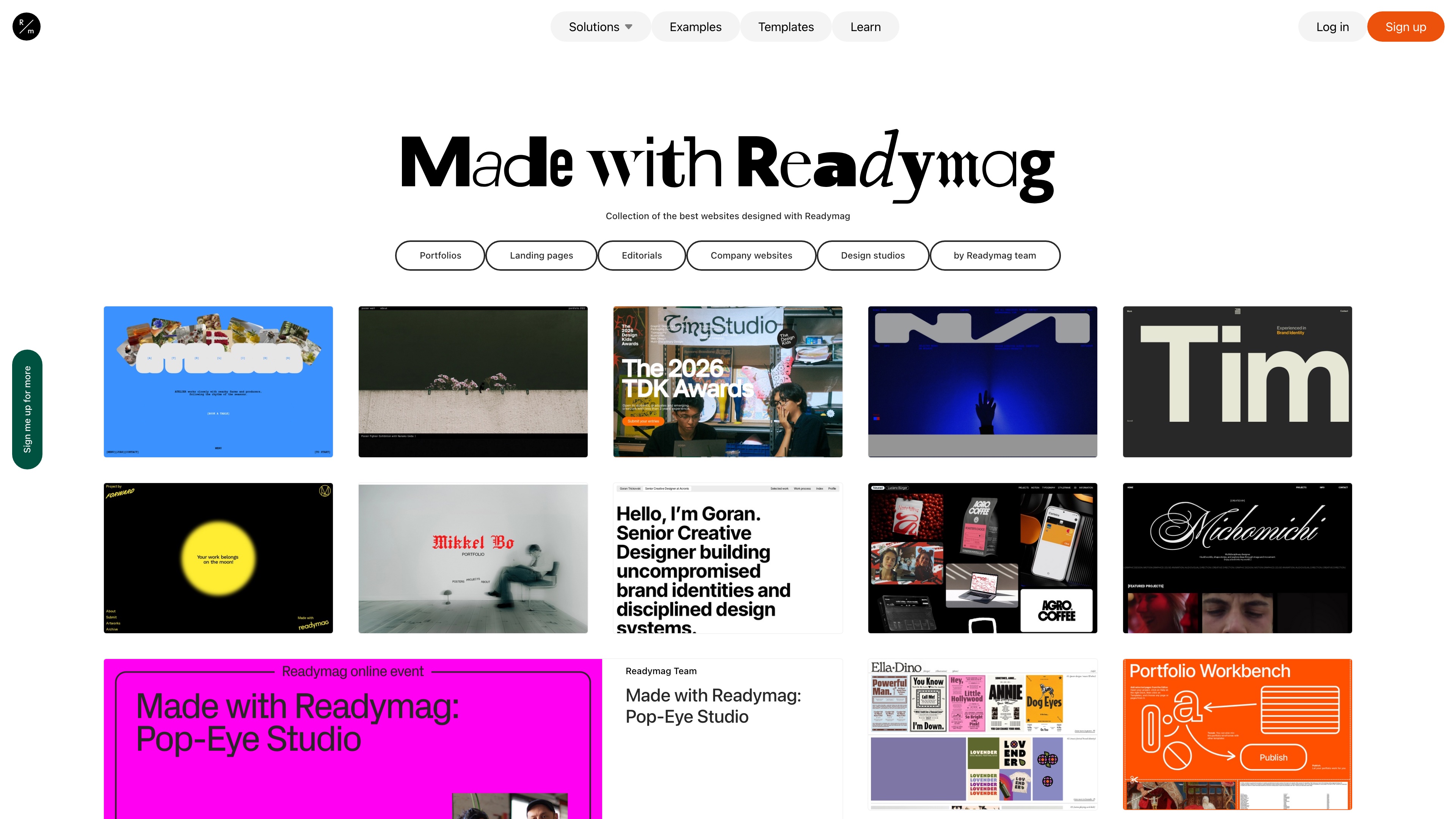
The screenshot above shows the curated Examples gallery (captured 2026-09-29), described as a collection of the best websites designed with Readymag. It can be filtered by portfolios, landing pages, editorials, company websites and design studios. For prospective users this is the most direct way to gauge what the platform can do: every entry links to a real, live website.
Readymag also runs an annual award, Websites of the Year. The 2026 season rules state that submissions are free; entries must be built with Readymag, launched after October 27, 2025, and include a dedicated mobile version. Winners are chosen through two tracks — a Jury Choice (an independent panel of ten design professionals) and a Community Choice (public voting). Submissions close September 30, the shortlist is announced November 2, and winners are revealed December 7. Prizes include an annual Advanced subscription and an editorial feature on The Brand Identity.
Accounts and extensibility
Creating a project requires email registration (the sign-up page redirects to auth.readymag.com) and accepting the Terms of Service and Privacy Policy (tested 2026-09-29); browsing the examples and template galleries requires no account. Custom domain mapping and SSL are paid features, with dedicated Domain mapping and SSL sections in the help center (source: Readymag Help). Extensibility centers on custom code embeds (third-party services, external e-commerce, analytics) and code export at the Advanced tier; no public API documentation was found.
Copyright and content policy
Under the Terms of Service (last modified 2026-06-22), content created with Readymag belongs to the user, who is solely responsible for it; illegal content and the sale of illegal goods are prohibited, and copyright complaints follow the notice procedure in section 19. One default grant is worth noting: unless a project is password-protected, Readymag may share and showcase user-created projects, crediting the creator — this is one source of the examples gallery's content, so projects you want kept out of the spotlight should be password-protected. On the commercial side, subscriptions auto-renew by default and can be cancelled in the account settings; payments are processed by Stripe. The Privacy Policy states that EU users' data is processed in line with the GDPR, with Readymag Inc. (1209 Orange Street, Wilmington, DE 19801, US) as data controller.
Who it's for
- Designers, illustrators, photographers and other creatives building portfolios, pitch presentations and graduate projects;
- Studios and small agencies producing brand sites, campaign landing pages, digital magazines or editorial longreads;
- Small website projects that care about typographic and motion craft and want code-free creation without template-grid constraints.
Limitations
- English-only interface — no Chinese or other language versions (checked 2026-09-29).
- The free plan is a trial tier: Readymag branding, a platform subdomain and a 10-page cap; connecting a custom domain requires payment.
- Mobile layouts are designed separately rather than reflowing responsively, so polishing both ends means close to double the layout work.
- No native blog/CMS or e-commerce: content is organized as standalone pages, and selling requires embedding external services via custom code — a poor fit for frequently updated content sites or online stores.
- Monthly view caps on every tier (10k / 25k / 75k), so high-traffic projects should budget for add-ons.
- Default showcasing consent: projects without password protection may be featured by the platform (with credit); set a password if you'd rather opt out.
Comparable tools
Among design-oriented visual site builders, Webflow leans toward structured layouts and CMS capabilities, Framer toward an interactive-prototyping workflow, and Tilda — with its block system plus the Zero Block freeform canvas — is the closest in positioning. Squarespace and Wix are template-driven general-purpose builders: quicker to start with, but less layout freedom. Readymag's differentiation is the combination of a freeform canvas, typographic precision and interaction design.
References
- Readymag homepage
- About Readymag
- Readymag pricing and plans
- Readymag templates
- Readymag website examples
- Readymag Websites of the Year 2026
- Readymag Terms and Privacy
- Readymag Help
- A tool for wonderful websites: Readymag's CEO on the journey from start-up to sustainable business - The Brand Identity
- How Readymag is making web design easy for everyone - Fast Company
- Readymag - Wikipedia