
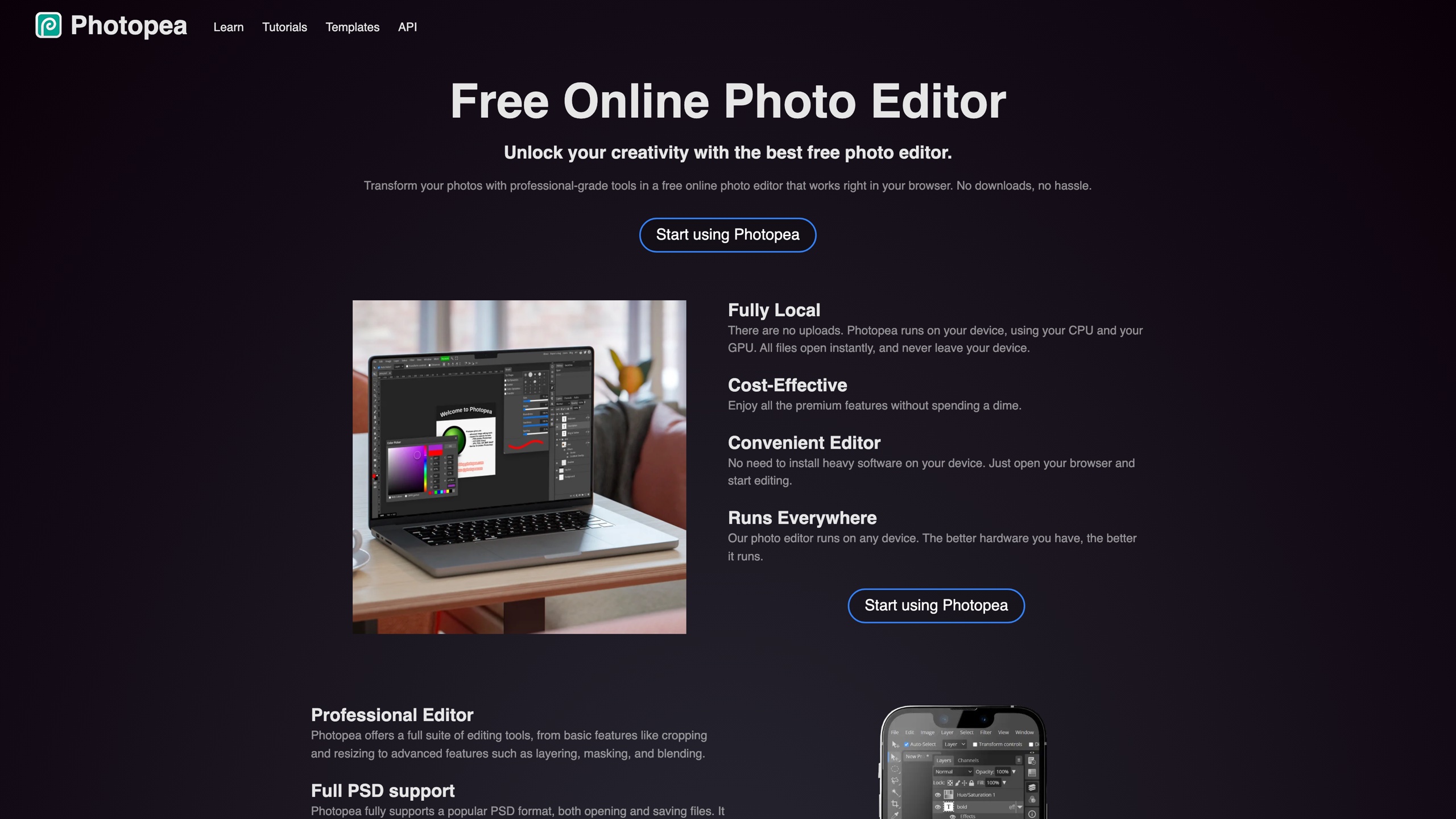
Photopea is an image editor that runs entirely in the browser, covering both raster and vector editing, with an interface layout closely modeled on Photoshop. Its standout trait is format compatibility: it opens and saves PSD files natively and can read AI, XD, Figma, Sketch, PDF, RAW and other professional files. Launched in 2013, it has been developed and maintained ever since by a single person, Ivan Kutskir, with every feature available for free and the project funded by on-page advertising. We list it because it offers a no-sign-up, open-and-edit path whenever you lack the right software or receive a design file in an unfamiliar format.
At a Glance
- URL: https://www.photopea.com/
- Type: In-browser image editor (raster + vector)
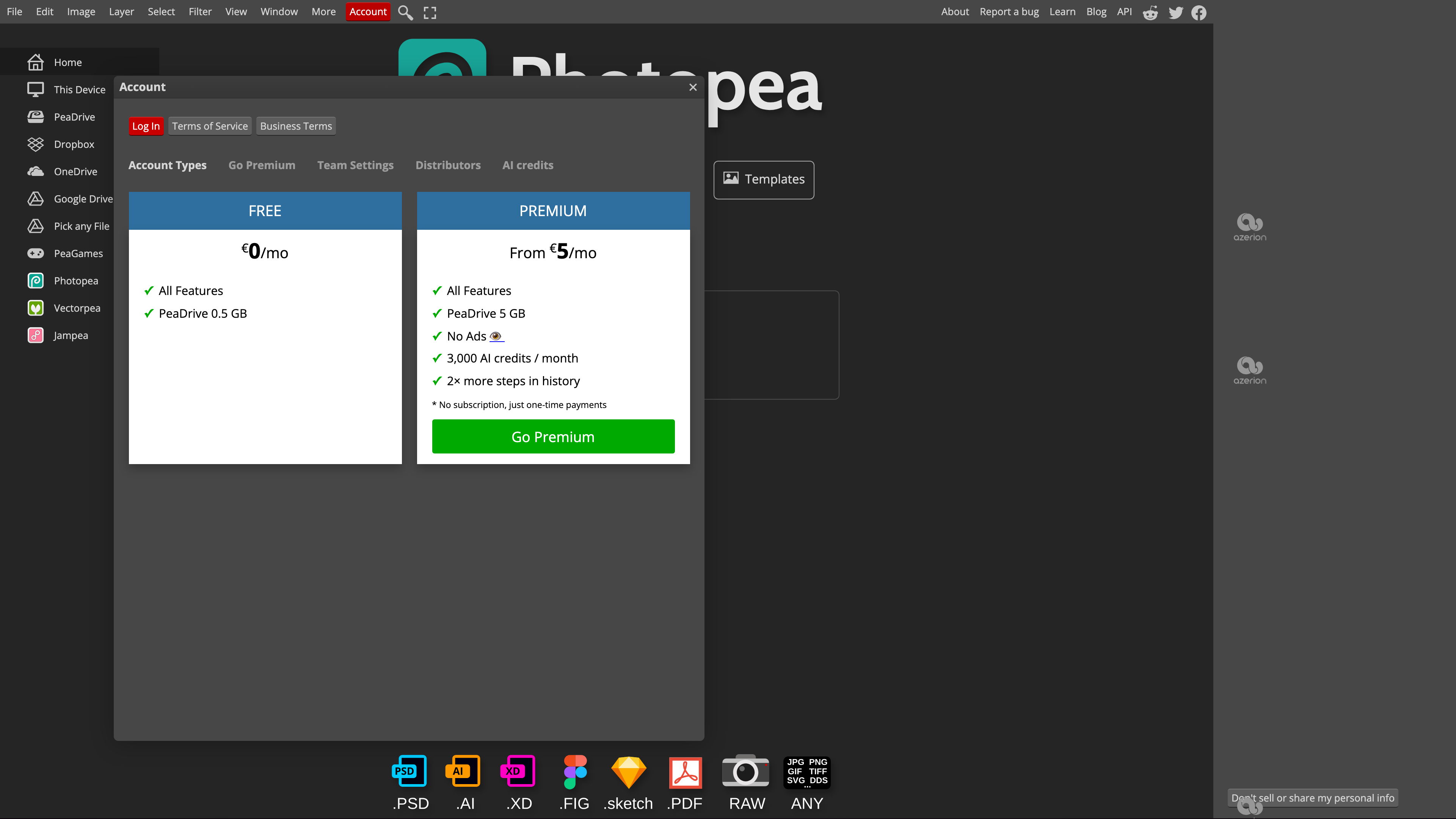
- Cost: All features free; optional Premium removes ads, from €5/month, charged as one-time payments rather than an auto-renewing subscription (verified in the interface on 2026-08-31)
- Sign-up: Not required for any editing feature; an account is only needed to sync settings, use PeaDrive storage, or buy Premium
- Interface languages: 50, including Simplified and Traditional Chinese, with community-contributed translations (counted in the language menu on 2026-08-31)
- Launched: 2013 (first version was an online PSD viewer)
Background
Photopea is built by Ivan Kutskir. Born in Ukraine in 1990, he moved to the Czech Republic in 2002 and studied computer science at Charles University in Prague. In 2012 he had the idea of building an online PSD viewer; the first version shipped in 2013 and, after thousands of hours of iteration, gradually grew into a full image editor. He has worked on it full-time since finishing his master's degree in 2017 and has repeatedly stated in interviews that he is the project's only developer (Failory interview, author's own post).
The project sustains itself entirely through ads and paid add-ons. In an April 2021 Hacker News comment, Kutskir said he had made almost 100,000 in monthly ad revenue, and hosting costs of about $50 per year — the editor has no server-side code and is served as static files. The official blog has documented version releases since 2016, and the project remained actively maintained as of 2026-08-31.
Editing Features and File Formats
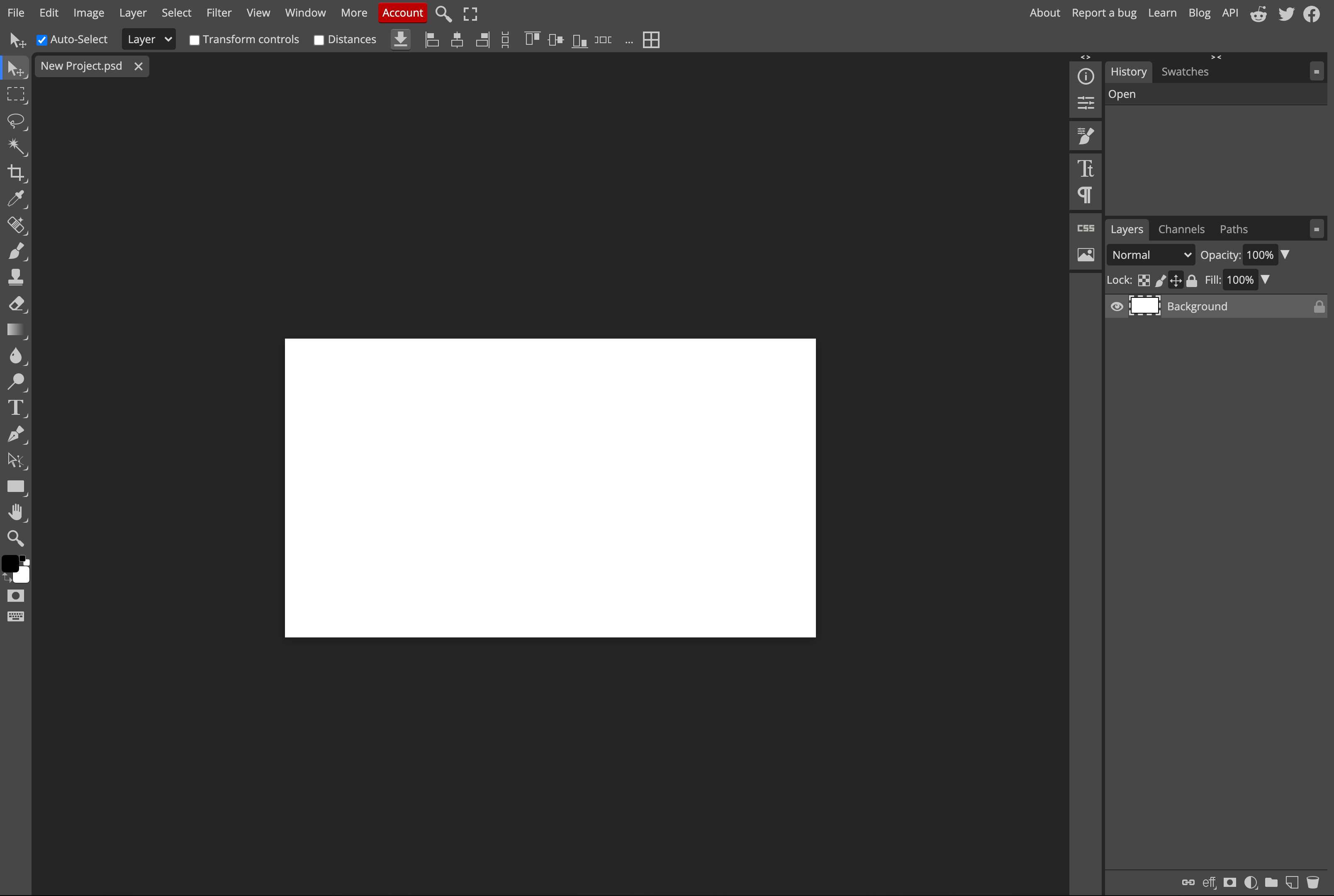
The workspace offers layers, masks, adjustment layers, blending modes, filters, text and vector shape tools, all arranged like Photoshop, and it can edit structures such as PSD smart objects directly. The New Project dialog lets you choose RGB or CMYK mode, 8/16/32-bit color depth, and sRGB, Adobe RGB, ProPhoto RGB or Display P3 profiles (verified 2026-08-31). Blog posts over the years have also documented more than 7,600 built-in fonts, Actions for batch processing, animation, and slicing.
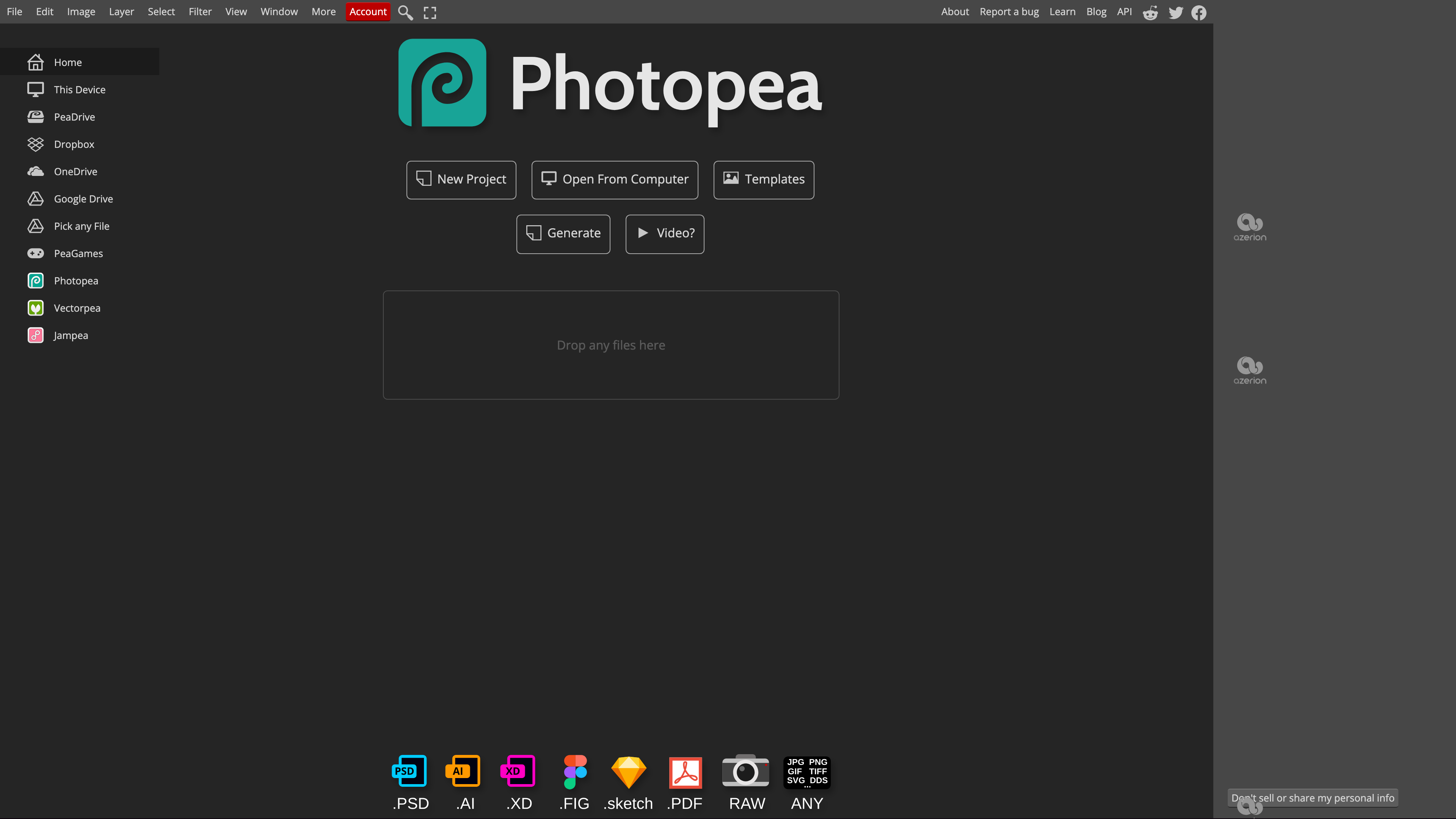
Format support is Photopea's core selling point. The start screen advertises direct opening of PSD, AI, XD, FIG, Sketch, PDF and RAW files plus common image types (JPG, PNG, GIF, TIFF, SVG, DDS and more), and the File menu offers "Save as PSD" outright. Official release notes have additionally confirmed reading Affinity files (version 5.1) and InDesign and Krita files (version 5.3) — see the official blog. The site's long-standing self-description has also listed GIMP's XCF and CorelDRAW's CDR, which we did not test individually. Two-way PSD compatibility is why Photopea is so often used as an emergency viewer and editor for Photoshop files.
Template Gallery and AI Features
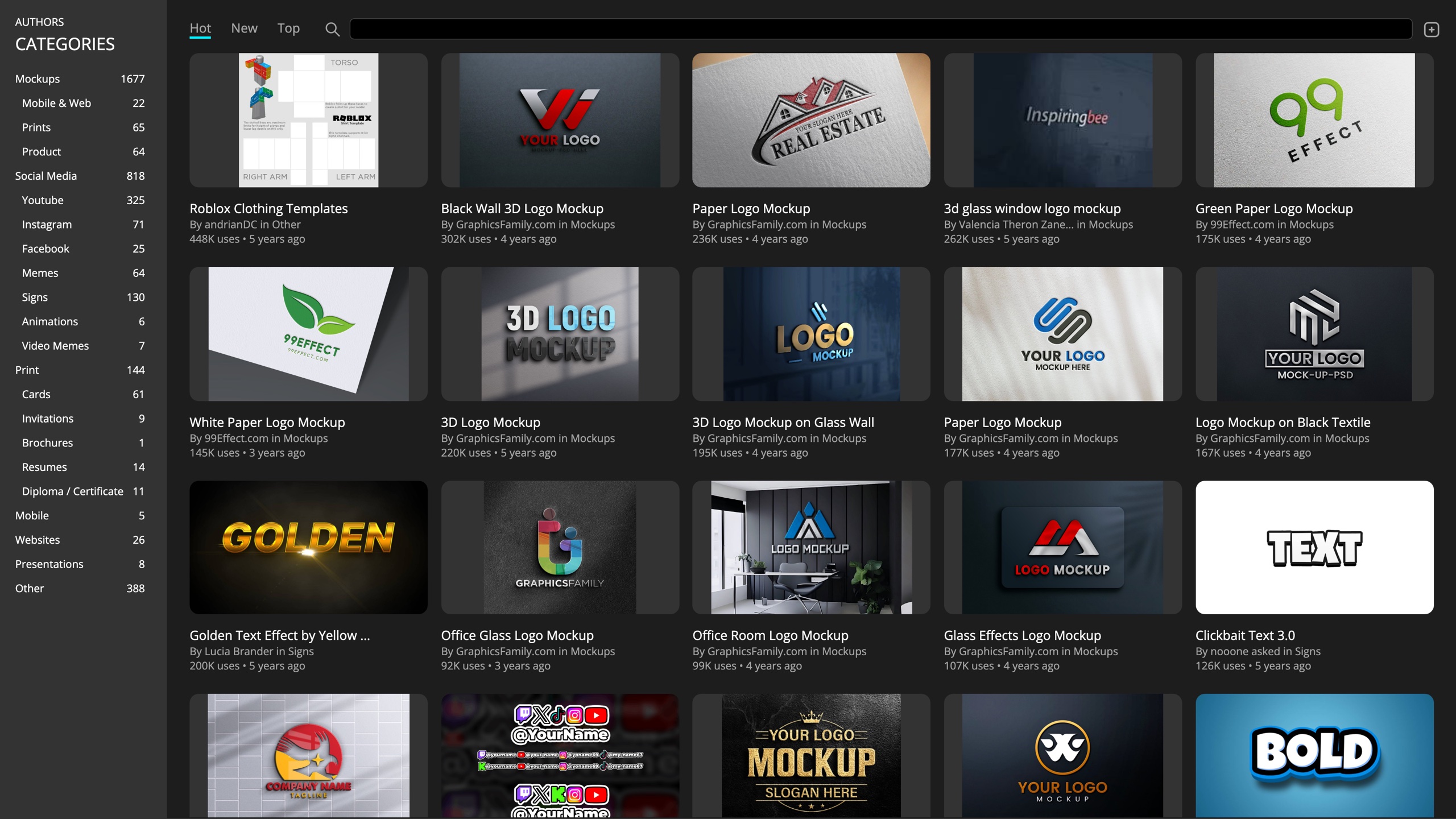
The templates page offers free PSD templates contributed by credited authors, organized into categories such as Mockups, Social Media, YouTube and Resumes, with a usage count shown for each. Clicking a template opens it as an editable document, which is handy for quick text-and-export work.
On the AI side, the start screen has a Generate entry, and Premium accounts include 3,000 AI credits per month. The official API documentation shows that features such as Magic Replace and Remove BG are powered by a third-party service (Dezgo). We did not test the quality of these features; note that using cloud-based AI sends image data to a third party, which differs from the editor's default behavior of never uploading your files.
File Handling and Privacy
The Terms of Use and privacy policy, together with the Learn introduction, state clearly that files are processed entirely in your device's memory and never uploaded to any server — once the page has loaded, you can even disconnect from the internet and keep editing. The trade-off: if you close the page without saving, your work is gone. The terms also confirm that anyone may use Photopea for any purpose, including commercial work, that everything you make belongs to you, and that no attribution is required.
Signing in is optional and works through third parties such as Google or Facebook. When you log in, the server stores only your name, email address, a copy of your interface settings, and payment records, used to sync your environment across devices; records are deleted automatically after six months of inactivity, or immediately on request. Cloud storage is likewise optional: you can grant direct access to Dropbox, Google Drive, OneDrive, or Photopea's own PeaDrive (0.5 GB free, 5 GB with Premium), with files transferred straight between your device and the cloud. A "Don't sell or share my personal info" link (a CCPA requirement) sits at the bottom of the page.
Pricing, Ads and Accounts
Every editing feature is free without registration; the free tier displays third-party ads in a column on the right, and those ads account for roughly 90% of the project's revenue. In our testing, when ads were blocked the site displayed an "Ad blocking detected" notice along with its own Premium promotion.
Premium launched in September 2016 (official blog). As of 2026-08-31, the account window lists it from €5/month, charged as one-time payments rather than a subscription (e.g. €15 for three months as promoted in the interface), including no ads, 5 GB of PeaDrive, 3,000 AI credits per month, and twice as many history steps; purchasing requires an account. The official accounts documentation also describes Team Premium (one payer covers the whole team), Distributor accounts (whitelabel embedding), and a self-hosted version ($500–2000 per month, prepaid annually).
Open Capabilities: Embedding, Scripting and Self-hosting
The Photopea API is free: you pass a JSON configuration in the URL hash to preload files, resources such as fonts and brushes, a save-back server, or a startup script, and you can embed the whole editor in a third-party site via iframe. With the server parameter configured, a user's "File - Save" POSTs the document back to your endpoint. Hiding ads and branding requires a Distributor (whitelabel) account; for tighter data control there is a self-hosted package — the editor is just one HTML file, one CSS file and a few JS files (about 2 MB total) with no server-side dependencies. The editor also supports JavaScript scripting (the File menu includes "Script..." and "Automate") and Actions-based batch processing, and the author has open-sourced several parsing and encoding libraries under the MIT license. Bug reports are tracked on GitHub at photopea/photopea (about 8.4k stars as of 2026-08-31; the repository serves as the official issue tracker).
Who It's For
- You received a PSD, AI, XD, Figma or Sketch file but don't have the matching software installed, and need to inspect the layers or make edits.
- You're on a Chromebook, a shared computer, or any environment where installing software isn't an option, and still need layer-based editing.
- You want to quickly view or convert RAW photos, or convert between design formats.
- You're a developer who needs image-editing capability inside your own product (free API, whitelabel, or self-hosted).
Limitations
- No cloud autosave: files live only in local memory by default, so closing the page without saving loses your work; the free PeaDrive quota is just 0.5 GB, so export and back up important projects yourself.
- Prominent ad space in the free tier: the right-hand ad column takes up noticeable room, and blocking ads triggers an on-site notice plus Premium promotions.
- Performance depends on your hardware: all computation happens locally, so large files and heavy layer stacks demand a capable machine; the author recommends a large screen, a mouse and a keyboard, and the mobile experience suffers accordingly.
- No formal compatibility guarantee: Photopea is not an Adobe product, and complex smart objects or newer PSD features may render differently than in Photoshop — verify critical files in the original software.
- Inconsistent template licensing: templates are contributed by third-party authors with no unified license terms on the page; confirm usage rights before commercial use.
- Opaque AI features: their quality is untested here, they rely on third-party cloud services, and sensitive images should be treated with caution.
Alternatives
- GIMP: a full-featured open-source desktop editor; requires installation, and its interaction model differs noticeably from the Photoshop family.
- Pixlr: another in-browser image editor, likewise ad-supported at the free tier, aimed more at quick touch-ups.
- Adobe Photoshop: the subscription-based industry standard; Photopea is often cited as a free alternative, but compatibility and ecosystem are not equivalent.
References
- Photopea official site (2026-08-31)
- Photopea Learn - Introduction
- Photopea Privacy policy (includes Terms of Use)
- Photopea API and Accounts
- Creating Photopea - Photopea Blog (December 2017, the author's own account)
- Failory: Building a Photo Editor and Making $100k/mo as a Solo Founder (September 2021 interview)
- Ivan Kutskir's comment on Hacker News (April 2021)
- PSD Templates
- photopea/photopea - GitHub



