Page Flows is a library of recorded user flows: it captures key journeys inside real products — sign-up, onboarding, checkout, upgrading, cancellation and more, from apps like Spotify, Airbnb, Slack and Notion — as full screen recordings, with timestamps annotating every step so designers, product managers and developers can study how leading products actually behave. Unlike inspiration galleries that only show static screenshots, it shows the whole journey from start to finish (source: FAQ). As of 2026-09-21, the site claims 4,000+ real recordings covering 300+ products.
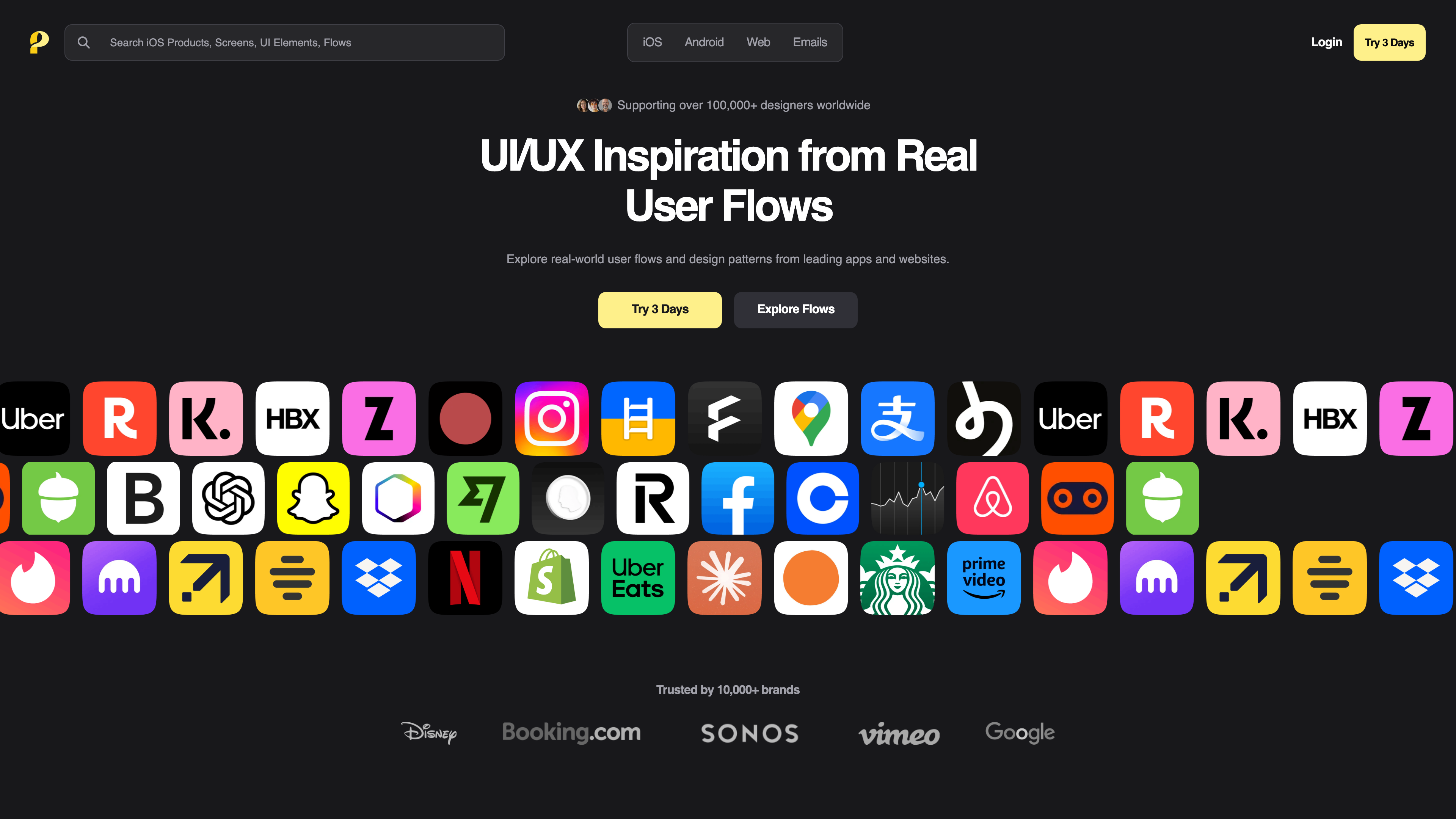
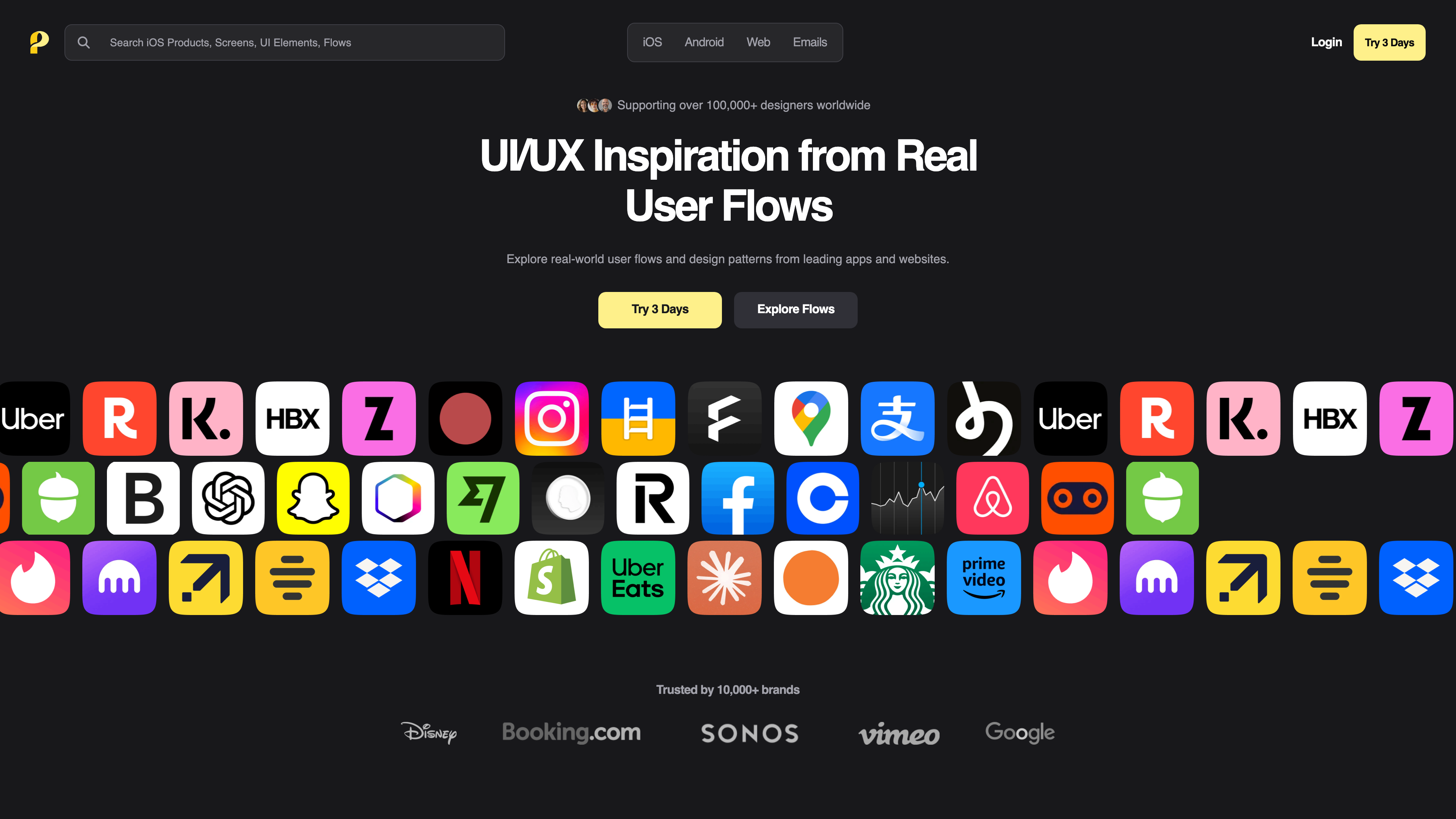
The screenshot above shows the homepage (captured 2026-09-21). The search bar at the top queries products, screens, UI elements and flows, and the navigation switches between four channels — iOS, Android, Web and Emails. The body of the page is a wall of icons of the products in the library, under the site's "Supporting over 100,000+ designers worldwide" tagline.
At a glance
- URL: https://pageflows.com/
- Type: Recorded user flow library + UI screenshot / email design reference (subscription-based)
- Cost: The catalog and some flow pages are free to view; full access is a 3-day trial for 39/quarter (shown as 99/year (199/year (as of 2026-09-21, sources: Pricing, FAQ)
- Registration: Not required for the public catalog and the flow pages we sampled; required for a subscription, with a payment method
- Interface language: English only (checked 2026-09-21)
- Operator: Spur Creative LLC (registered in Delaware, USA; source: Terms & Privacy)
Background
Page Flows is the product of a merger between two design reference sites. On July 10, 2024, Screenlane and Page Collective announced in a PR Newswire release that they were combining and rebranding as Page Flows: Screenlane was known for its UI screenshot library, while Page Collective focused on user flow content, and the rebrand brought both together under one site. The operator is Spur Creative LLC, with a company address in Dover, Delaware listed in the terms footer; the terms are governed by the laws of England and Wales (source: Terms & Privacy, last updated January 16, 2025).
The recording library and its annotations
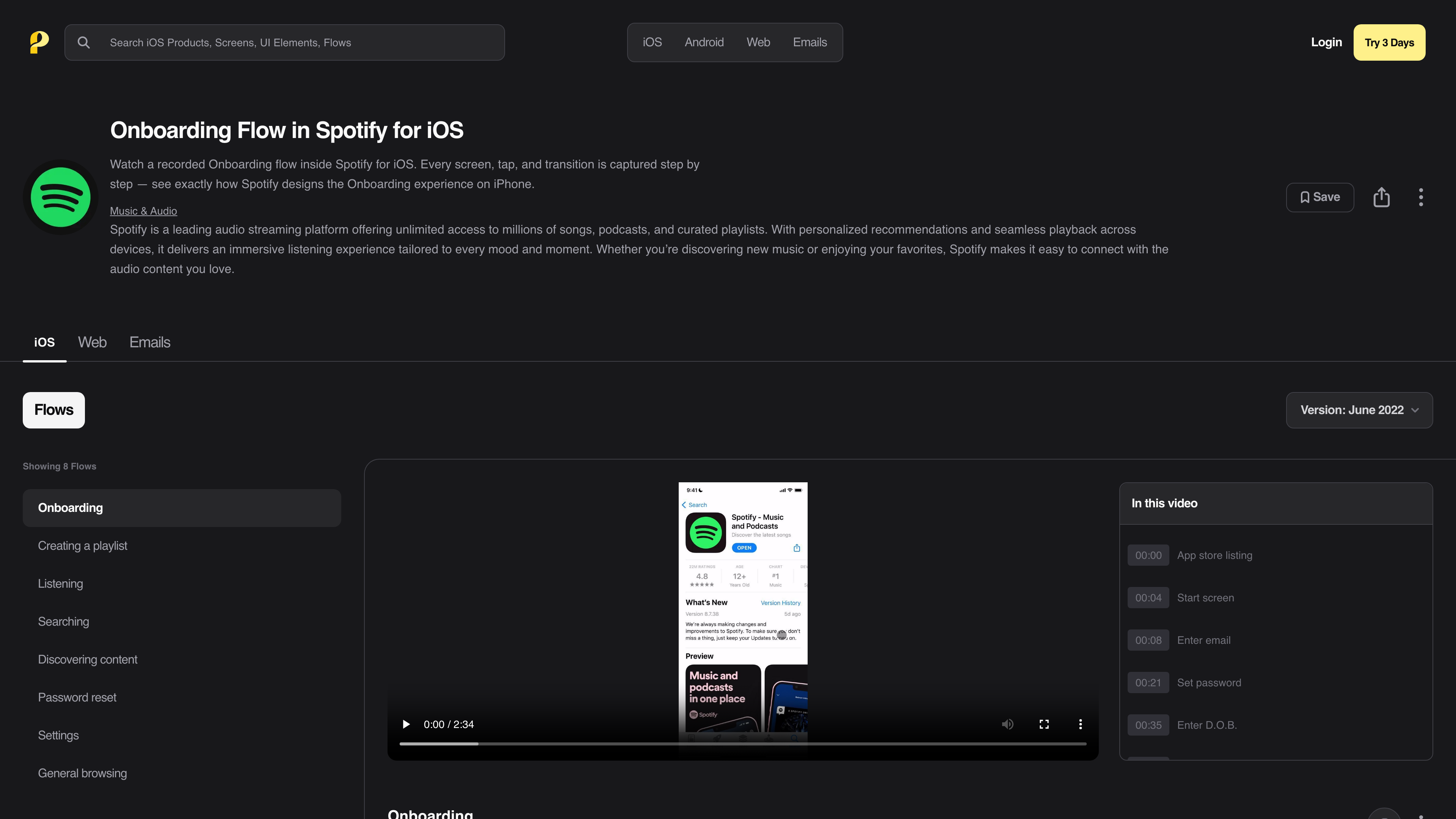
The core unit of the site is the page for one flow of one product — for example, Spotify's onboarding flow on iOS:
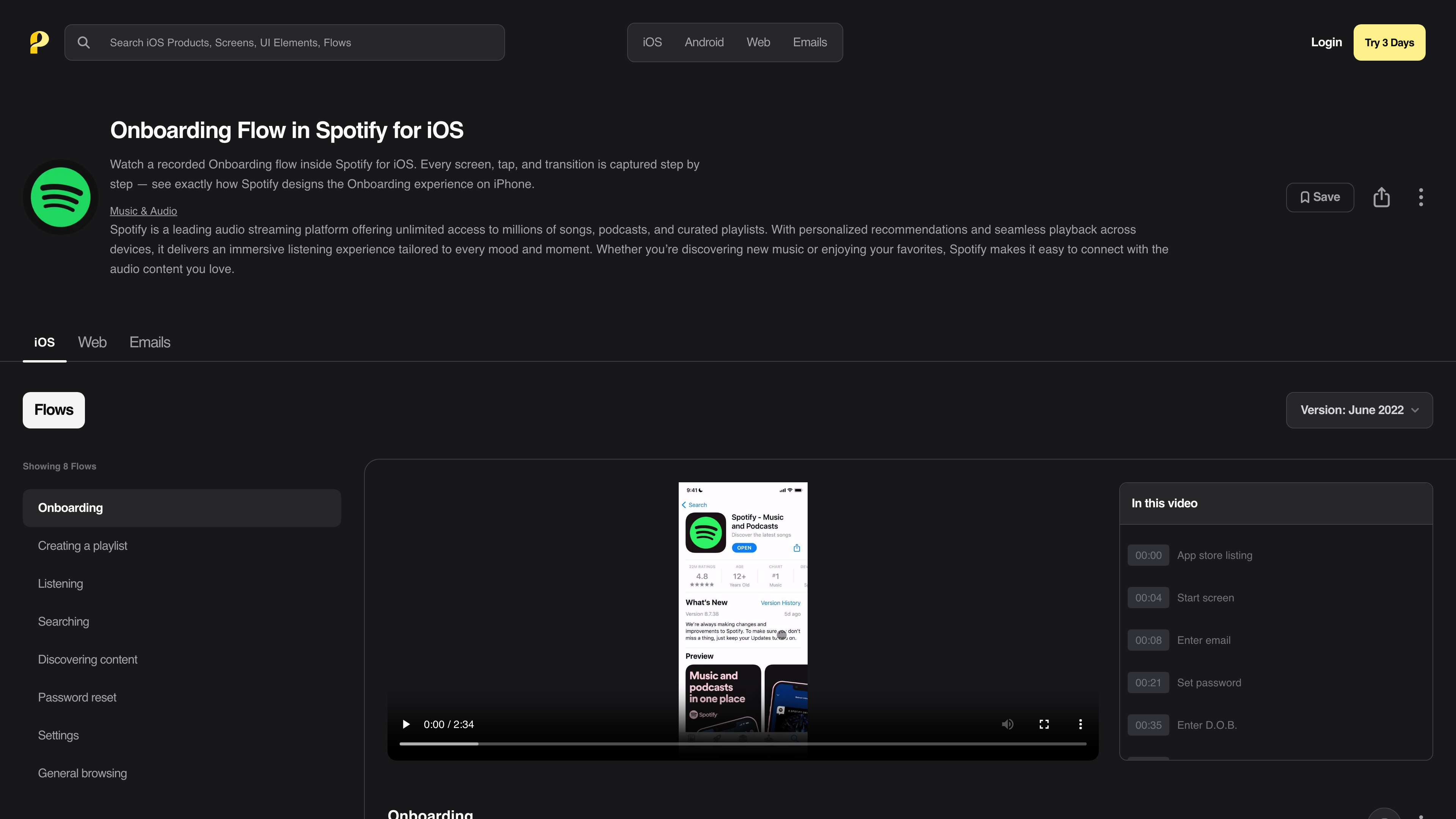
The page above (captured 2026-09-21) illustrates several useful design choices:
- Full recordings: The video captures every tap and transition from the App Store page to a completed signup, rather than stitching together a few key screens. This recording runs 2 minutes 34 seconds.
- Annotation timeline: The "In this video" panel on the right lists every step by timestamp (00:00 App store listing → 00:08 Enter email → 00:21 Set password → …) with click-to-seek, effectively turning the video into a searchable list of flow steps.
- Flow families: A product usually has multiple flows recorded — Spotify for iOS has eight, including Onboarding, Creating a playlist, Listening, Searching and Password reset — so you can compare how one product handles different scenarios.
- Version markers: Each recording is labeled with when it was captured (June 2022 in the screenshot), and some flows keep older versions (February 2021, October 2019, April 2018 here) that you can switch back to, making it possible to watch a flow evolve across redesigns.
The library concentrates on the moments that matter most in product design: onboarding, sign-up and login, checkout and payment, upgrade and upsell prompts, cancellation and churn flows, notification permission prompts, and settings management (source: FAQ). Coverage spans desktop web, mobile web and native iOS/Android apps, with a stated emphasis on mobile (source: FAQ).
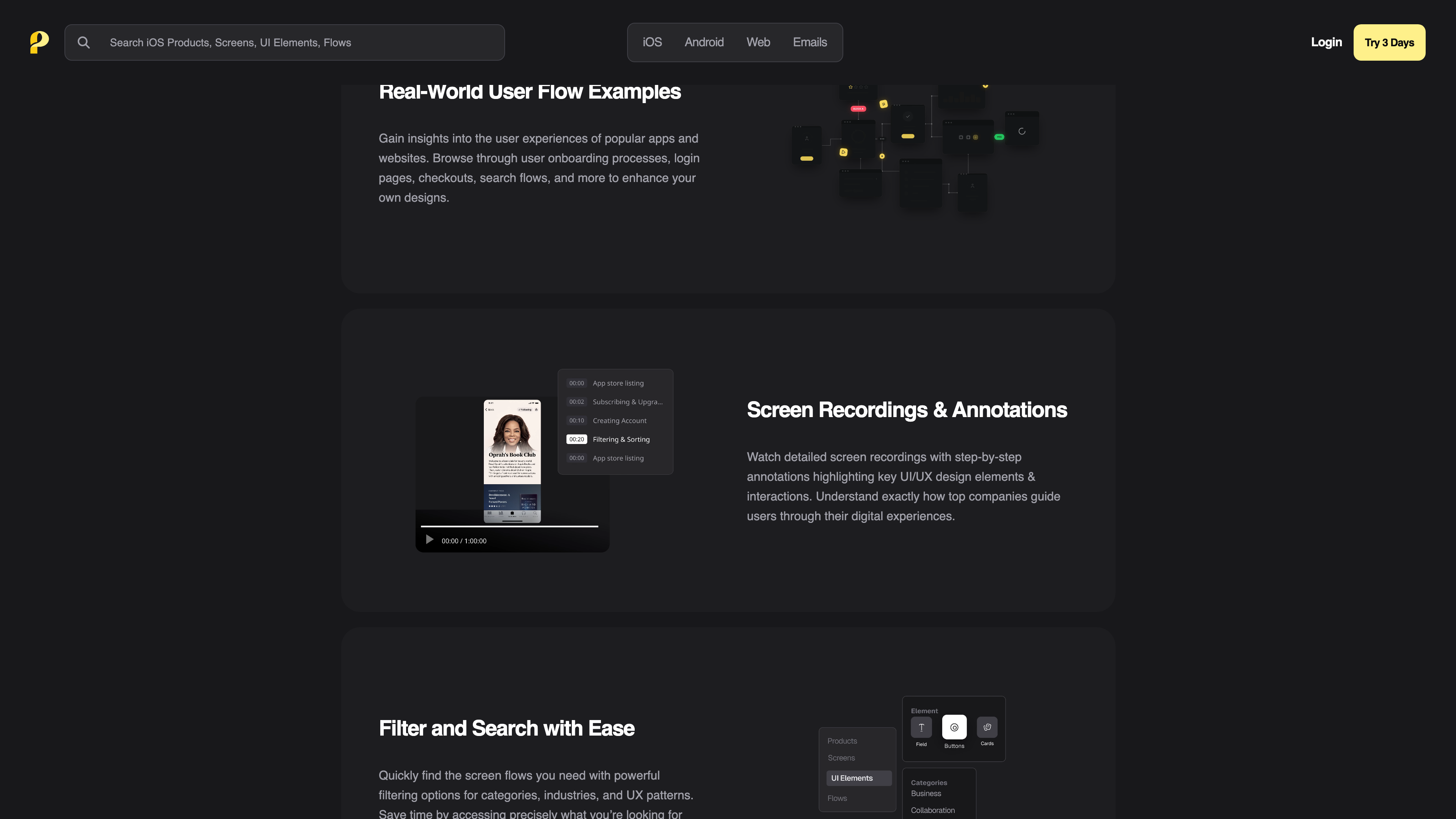
Beyond the videos, the library includes three supporting collections (source: Pricing): 79,000+ app screenshots filterable by product, flow and UI element; a curated set of transactional and marketing email designs from well-known products; and new content added weekly. Search is the main differentiator from ordinary screenshot galleries: besides filtering by product name and flow type, Page Flows offers full-text search across screenshot content — you can search for UI copy like "Start your free trial" and see how real products phrase and present it (source: FAQ). The public catalog also organizes products by industry — banking, e-commerce, education, finance, food & drink, travel and more — for browsing by domain (source: product directory).
Free access and subscription pricing
Page Flows is not a pure paywall. In our 2026-09-21 checks, the catalog pages organized by platform and flow type (for example the iOS onboarding flow directory, which alone lists over a hundred recordings across 12 pages, from Coinbase and CRED to Nike Run Club) were browsable without an account, and the individual flow pages we sampled (Spotify and Coinbase onboarding on iOS) played their full annotated recordings without signing in. Page Flows does not state what share of the library is free.
A subscription unlocks completeness and efficiency features (source: Pricing): unlimited access to all recordings, emails and screens, enhanced search and filtering, batch screen downloads and unlimited bookmarks. Pricing as of 2026-09-21:
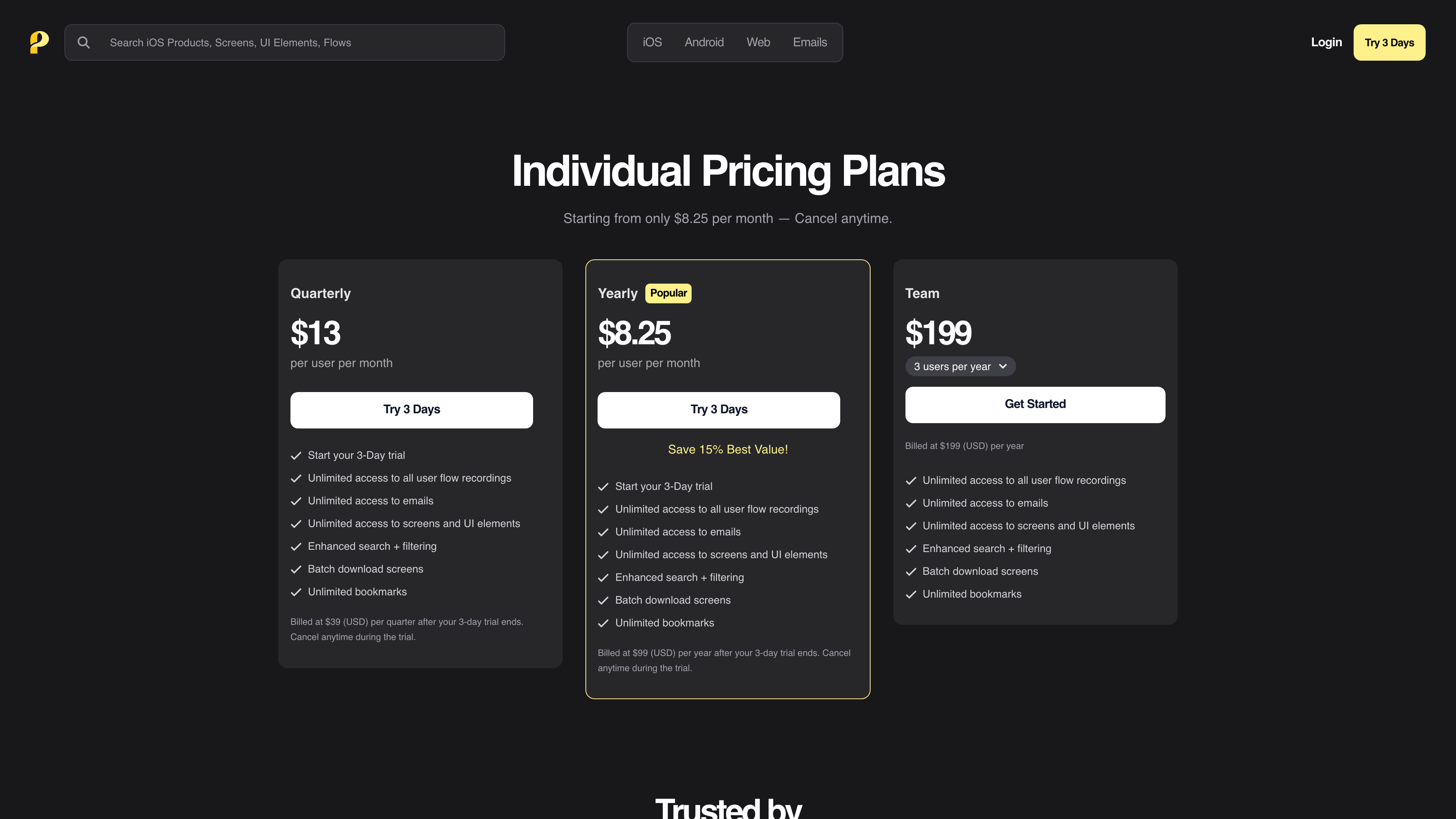
- Trial: 3 days for $2.95, cancellable any time during the trial (source: FAQ).
- Individual: After the trial, 13/month) or 8.25/month, 15% less than quarterly).
- Team: From $199/year; the pricing page shows 3 seats per year by default.
Subscriptions renew automatically and can be cancelled from the account at any time (source: FAQ). Note the refund rule in the terms: once the 3-day trial ends, refund requests are no longer considered — cancel before the trial expires if you don't want to be charged (source: Terms).
Copyright and content policy
What makes the library unusual is that every video and screenshot shows a third party's product interface. The terms of service address this directly: the material may be trademarked and copyright-protected by its respective owners, Page Flows claims no ownership of it, and states it is captured solely to provide a UI design research service. Copyright holders can email hi@pageflows.com to request removal, and a DMCA notice process is in place, with the site committing to act — including taking content down — on valid notices.
For users, the terms allow use of the site's media within Fair Use provisions and relevant international law, but place sole responsibility for any use outside the site on the user — in other words, Page Flows does not shield you if you reuse another product's interface screenshots in your own commercial materials. On privacy, the site declares GDPR compliance, processes payments through Stripe, uses Plausible for analytics, and retains personal data for up to seven years (source: Terms & Privacy).
Where it fits
- Product and interaction design: When designing an onboarding sequence, checkout or permission prompt, see how several leading products actually handle it — including the copy — instead of relying on memory or outdated screenshots.
- Competitive and industry benchmarking: Compare the same flow across products in one industry, and bring "here is how Airbnb / Stripe / Notion does it" evidence into design reviews (a use case the site itself promotes; source: FAQ).
- UX writing research: Use full-text screenshot search to find real examples of button labels, error messages and churn-save copy.
- Email design reference: Browse transactional and marketing email layouts from established products.
Limitations
- The core value sits behind the paywall: The free portion is enough to understand the format, but enhanced search, batch downloads, bookmarks and the promised unlimited library access all require a subscription. There is no free tier — even the 3-day trial costs $2.95 (source: Pricing).
- No refunds after the trial: The terms explicitly rule out refunds once the trial ends, so forgetting to cancel means being charged for a full billing cycle (source: Terms).
- Recordings are not always current: Each entry is tied to the product version at capture time — Spotify's iOS onboarding is marked June 2022 as of 2026-09-21 — and may no longer match the live product. New content is added weekly, but there is no way to know when a specific flow will be re-recorded.
- Inconsistent official figures: The screenshot library is described as 79,000+ on the pricing page but "100,000+ Screens" on the homepage; claims like "4,000+ recordings" and "300+ products" come from the site's own pages without third-party verification (as of 2026-09-21).
- English-only interface, and no official API was found — the content is only usable on the website.
Alternatives
Mobbin is a well-known option in the same "real product design reference" space, also collecting app screens and flows. Page Flows differs from screenshot-first galleries in its full journey recordings with step-by-step annotations and its full-text search over screenshot copy (a comparison the site draws itself; source: FAQ); Mobbin, on the other hand, offers a limited free browsing tier, while Page Flows' full functionality has none. The choice mostly comes down to whether you want flows in video form.
References
- Page Flows homepage (checked 2026-09-21)
- Page Flows Pricing (checked 2026-09-21)
- Page Flows FAQ (checked 2026-09-21)
- Page Flows Terms of Service & Privacy Policy (last updated 2025-01-16, checked 2026-09-21)
- Screenlane and Page Collective Rebrand to Page Flows - PR Newswire (published 2024-07-10, checked 2026-09-21)
- User Flow Examples: 4,000+ Real Recordings (checked 2026-09-21)
- Spotify Onboarding Flow on iOS - Page Flows (checked 2026-09-21)