
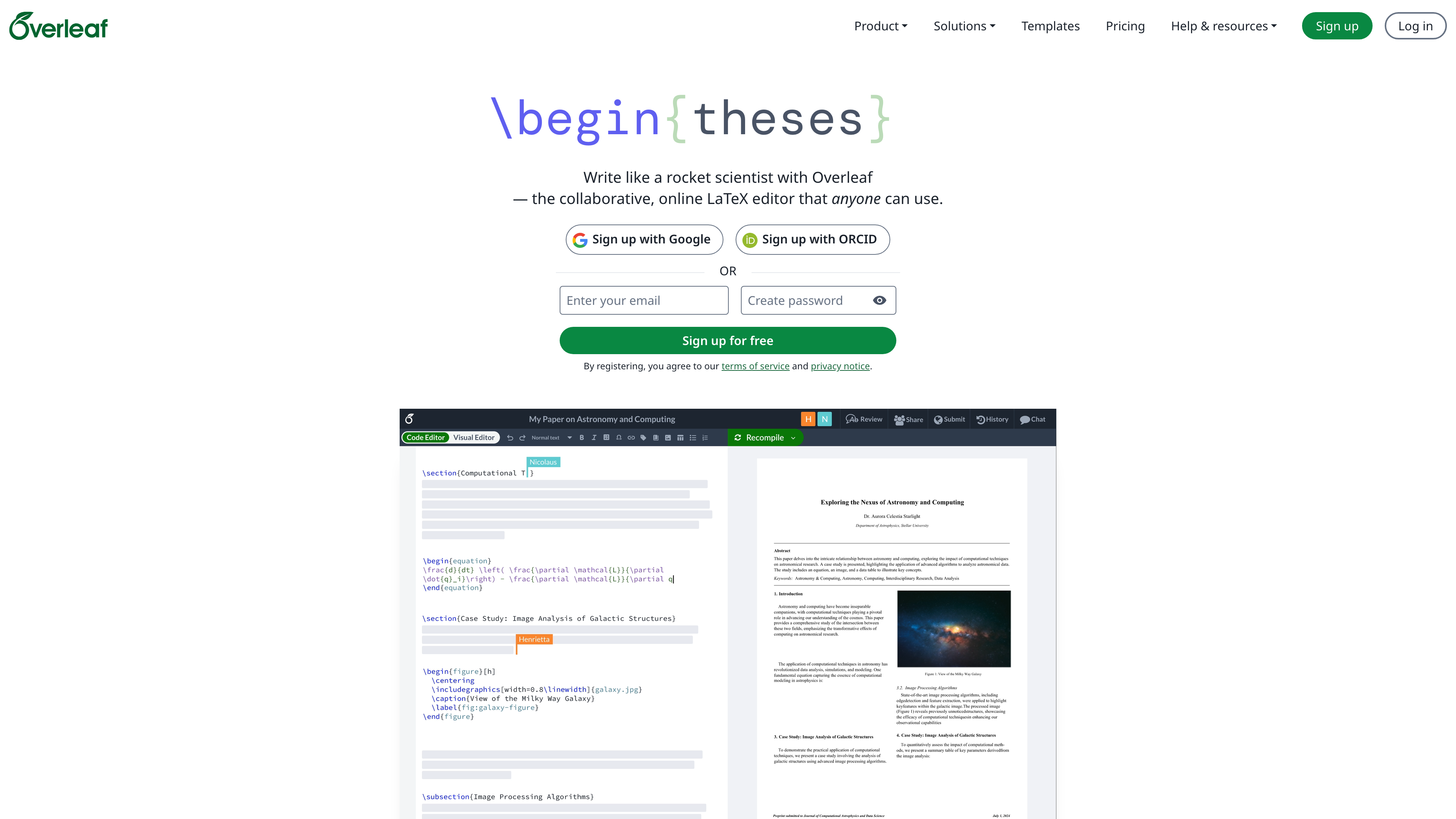
Overleaf is a collaborative LaTeX editor that runs entirely in the browser: there is no local TeX distribution to install, and co-authors can edit the same source file simultaneously the way they would in an online document. Its distinguishing traits are real-time collaborative cursors, an official template gallery geared toward journal submission, and site-license plans for universities and research institutions.
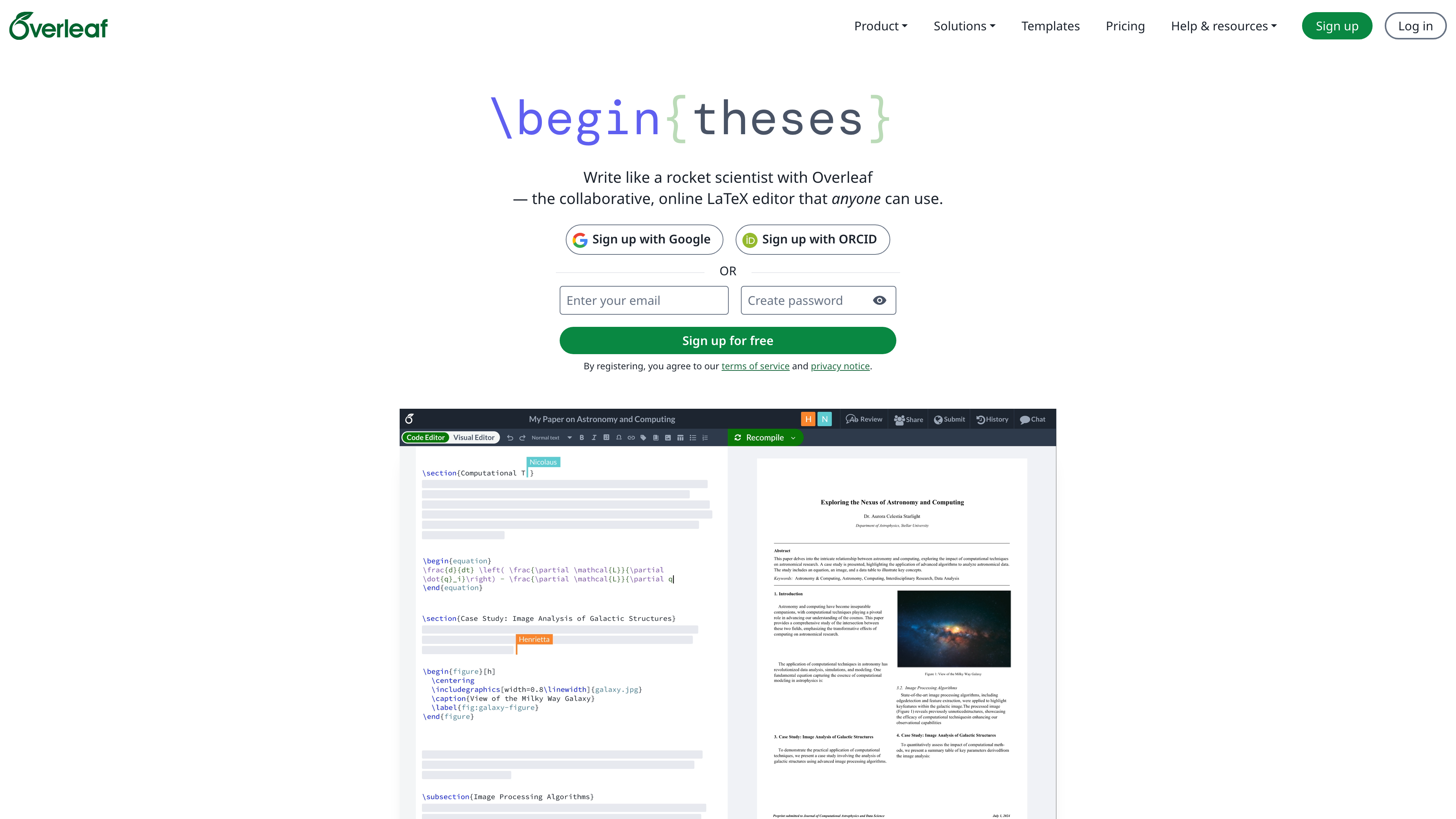 Sign-up is available on the homepage (email, Google, or ORCID), and an account is required to edit documents, while the template gallery and documentation can be browsed without one. The company's About page reports more than 20 million users.
At a glance
- URL: https://www.overleaf.com
- Type: Online collaborative LaTeX editor (part of Digital Science)
- Cost: A permanent free plan; paid individual plans (Standard, Professional) plus student, group and institutional options
- Registration: Required for editing and collaboration; templates and docs are publicly readable
- Interface language: English
- Open source: The Community Edition is AGPLv3 (GitHub repo overleaf/overleaf, about 18k stars as of 2026-09-02)
Background
Overleaf was built by two mathematicians, John Hammersley and John Lees-Miller, who started the project in 2011 as WriteLaTeX. The team joined the Bethnal Green Ventures accelerator in summer 2013, launched the Overleaf beta on 16 January 2014 at the #FuturePub event at the British Library, and received a strategic investment from Digital Science later that year. On 20 July 2017, Overleaf merged with ShareLaTeX, then another popular online LaTeX platform; the combined service had more than two million users, and the Overleaf v2 release that followed folded both products' features into one platform. The merger itself was later published as a case study that won a SIGCHI Best Case Study Award at ACM CHI 2021.
Core capabilities
Real-time collaboration: Several people can edit the same project at once and see each other's cursors and changes, much like a shared online document; the collaborator cap depends on the plan.
In-browser compilation: Source is compiled on cloud servers with an instant PDF preview, so no local TeX environment is needed; template instructions reference mainstream engines such as pdfLaTeX, XeLaTeX and LuaLaTeX.
Source and visual modes: The editor offers a Code Editor and a Visual Editor, so writers less fluent in LaTeX can work in something closer to rich text.
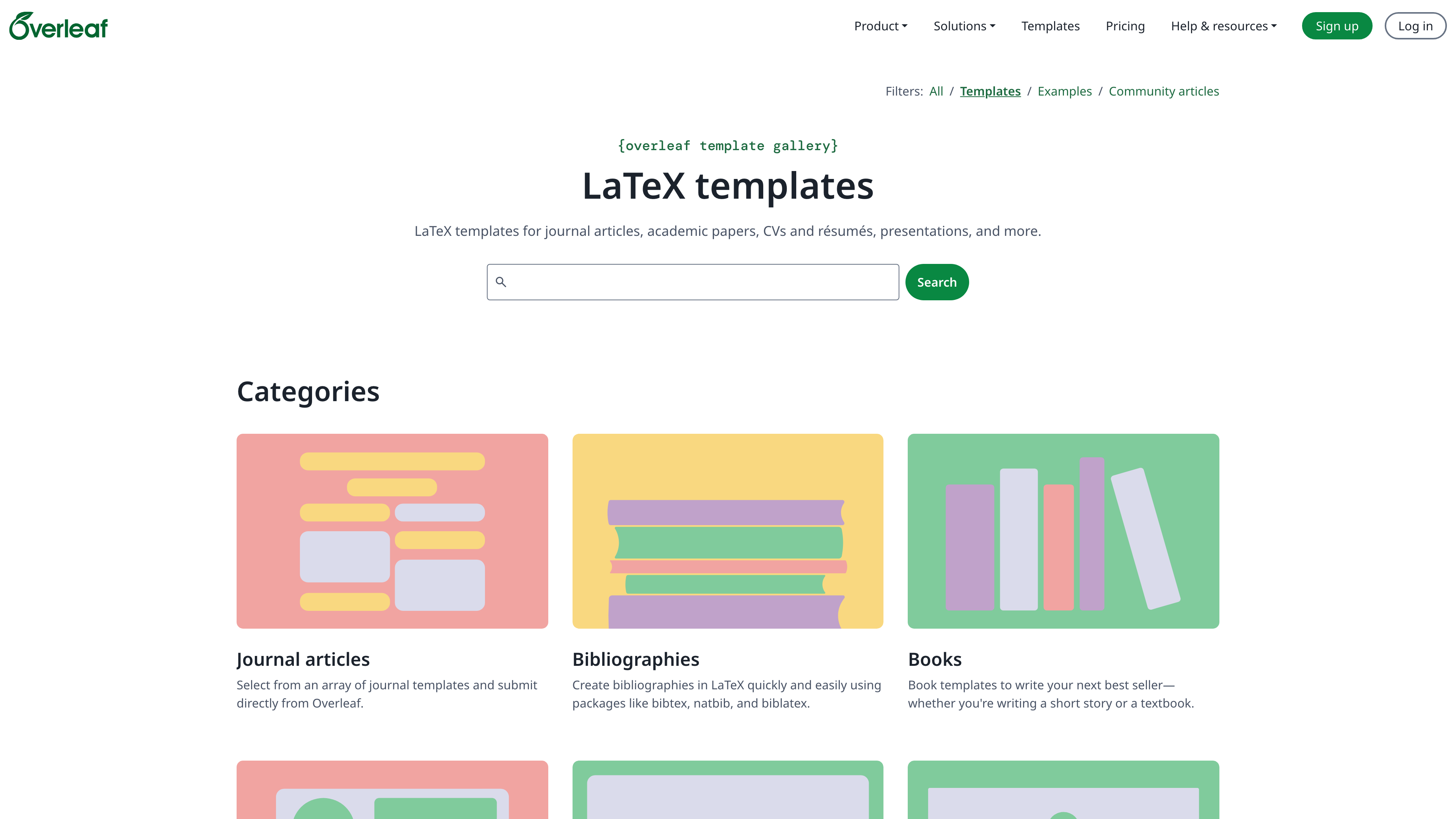
Template gallery: The official gallery is organized into journal articles, CVs, presentations, books, theses and more, and includes official submission templates from publishers such as ACM, with direct submission links for some journals.
Track changes and history (paid): Paid plans add real-time track changes and a full document history for reviewing and rolling back edits.
References and integrations (paid): Advanced reference search, a symbol palette, and Git, GitHub, Dropbox, Zotero and Mendeley integrations.
Learning resources: Overleaf Learn provides free text-and-example LaTeX tutorials, from basics through math and bibliographies.
Free vs. paid plans
According to the pricing page, the free plan allows unlimited projects but only one invited collaborator per project, a basic compile timeout, and no track changes, full history or third-party integrations. Individual paid tiers are Standard (10 collaborators per project) and Professional (unlimited collaborators); both include a 12x compile timeout, track changes, full history and all integrations, and a cheaper student plan allows six collaborators. Prices are displayed per region and currency and are not quoted here.
One subtlety worth knowing: premium features follow the project owner's plan. Collaborators invited by a paying user get track changes and the extended compile time inside that user's projects, but not in their own.
Institutional and self-hosted options
- Overleaf Commons: A site-wide subscription for universities and research organizations; members are upgraded automatically when they register with an institutional email or SSO. CERN, for example, has provided Overleaf to its members since 2017.
- Server Pro: A commercial on-premises edition for organizations that need local deployment.
- Community Edition: The open-source edition on GitHub is published under AGPLv3 and can be self-hosted with the core collaborative editing features; the repository had about 18k stars as of 2026-09-02 and remained under active development in 2026.
When it fits
- Co-authoring papers and theses, especially across institutions and time zones
- Writing submissions that require a specific journal or conference template
- Teaching LaTeX with shared templates and no local setup for students
- CVs, Beamer slides, posters and other layout-sensitive documents
Limitations
- The free plan allows only one collaborator per project and lacks track changes and full history; long or heavy documents can hit the basic compile timeout.
- The interface is English-only, and writing still requires some LaTeX knowledge — the Visual Editor does not fully replace source editing.
- Everything lives in the cloud; confidential documents call for a self-hosted edition.
- Third-party gallery templates vary in quality, so verify a journal's current requirements before submitting.
Alternatives
The local route — TeX Live with TeXstudio or a VS Code extension — removes cloud limits but gives up real-time collaboration. Typst is a newer typesetting system with a lighter syntax and its own online editor (also covered on this site).
Sources
- Overleaf About us (2011 origins, 2014 Digital Science investment, 2017 merger, 20M+ users; checked 2026-09-02)
- Overleaf plans and pricing (plan structure and collaborator caps; checked 2026-09-02)
- Overleaf template gallery (categories and the official ACM template; checked 2026-09-02)
- Overleaf for Institutions (Overleaf Commons; checked 2026-09-02)
- GitHub: overleaf/overleaf (AGPLv3 license, star count; checked 2026-09-02)
- Wikipedia: Overleaf (WriteLaTeX origins, 2014-01-16 launch, 2017-07-20 merger, CERN adoption; checked 2026-09-02)



