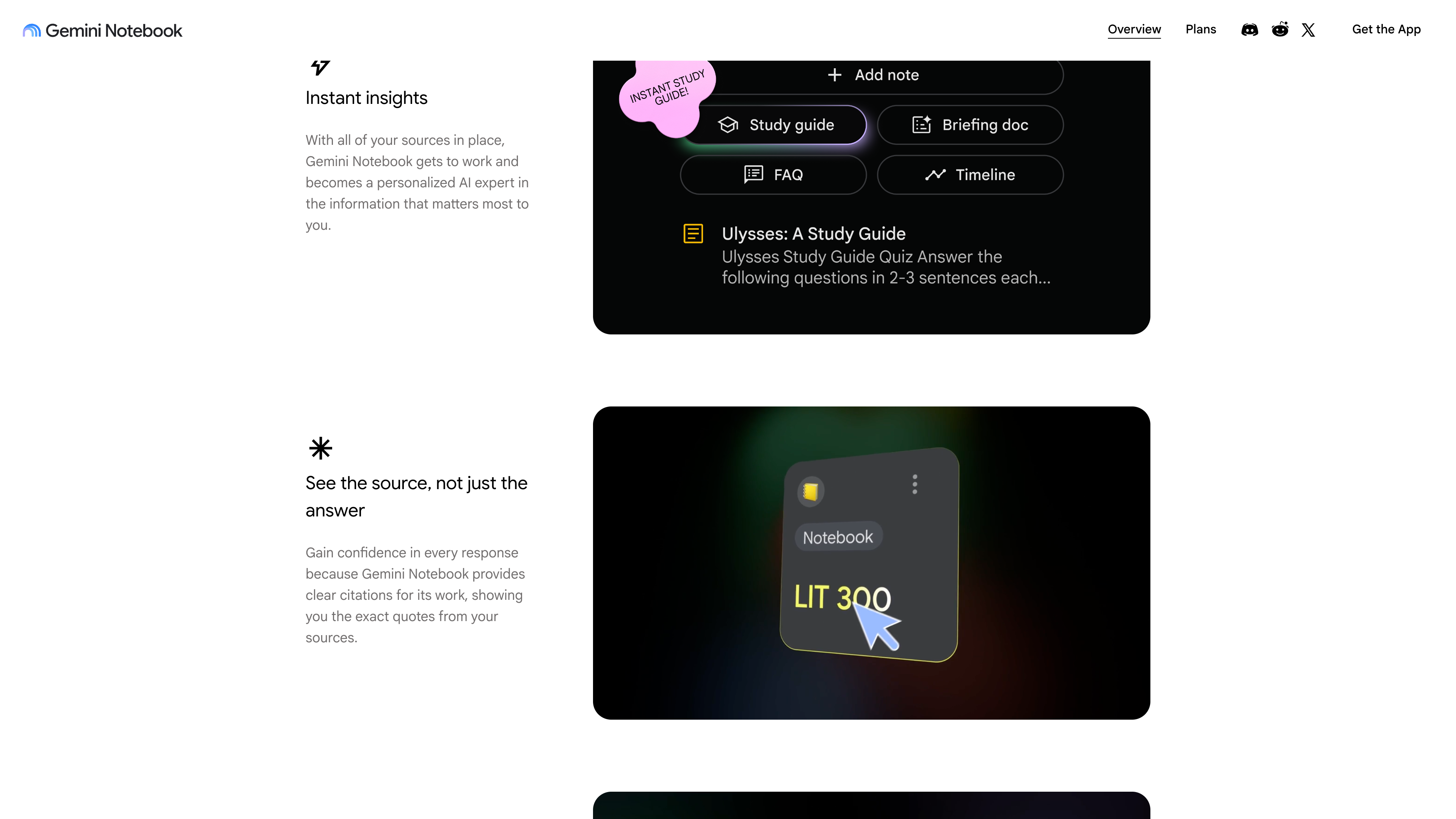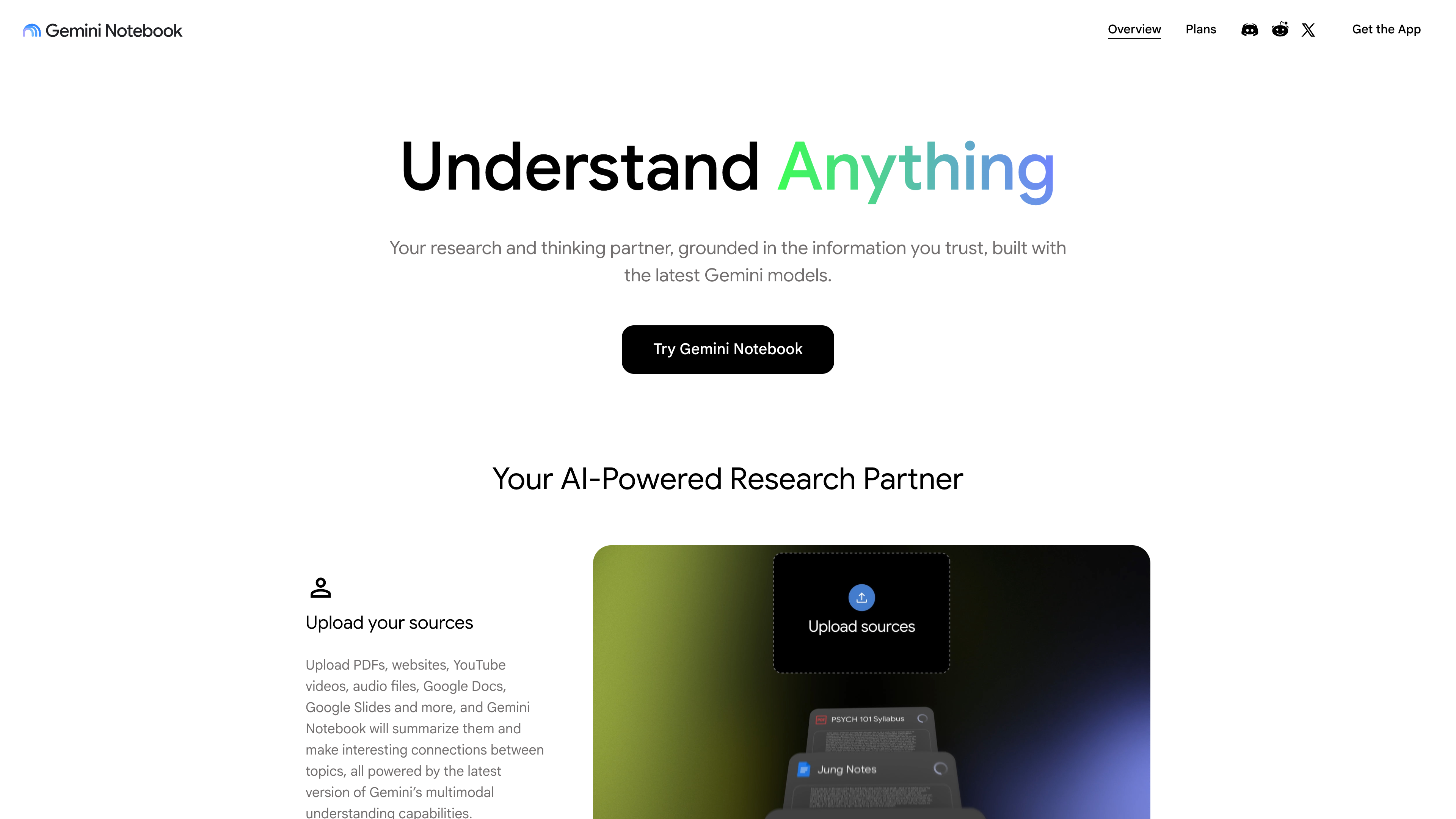
NotebookLM is Google's online AI research assistant — officially renamed Gemini Notebook on July 16, 2026 (announcement), though the old name is still widely used in media and by users. It addresses a familiar problem: you have a pile of material (papers, textbooks, meeting recordings, web pages, videos) to digest, but reading everything is slow, and a general-purpose chatbot will happily improvise beyond your documents. NotebookLM confines its answers to the sources you upload into a “notebook” and attaches inline citations that jump back to the exact passage in the original. On top of that, it converts the same sources into finished artifacts — most famously the two-host Audio Overview, which sounds close to a podcast, plus Video Overviews, mind maps, study guides, flashcards, quizzes, infographics, and slide decks. Compared with workspace AIs like Notion AI or web answer engines like Perplexity, its verifiable difference is that the corpus is chosen entirely by the user, citations resolve to the original text, and the output formats target learning and research rather than writing or office automation. According to Google's blog, more than 30 million people and 600,000 organizations were using it as of July 2026.
At a Glance
- URL: https://notebooklm.google.com (app entry; requires a Google account. The public landing page is https://notebook.google/, to which the old notebooklm.google domain also redirects)
- Type: AI research/study assistant (source-grounded Q&A + multi-format content generation)
- Cost: Free tier available; paid access via Google AI Plus/Pro/Ultra subscriptions, priced in the US (as of 2026-09-08) at 19.99 / from $99.99 per month, with student offers such as one free year of AI Pro
- Sign-up: A Google account is required, and you must be above the age of consent in your country; stricter content policies apply to under-18 users, and some features are 18+ only
- Interface and output languages: 80+, including Simplified and Traditional Chinese
- Platforms: Web browser; Android 10+ and iOS apps (rolling out by country)
Background
NotebookLM began as Project Tailwind, an experimental Google Labs project shown at Google I/O in May 2023 with the goal of “helping people learn.” It was renamed NotebookLM on July 12, 2023 (LM = Language Model) and rolled out to a small group of US users, then opened to all US adults that December. Key team members included Steven Johnson, Editorial Director of Google Labs and a popular-science author, and product manager Raiza Martin (the two signed the June 2024 global expansion post). In December 2024, Martin, designer Jason Spielman, and engineer Stephen Hughes left Google to found a startup.
Major milestones:
- 2024-06-06: Expanded to more than 200 countries and territories, upgraded to Gemini 1.5 Pro, and added website and Google Slides sources plus citation jump-to-source fact-checking.
- 2024-09-11: Launched Audio Overviews, the feature that made it go viral. The product dropped its “experimental” label that October, added a voice interactive mode in December, and introduced NotebookLM Plus for enterprises (extended to individual subscribers in February 2025).
- 2025-05: Standalone Android/iOS apps; Video Overviews, infographics, slide decks, and data tables followed later that year.
- 2026-06-08: Google announced an upgrade to Gemini 3.5 and Antigravity. Every notebook received a secure cloud computer that can write and run code for data analysis, new downloadable outputs arrived (PDF reports, Excel, PowerPoint, charts), and NotebookLM can now discover new sources via Google Search.
- 2026-07-16: Officially renamed Gemini Notebook. The product positioning is unchanged, but it integrates more deeply with the Gemini app and Google Search (AI Mode).
- Controversy: In February 2026, journalist and former NPR host David Greene sued Google, alleging that the Audio Overview voice replicated his distinctive voice; Google denied the claim (Washington Post, cited via the Wikipedia article).
Core Capabilities
Sources: the foundation of every answer
Every notebook starts with sources. Per the official help page (checked 2026-09-08), supported source types include PDFs, Word/txt/Markdown/CSV/PowerPoint files, ePub, common image formats, audio files (transcribed on import, with dozens of languages supported including Chinese), pasted text, Google Docs/Slides (up to 100 slides)/Sheets (up to 100k tokens), web URLs, public YouTube videos, eligible purchased Google Play Books ebooks, and Gemini app chats. Each source can be up to 500,000 words or 200MB, and the free tier allows 50 sources per notebook.
Details worth knowing: web imports capture only the article text and do not work through paywalls; YouTube imports only the caption text (captions are required, videos uploaded within the last 72 hours may fail, and videos without speech are unsupported); Google Drive files sync automatically but a source becomes inaccessible if you lose access to the file; footnotes and comments from Google files are not imported.
Chat and citations
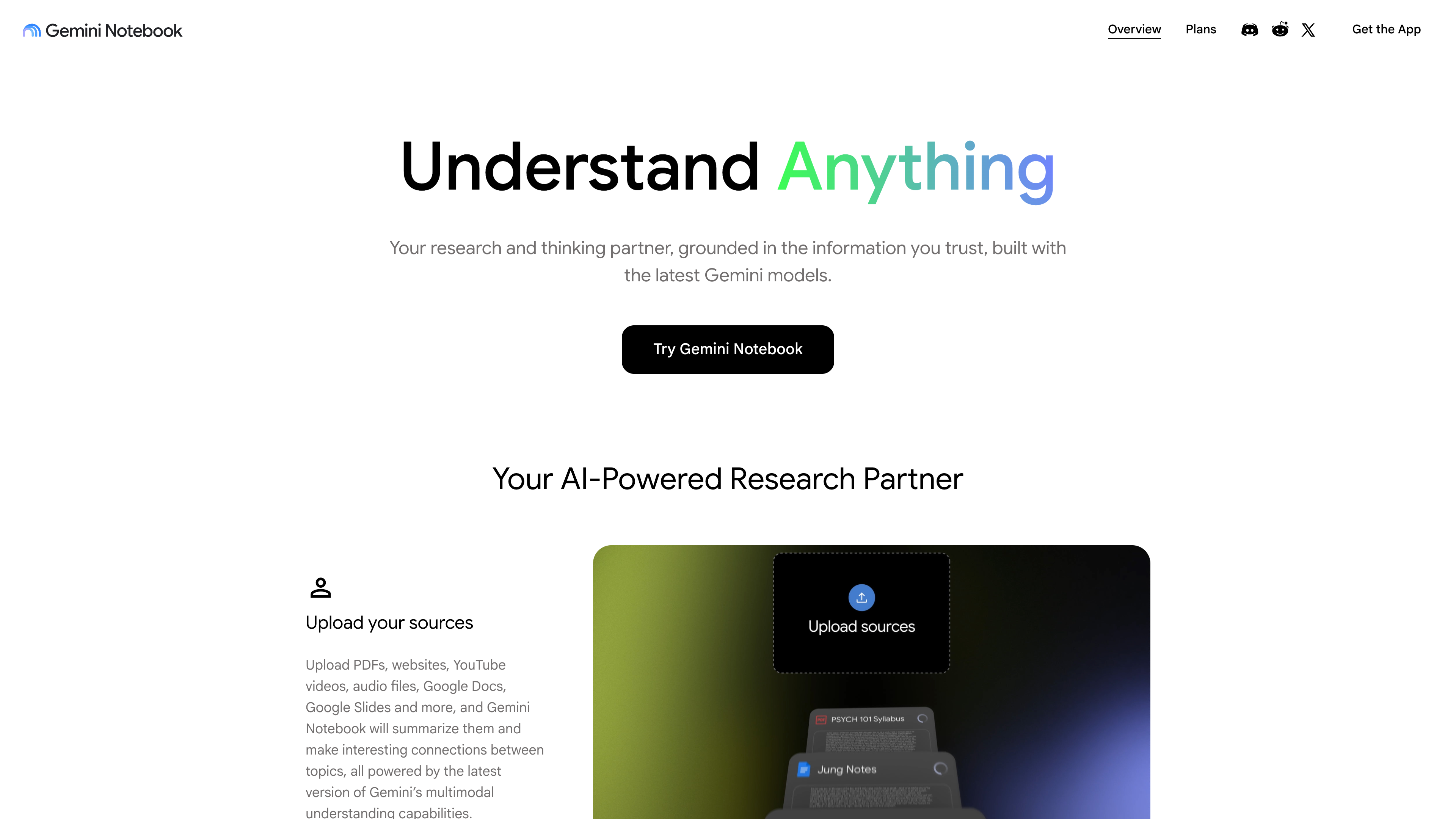
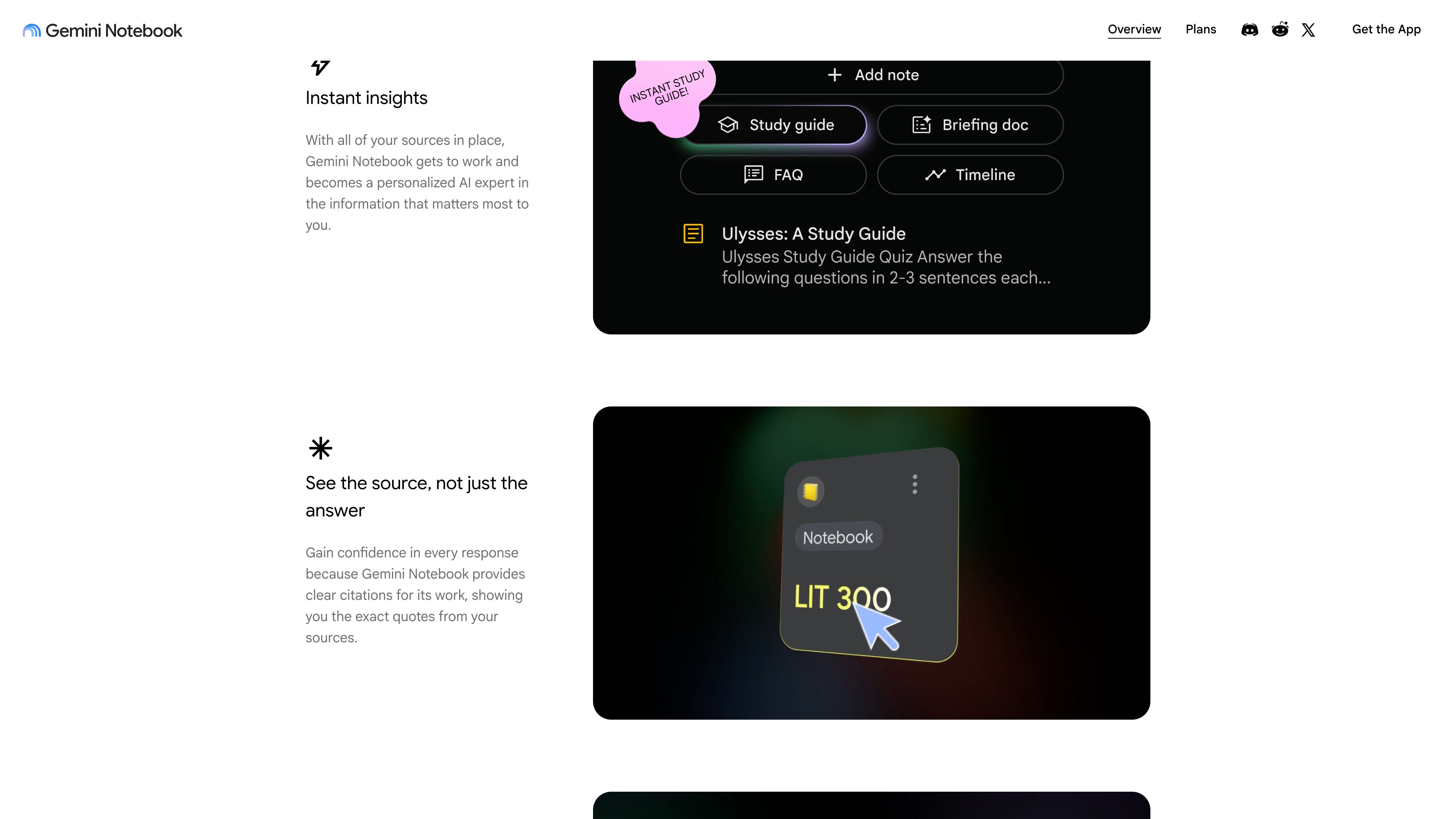
Answers are generated from the selected sources, with inline citations you can click to verify against the original. You can tick a subset of sources to scope a question, or name a specific source in the prompt. Since the June 2026 upgrade, the chat can also find and add new sources via Google Search, or write and execute code for data analysis and charting (code execution rolled out first to AI Ultra and qualifying Workspace customers, with Pro users following).
Studio: turning sources into finished artifacts
- Audio Overviews: four formats — Deep Dive (two hosts in conversation), Brief (a single speaker, under two minutes), Critique, and Debate. You can customize topic, expertise level, and length (Longer is English-only), and generate in 80+ languages including Chinese. Interactive mode lets you vocally join the conversation and ask the AI hosts questions (English only). Overviews can be shared by link or downloaded (official help).
- Video Overviews: three formats — Cinematic (immersive, English only), Explainer (structured, multiple languages), and Short (~60-second recap). Cinematic and Short are 18+ only, and generation can take more than 30 minutes (official help).
- Other outputs: mind maps, reports, flashcards, quizzes, infographics, slide decks, and data tables; since June 2026, outputs can also be exported as PDF, docx, xlsx, pptx, csv/json, and png/svg charts.
- Google's own caveat: audio and video overviews are AI-generated and may contain inaccuracies and audio glitches.
Free Tier and Paid Plans
Per the official upgrade page (checked 2026-09-08), the free Standard tier includes: 100 notebooks, 50 sources per notebook, 50 chats/day, 3 Audio Overviews/day, 3 Video Overviews/day, 10 reports/flashcards/quizzes/mind maps per day, Deep Research 10 times/month, and limited access to data tables, infographics, and slide decks. AI Plus doubles the standard limits and AI Pro quadruples them (500 notebooks, 300 sources per notebook, 500 chats/day, 20 audio and video overviews per day); AI Ultra goes higher by tier (2.5K–5K chats/day, 100–200 audio/video overviews per day). US subscription pricing (Google AI Plans, as of 2026-09-08): Plus 19.99/mo, Ultra from $99.99/mo. Pro and above can remove watermarks from generated content (except for users in India, South Korea, and Vietnam).
Note that starting September 2, 2026, limits became compute-based: prompt complexity, the model, and the features you use all affect how quickly you consume quota, which refreshes every 5 hours until you hit a weekly cap. On the web, a “Generate later” option lets you queue artifacts when you are out of quota. Google also states that limits may change with testing and availability, so treat the figures above as a snapshot of the current help page.
Privacy, Data Use, and Copyright
Per the official privacy and terms page (checked 2026-09-08): your uploads, chats, and generated content are not used to directly train Google's foundational AI models — unless you actively submit thumbs up/down feedback. Feedback content is reviewed by specially trained human teams, disconnected from your account, and retained for up to 3 years. Workspace and Workspace for Education users get enterprise-grade protection: their content is not human-reviewed even when feedback is given, and is not used for training. One notable exception is AI Mode in Google Search: chats there may be used for ads monetization, personalization, and model improvement (sources and instructions are not used for those purposes).
On copyright, Google does not claim ownership of generated content, asks users to respect copyright and avoid uploading material they have no rights to, and terminates accounts for repeated infringement. For sharing, only consumer accounts can open a notebook to “anyone with the link” (public sharing is disabled for Workspace Enterprise and Education accounts), and only owners and editors can make generated audio or video public.
Ecosystem and Clients
- Gemini app: since April 2026 you can create and access notebooks directly inside the Gemini app, with cross-app syncing; answers there may also draw on web search and are not strictly limited to notebook sources.
- AI Mode in Google Search: notebooks you own appear automatically in AI Mode, currently in English only and not in the European Economic Area; AI Mode chats do not sync back to Gemini Notebook and cannot generate Studio artifacts.
- Mobile apps: standalone Android (10+) and iOS apps launched in May 2025. Google describes them as early versions with feature gaps versus the desktop web app; they support on-the-go Q&A, offline playback of Audio Overviews, flashcards, and quizzes (official help).
- Open access: there is no public official API; enterprise access is provided through Google Cloud and Workspace.
When It Helps
- Students and researchers: build notebooks from papers, textbook chapters, and lecture recordings; generate study guides, flashcards, and quizzes; verify every claim against the source via citations.
- Literature and desk research: ask questions across many sources, surface connections, and draft briefings, timelines, and reports.
- Learning on the go: turn long documents into a Chinese-language (or 80+ other languages) Audio Overview for the commute.
- Team knowledge bases: share notebooks under work or school accounts, which carry stronger data-protection terms.
- Lightweight data work: upload CSVs or spreadsheets and have it write code to produce charts and downloadable reports (added June 2026).
Limitations
- A Google account is mandatory — there is no anonymous or sign-up-free usage; under-18 users face feature restrictions.
- Answer quality depends on both source quality and model capability; Google itself warns outputs can be wrong, and citations aid verification but are no substitute for reading.
- Web sources are text-only and paywalls are unsupported; YouTube imports captions only; Google Docs footnotes and comments are dropped; the 500k-word/200MB per-source and 50-source per-notebook caps are tight for large literature libraries.
- Several headline features are language-restricted: Audio Overview interactive mode and Cinematic Video Overviews are English-only; notebooks in AI Mode are English-only and unavailable in the EEA.
- Since September 2026 the free tier is metered dynamically by compute, so heavy use hits the ceiling quickly; Deep Research is capped at 10 runs/month for free users.
- Generated artifacts carry a watermark unless you pay for Pro/Ultra (watermark removal does not apply in India, South Korea, or Vietnam); no public API limits automation.
- Mobile apps are early versions with feature gaps; public link sharing is disabled for Workspace Enterprise and Education accounts.
- The legal boundary of its AI podcast voices remains contested (see the voice-likeness lawsuit under Background).
Comparable Tools
- Google Gemini: the general-purpose assistant in the same account system; it can read your notebooks but its answers also draw on web search and are not confined to your sources.
- Perplexity: a citation-first answer engine whose corpus is the public web rather than a personal document library, better suited to open-ended lookup.
- Notion AI: Q&A and writing over workspace content, embedded in a note-taking collaboration tool rather than a standalone source-grounded research product.
References
- NotebookLM is now Gemini Notebook - The Keyword (checked 2026-09-08)
- Do better research with NotebookLM - The Keyword (checked 2026-09-08)
- Introducing NotebookLM - The Keyword (checked 2026-09-08)
- NotebookLM goes global - The Keyword (checked 2026-09-08)
- NotebookLM Audio Overviews - The Keyword (checked 2026-09-08)
- Try notebooks in Gemini - The Keyword (checked 2026-09-08)
- Learn about Gemini Notebook - Google Help (checked 2026-09-08)
- Add or discover new sources - Google Help (checked 2026-09-08)
- Generate Audio Overview - Google Help (checked 2026-09-08)
- Generate Video Overviews - Google Help (checked 2026-09-08)
- Upgrade Gemini Notebook - Google Help (checked 2026-09-08)
- Manage your usage limits - Google Help (checked 2026-09-08)
- Privacy and Terms of Use - Google Help (checked 2026-09-08)
- Notebooks in AI Mode in Google Search - Google Help (checked 2026-09-08)
- Get started with the mobile app - Google Help (checked 2026-09-08)
- Google AI Plans (checked 2026-09-08)
- Gemini Notebook - Wikipedia (checked 2026-09-08)
- Key leaders behind Google's viral NotebookLM are leaving - TechCrunch (checked 2026-09-08)
- Google expands NotebookLM Plus to individual users - TechCrunch (checked 2026-09-08)
- Google launches stand-alone NotebookLM apps - TechCrunch (checked 2026-09-08)