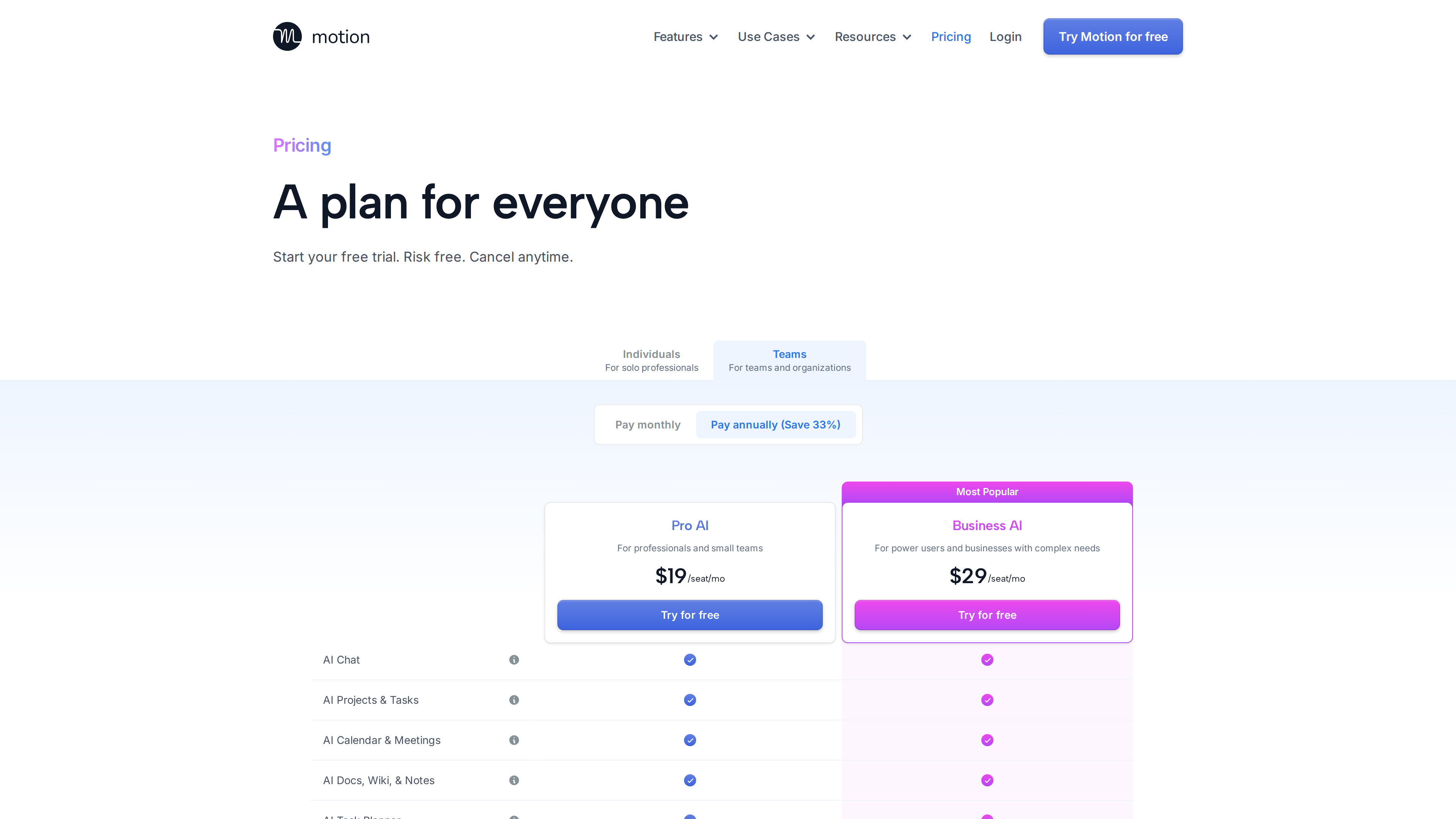
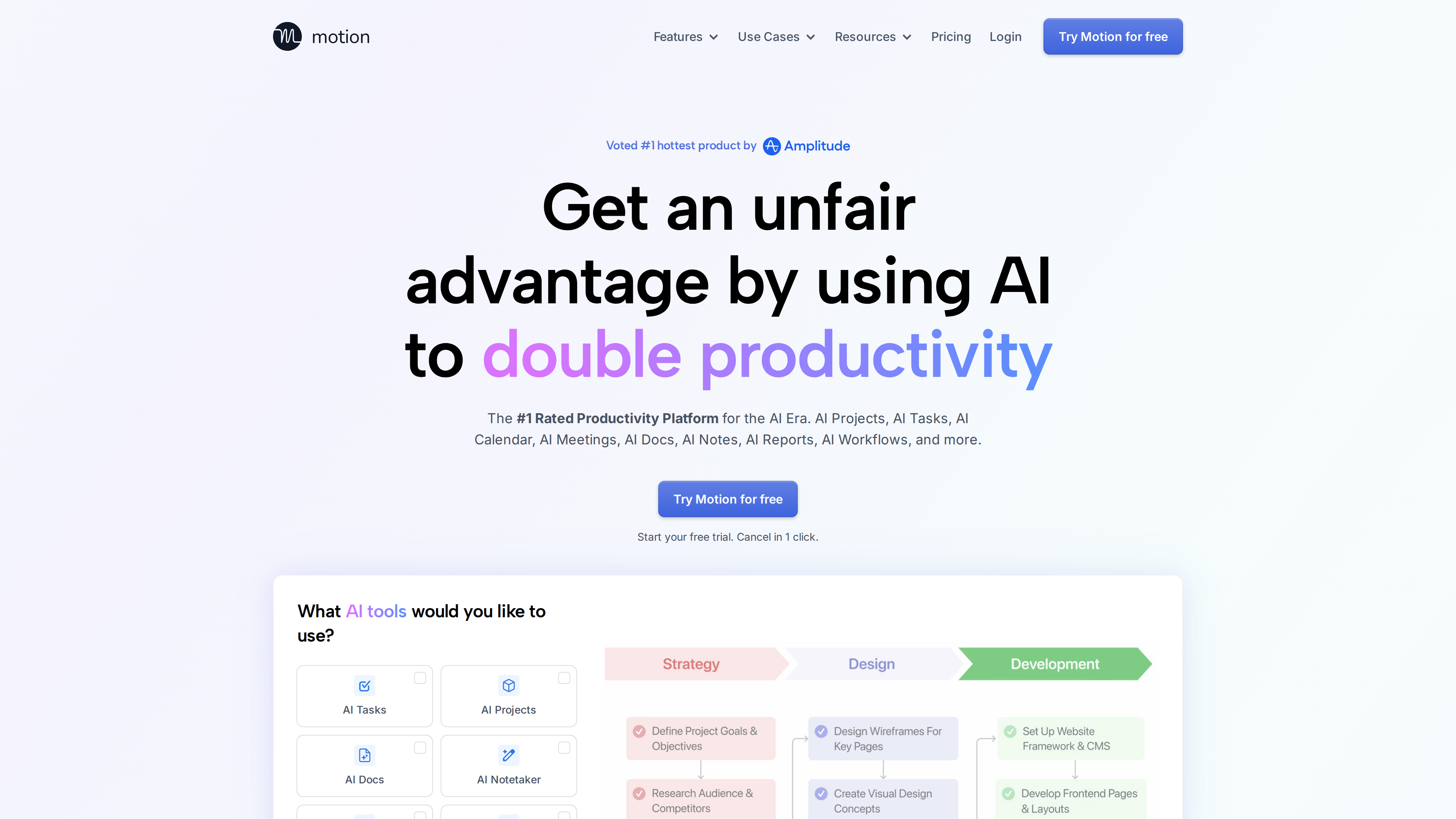
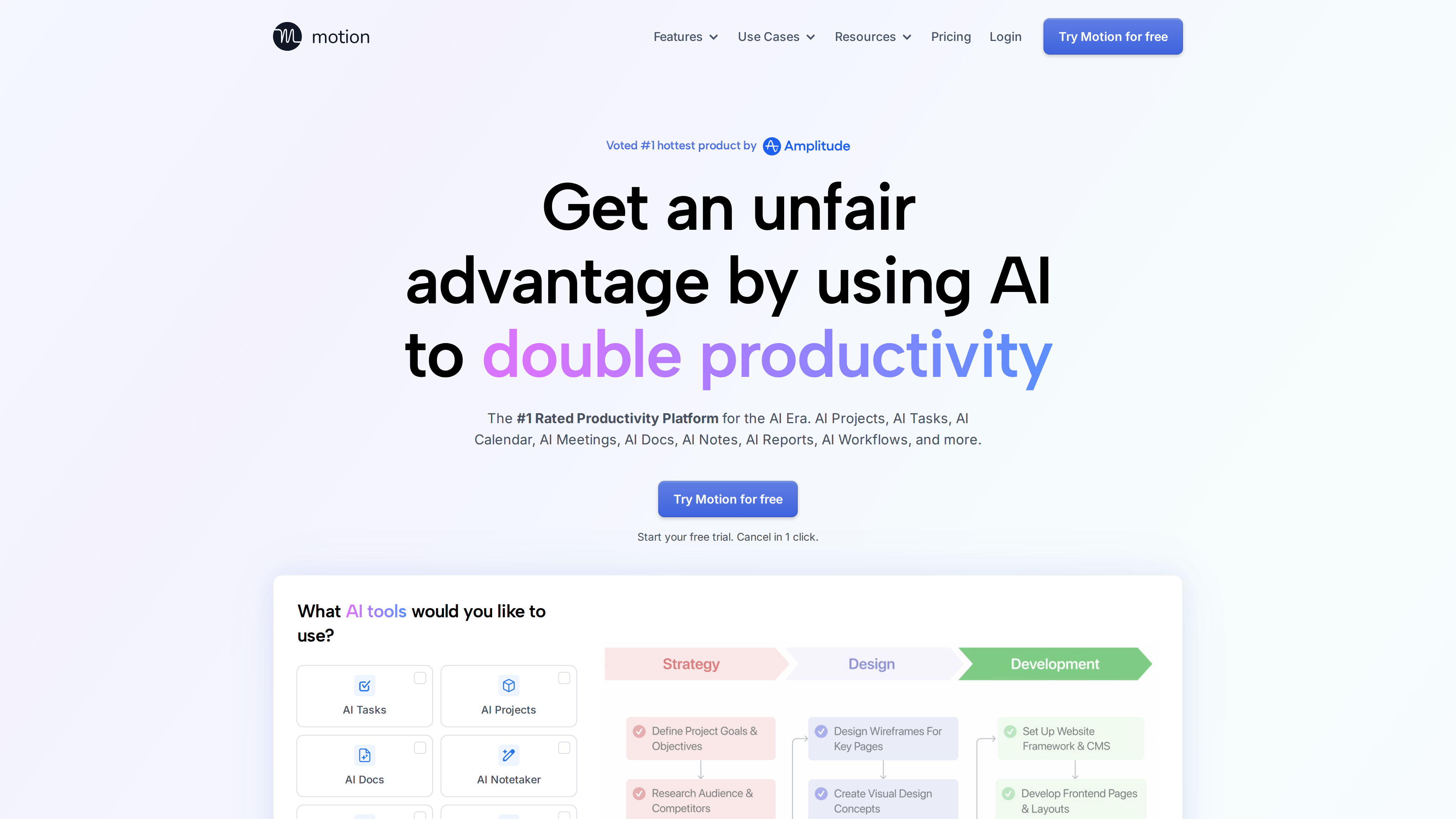
Motion (usemotion.com) is an all-in-one work platform built around AI auto-scheduling: it combines tasks, projects, calendar, meeting notes, and docs in one system, then automatically places tasks into your schedule based on deadlines, priorities, and calendar availability, re-planning whenever things change. Unlike a plain calendar tool or a project manager, Motion describes its own core value as "your schedule is always up to date, with no manual planning" — a verifiable positioning that sets it apart from lookalikes.
Site at a Glance
| Item | Details |
|---|---|
| URL | https://www.usemotion.com/ |
| Type | AI auto-scheduling and all-in-one work platform (tasks/projects/calendar/meetings/docs) |
| Cost | Paid subscription only, no forever-free tier; Teams Pro AI from $19/seat/mo billed annually (as of 2026-09-30) |
| Sign-up | Google / Microsoft / Apple account or email + password; starting a trial requires choosing a plan and entering billing details ($1 pre-authorization) |
| Interface language | English only |
Background
- Motion was founded by Harry Qi in 2019, went through Y Combinator's Winter 2020 batch, and is headquartered in San Francisco; YC lists a team size of 65 (as of 2026-09-30). YC's profile describes Qi as a Dartmouth math and computer science double major who spent over two years as a quantitative trader before founding the company.
- The legal entity is Nexusbird, Inc., doing business as Motion (see the privacy policy).
- Funding: an official blog post dated 2025-09-08, signed by the CEO, announced 75M at a 38M Series C was led by Scale Venture Partners.
- User numbers come in two inconsistent official versions: the homepage claims "Over 1 million top performers and teams trust Motion," while the About page states "40K+ paying users" across 30+ countries. Both are self-reported with no third-party verification — cite with that caveat.
Core Capabilities
AI Auto-Scheduling and Task Management
- The auto-scheduling engine places tasks into the calendar based on start date, duration, deadline, priority (ASAP/High/Medium/Low), task chunking, working hours and break settings, calendar events (events marked busy act as fixed anchors), and recurrence rules (official help doc).
- Dynamic re-planning: the homepage says plans are "automatically optimized hundreds of times per day." Motion distinguishes Do Date (planned work time) from Due Date (deadline) and warns days to weeks ahead when the AI judges a task at risk of missing its deadline (homepage).
- Multiple task inboxes: forward Gmail/Outlook/iCloud email to tasks@usemotion.com to auto-create tasks with parsed title, date, and priority; create tasks via Siri; convert Slack/Teams messages into tasks (Native Integrations).
Project Management and AI Project Manager
Describe a project in natural language and Motion generates a full project with tasks, deadlines, assignees, and stages (the company claims "90%+ accuracy out of the box," not third-party verified). Also included: AI Gantt charts, workflow templates that turn SOPs into reusable workflows, capacity planning, and project ETA forecasts (homepage).
Meetings, Docs, and Notes
- Booking Links: shareable scheduling pages that show availability.
- AI Meeting Notetaker: automatically joins Zoom/Google Meet/Teams calls and produces transcripts, summaries, and action items convertible into tasks; per the official docs it "understands 102 languages but transcribes in English only."
- AI Docs: notes, wikis, and documents that can be published as share links or websites with one click; plus AI Chat (create tasks/docs/projects and search the workspace conversationally) and AI global search.
Pricing and Trial (as of 2026-09-30)
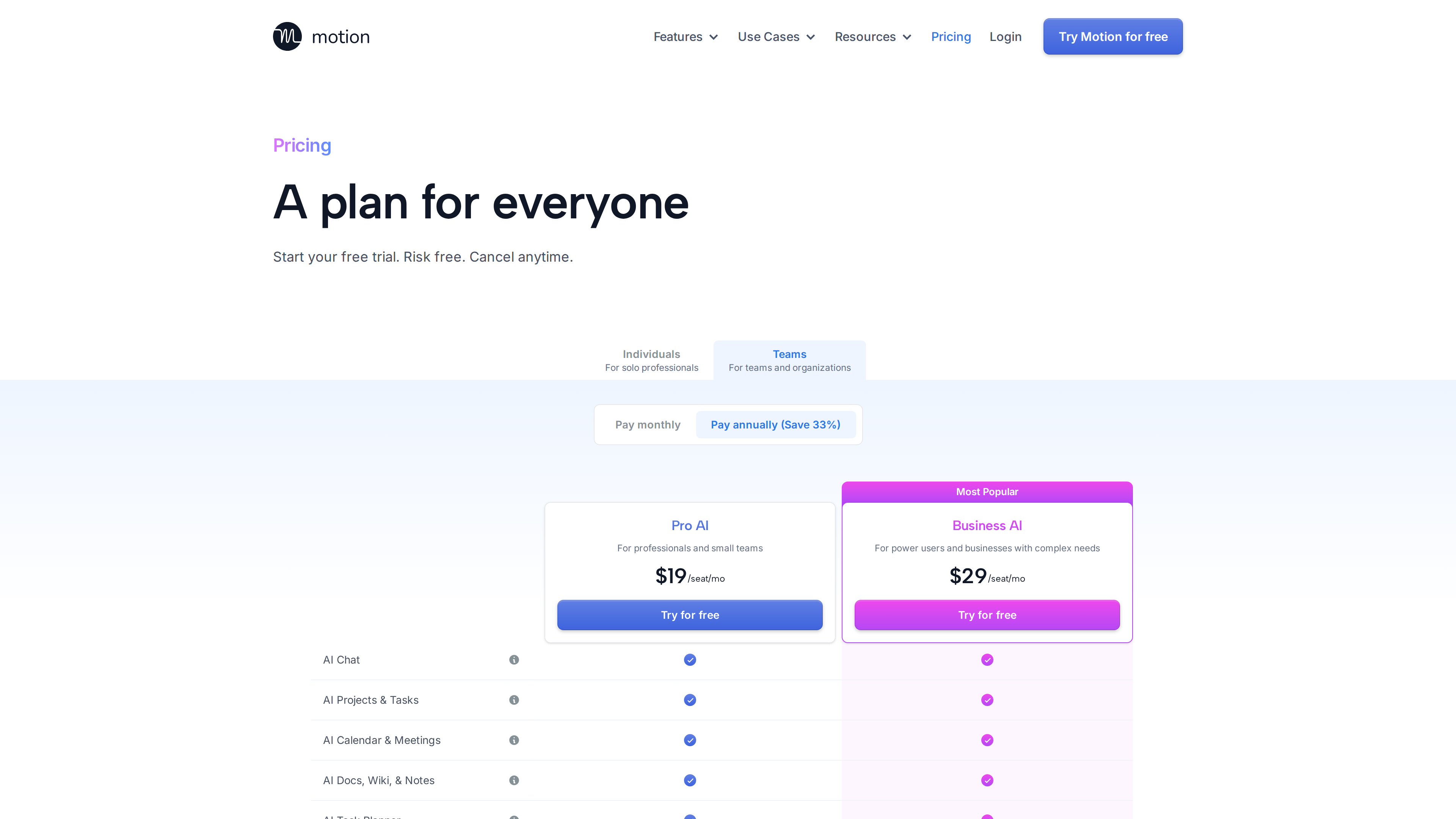
The pricing page offers only two paid tiers — Pro AI and Business AI — under separate Individuals and Teams tabs, each with a monthly/annual toggle (annual marked "Save 33%"):
| Plan | Annual billing | Monthly billing | AI allowance |
|---|---|---|---|
| Teams · Pro AI | $19/seat/mo | $29/seat/mo | 7,500 credits/seat/mo |
| Teams · Business AI | $29/seat/mo | $49/seat/mo | 15,000 credits/seat/mo |
| Individuals · Pro AI | $29/mo | $49/mo | Same as Pro AI |
| Individuals · Business AI | $39/mo | $69/mo | Same as Business AI |
- AI overage: 25¢ per 100 credits on Pro AI, 19¢ per 100 credits on Business AI (pricing page).
- Business AI adds team capacity planning, advanced dashboards and reports, Timeline & Gantt, time tracking, permission controls, consolidated billing, and priority support.
- Free policy: there is no forever-free tier, only a "Try for free" trial. Starting a trial requires choosing a plan and entering billing details, with a $1 pre-authorization that is released after a few days. Under Terms of Service §6.5, the trial auto-converts to a paid subscription unless cancelled before it ends. The current trial length is not stated on the site.
- Cancellation: the homepage advertises "Cancel in 1 click," and self-serve cancellation is available via Settings → Manage Plan → Cancel Plan (official doc).
Accounts and Openness
- Sign-in: Google, Microsoft, or Apple account, or email + password (official FAQ).
- Three external calendar providers are supported (Supported Providers): Google Calendar (full two-way sync, recurring events, booking-link writes; fastest sync); Microsoft Outlook 365 / Exchange Online (full sync at slower intervals; on-premises Exchange is not supported); iCloud Calendar (fewer features, tied to an Apple ID).
- Enterprise note: an organization admin may need to approve the third-party app first (Google OAuth allowlist / Microsoft 365 "Need Admin Approval").
- Platforms: Web, a macOS desktop app (requires macOS 11 Big Sur or later), a Windows desktop app, iOS, and Android (download page). The company positions the mobile apps as a "stripped-down companion experience," and the desktop app has an exclusive Tabs feature (Mobile App doc).
- Integrations and API: native integrations include Google Calendar, Outlook 365, iCloud, Zoom, Google Meet, Teams, Gmail, Siri, and Zapier (connecting thousands of apps) (integrations page). The company states its API is available to all users, with endpoints covering tasks, recurring tasks, projects, comments, custom fields, schedules, statuses, users, and workspaces.
- Data and security: the privacy policy (last updated 2025-06-27) explicitly lists "training and developing machine learning algorithms" among permitted uses of user data; payments are processed via Stripe. Motion has completed a SOC 2 Type II audit (auditor: Prescient Assurance), undergoes at least annual third-party penetration testing, and will share a security package on request (security page).
Who It Suits
Based on the verifiable features above, Motion is a reasonable fit for:
- Individuals and teams with many tasks and frequently changing schedules who want automated planning and re-planning;
- Users already on Google Calendar or Outlook 365, where sync support is most complete;
- Teams that want project management, meeting notes, docs, and calendar scheduling in one tool instead of several;
- Organizations with vendor-compliance requirements (SOC 2 Type II and penetration test reports available on request).
Limitations
- No forever-free tier; the individual plan starts at 1 pre-authorization) and auto-converts to paid unless cancelled in time (as of 2026-09-30).
- The interface is English only.
- iCloud Calendar integration is weaker than Google/Outlook; on-premises Exchange is unsupported.
- Mobile apps are companion experiences, not full-featured clients.
- Deleted tasks, events, projects, and workspaces are permanently unrecoverable.
- AI features are metered in credits; overage costs extra.
- The terms include a binding arbitration clause and a class-action/jury-trial waiver under Delaware law.
- The privacy policy permits using user data to train machine-learning algorithms — evaluate accordingly (privacy policy).
Alternatives for Comparison
- Reclaim.ai (pricing, as of 2026-09-30): offers a forever-free Lite tier; paid plans run about 15/$22 per seat/mo billed annually. It focuses on calendar defense (Focus Time, Habits, Buffer Time, Smart Meetings) without Motion-style project management, docs, or meeting notes. Difference: Reclaim has a free tier, a lower entry price, and a narrower scope; Motion has no free tier, a higher price, and full-workflow coverage.
- Sunsama (pricing, as of 2026-09-30): a single Pro plan at 22/mo monthly; 1 per workday." Difference: Sunsama's trial needs no card and its solo price undercuts Motion's individual plan; Motion adds the AI auto-scheduling engine plus project management and docs.
- Note: Motion's own Compare section currently only covers Wrike, Asana, ClickUp, and Monday (project-management tools); there are no official Motion-vs-Reclaim or Motion-vs-Sunsama pages.