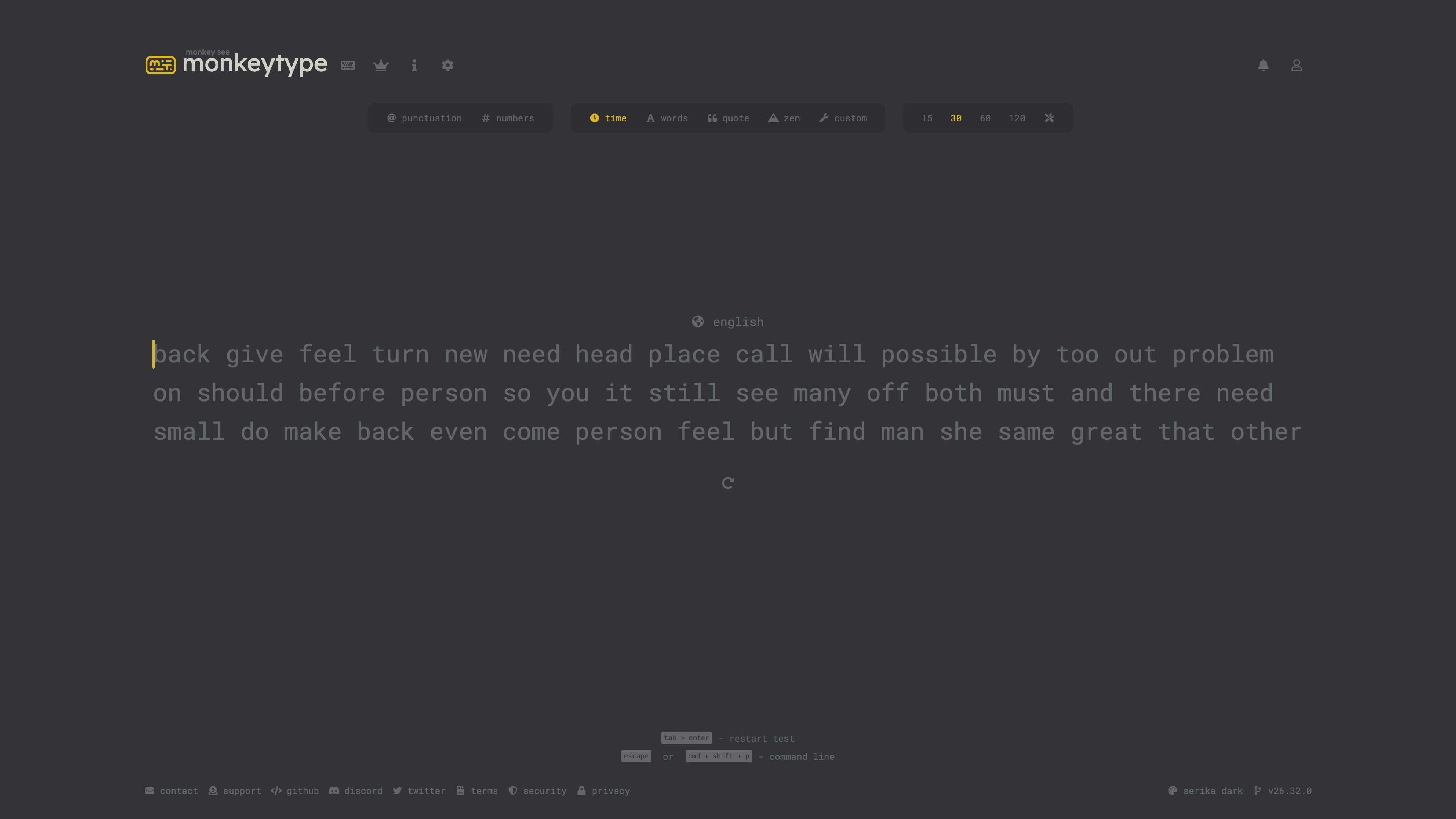
Monkeytype is a browser-based typing speed test and practice site, launched in May 2020 and fully open-sourced under the GPL-3.0 license. It pairs a deliberately minimal interface with real-time, in-place feedback and a level of customization that goes well beyond comparable tools: test modes, word-list languages, keyboard layouts, themes, sounds, and caret behavior are nearly all adjustable. An account is optional — you can start typing immediately — but signing in unlocks result history, leaderboards, and API access to your own data.
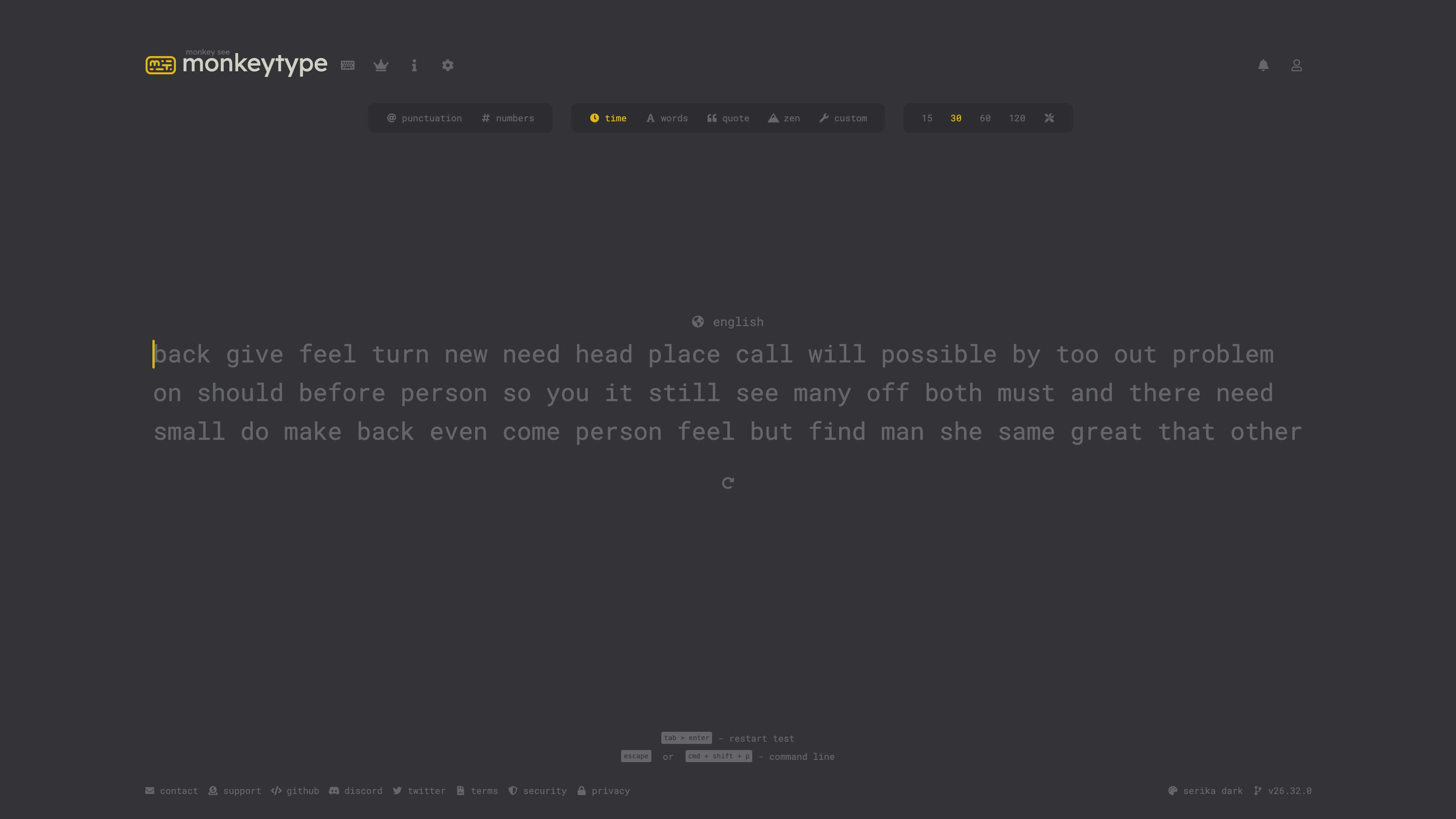
At a glance
- URL: https://monkeytype.com/
- Type: Online typing speed test and practice tool (runs in the browser, nothing to install)
- Cost: Free; pages show optional ads by default, with donations, Patreon, and a merch store as support channels
- Registration: Not required to test; a free email account enables result history, leaderboards, and API keys
- Interface language: English only; test word lists cover hundreds of languages (including Simplified and Traditional Chinese)
Background
Monkeytype was created by UK-based developer Jack, better known as Miodec. According to the site's About page, it launched on May 15, 2020. In a 2023 interview with kbd.news, he described the origin: inspired by the clean design of the typing site typings.gg, he built a prototype in Codepen and posted it to Reddit's mechanical keyboard community, where roughly 400 upvotes convinced him to build it properly. Six days after launch, streamer Taeha used it on stream, driving the first visible wave of traffic. The site later won a Semrush Awards 2022 gold for traffic growth in the education category. In the same interview he noted that Monkeytype officially remains a one-person operation, sustained by open-source contributors around the world.
The code lives on GitHub, licensed GPL-3.0 and written mainly in TypeScript. As of 2026-08-31, the repository has about 20.6k stars and 3.3k forks, and releases remain frequent — v26.32.0, published on August 4, 2026, matches the version shown in the site's footer. Operating figures published on the About page (as of 2026-08-31) include 5.16 billion tests started, 915 million completed, and roughly 1,407 years of cumulative typing time.
Test modes and how scores are defined
The configuration bar offers five test modes: time (15/30/60/120-second presets), words (a fixed word count), quote, zen (untimed free typing), and custom (your own text), plus toggles for punctuation and numbers. The default word set is the 200 most common English words, with a 1,000-word expanded set available in settings. Characters appear in place as you type, with immediate feedback on errors, speed, and accuracy. The results screen reports wpm, raw wpm, accuracy, character stats, and consistency, and lets you replay your input or drill the words you missed or typed slowly. The metrics are explicitly defined on the About page — wpm, for example, counts correctly typed characters (including spaces), divides by five, and normalizes to one minute.
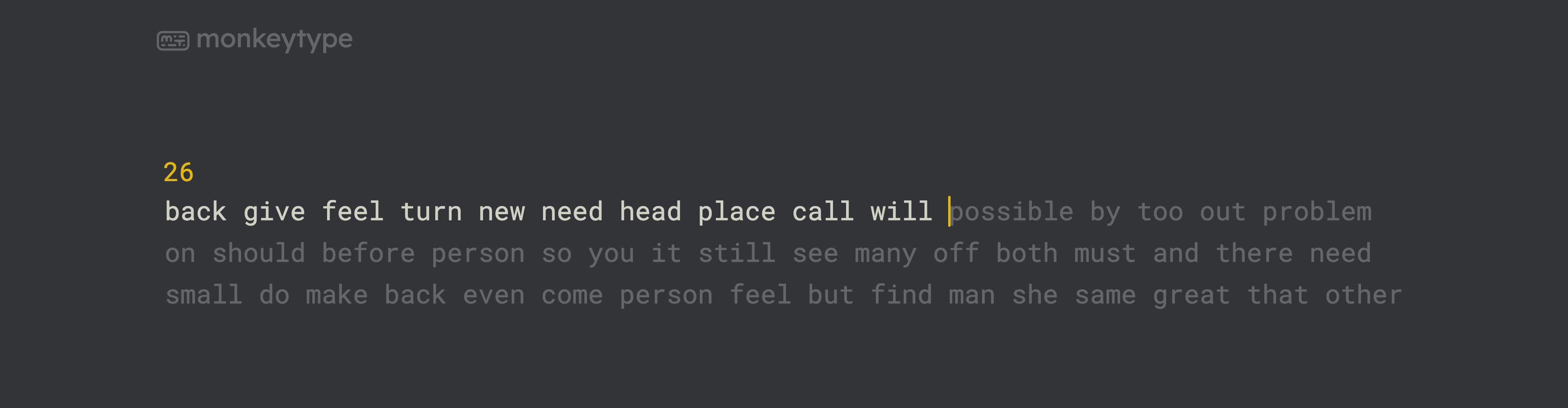
Keyboard shortcuts are part of the product: Tab + Enter restarts a test, and Esc or Cmd + Shift + P opens a command line that exposes almost every function without touching the mouse.
Word lists, layouts, and themes
Customization is where Monkeytype most clearly differs from its peers. Verified on the settings page as of 2026-08-31:
- Language word lists: the language picker lists 446 options, including size variants per language (english 1k/5k/10k/450k), Simplified and Traditional Chinese, and more than 60 programming-language lists (code_python, code_javascript, etc.). Word lists grow through community contributions, and the contribution guidelines require them to exclude expletives.
- Keyboard layouts: 239 layout options, covering QWERTY, Dvorak, Colemak, and many variants.
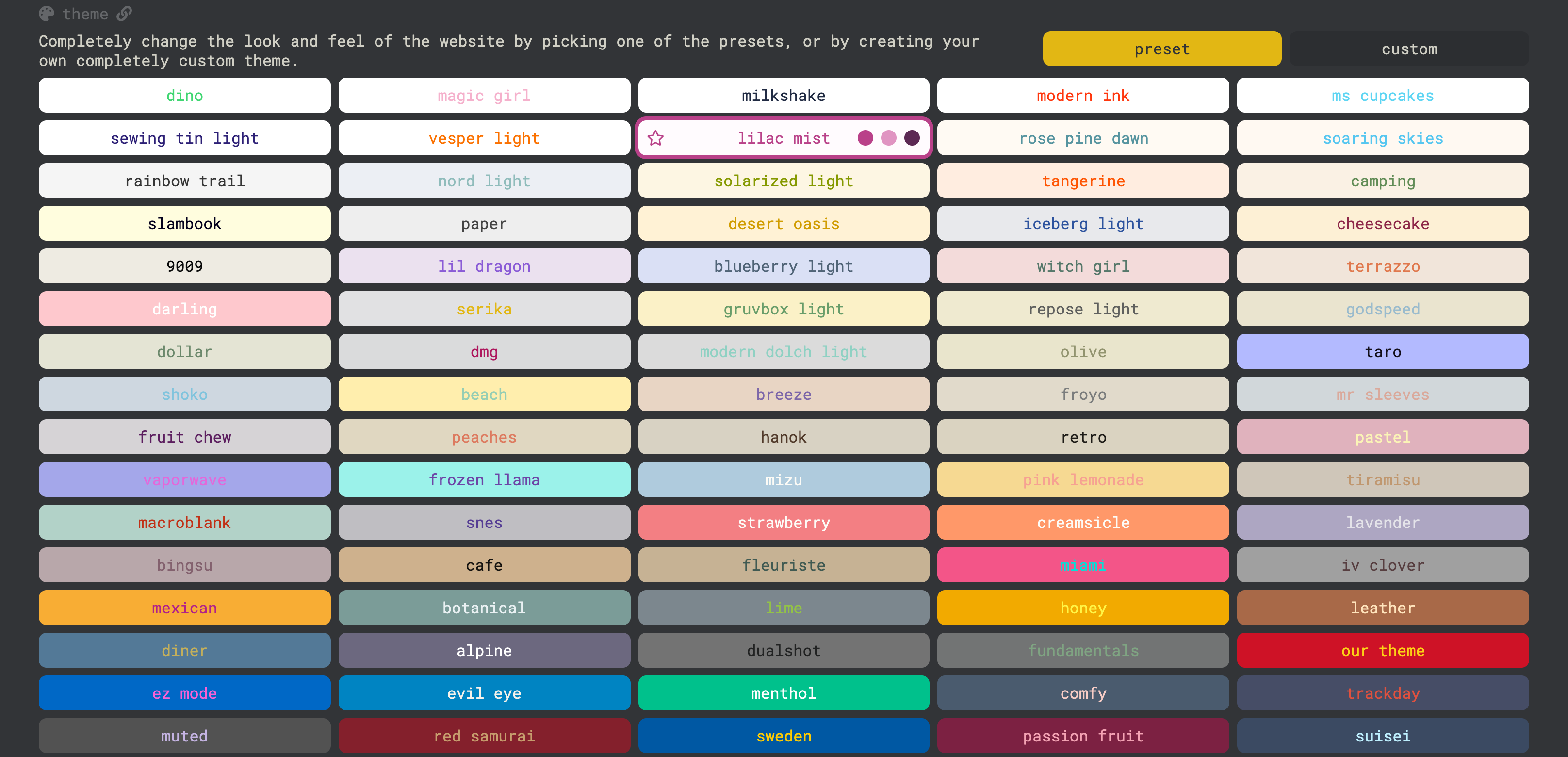
- Themes: 187 preset themes plus a custom theme builder; the default is serika dark.
- Behavior and assistance: three difficulty levels (normal / expert / master — master fails the test on a single wrong key), along with granular switches for sounds, caret style, and hiding interface elements.
Accounts and open interfaces
An account is not required, but signing in is what makes results accumulate: full test history and personal bests, all-time / daily / weekly leaderboards, a public profile, and a friends system. Registration uses an email address (with a password-reset flow), and authentication runs on Firebase.
For developers, Monkeytype exposes a public API: generate an "Ape Key" in the account settings, then call endpoints documented in the OpenAPI-based API docs, which cover typing stats and enforce rate limits. The project also runs a Discord community whose bot automatically assigns roles based on typing performance — the bot's code is open source as well.
Quote-mode content is community-sourced: quotes arrive via GitHub pull requests and are reviewed against rules that exclude libelous, unlawful, abusive, or obscene text, with translations required for non-English submissions. Users can also report quotes containing typos or inappropriate content.
Privacy and the advertising model
The site is free, funded by optional advertising and voluntary support. Per its privacy policy (effective September 2021, last updated May 12, 2025): ads are served by a third-party company, Playwire; a cookie consent form appears on first visit (non-essential cookies can be rejected); and advertising itself is optional — the ad-related terms only apply if you have not disabled it. Support channels include Ko-fi donations, Patreon, and a merchandise store.
On data collection, the policy lists what is gathered: email, username, an optional Discord identifier, per-test typing data, active settings, and usage duration. Custom-mode texts are explicitly not collected — they stay in the browser's localStorage.
Who it suits
- People training their typing speed systematically who want long-term progress data;
- Mechanical keyboard and layout enthusiasts — the layout, sound, and theme options read as designed for them;
- Users who want to practice a specific language (including Chinese) or typing code symbols;
- Developers who want to build clients or pipe typing data into their own tools, using the GPL-licensed code and the public API.
Limitations
- English-only interface: there is no official localized UI; Chinese word lists exist, but every setting and label is in English.
- Uneven depth in smaller languages: word lists and quotes depend on community contributions, so major languages are rich while smaller ones can be thin.
- Ads on by default: advertising is optional and can be turned off, but it is enabled out of the box and involves a third-party ad network plus a cookie-consent step — a one-time chore if you dislike it.
- Mobile is not the focus: there is no dedicated app; pages open fine in a phone browser, but the product is built around physical keyboards, and touch input underuses its core features.
- Fragile local data: without an account, settings and custom texts live only in browser storage and vanish if you clear site data or switch devices.
Comparable sites
In the kbd.news interview, the founder names 10FastFingers and TypeRacer as the mainstream reference points of the time: 10FastFingers offers similar word tests and leaderboards, while TypeRacer centers on live multiplayer races. Monkeytype leans harder into solo practice freedom and statistical depth; typings.gg, its original inspiration, remains the lighter-weight, single-test take on the same idea.
Sources
- Monkeytype About: launch date, metric definitions, and site-wide statistics
- GitHub repository and releases: license, contribution model, and release cadence
- Interview: 3 years of Monkeytype (kbd.news, 2023-05-19): the founder's account of the project's history
- Privacy policy and Terms of Service
- Monkeytype API documentation



