
MDN Web Docs (developer.mozilla.org) is Mozilla's documentation repository and learning resource for the open web platform. It systematically covers HTML, CSS, JavaScript, Web APIs, HTTP, and related standards, and nearly every reference page ends with a cross-browser compatibility table — the feature that most clearly sets it apart from general tutorial sites. All content is free to read with no account required, and the documentation itself is open source on GitHub, maintained by Mozilla, the non-profit Open Web Docs, and a global community that includes engineers from Google and Microsoft. According to the official About page (checked 2026-09-02), MDN serves around 45,000 pages of content and roughly 46 million pageviews per month, with a localized interface available in several languages including Simplified and Traditional Chinese.
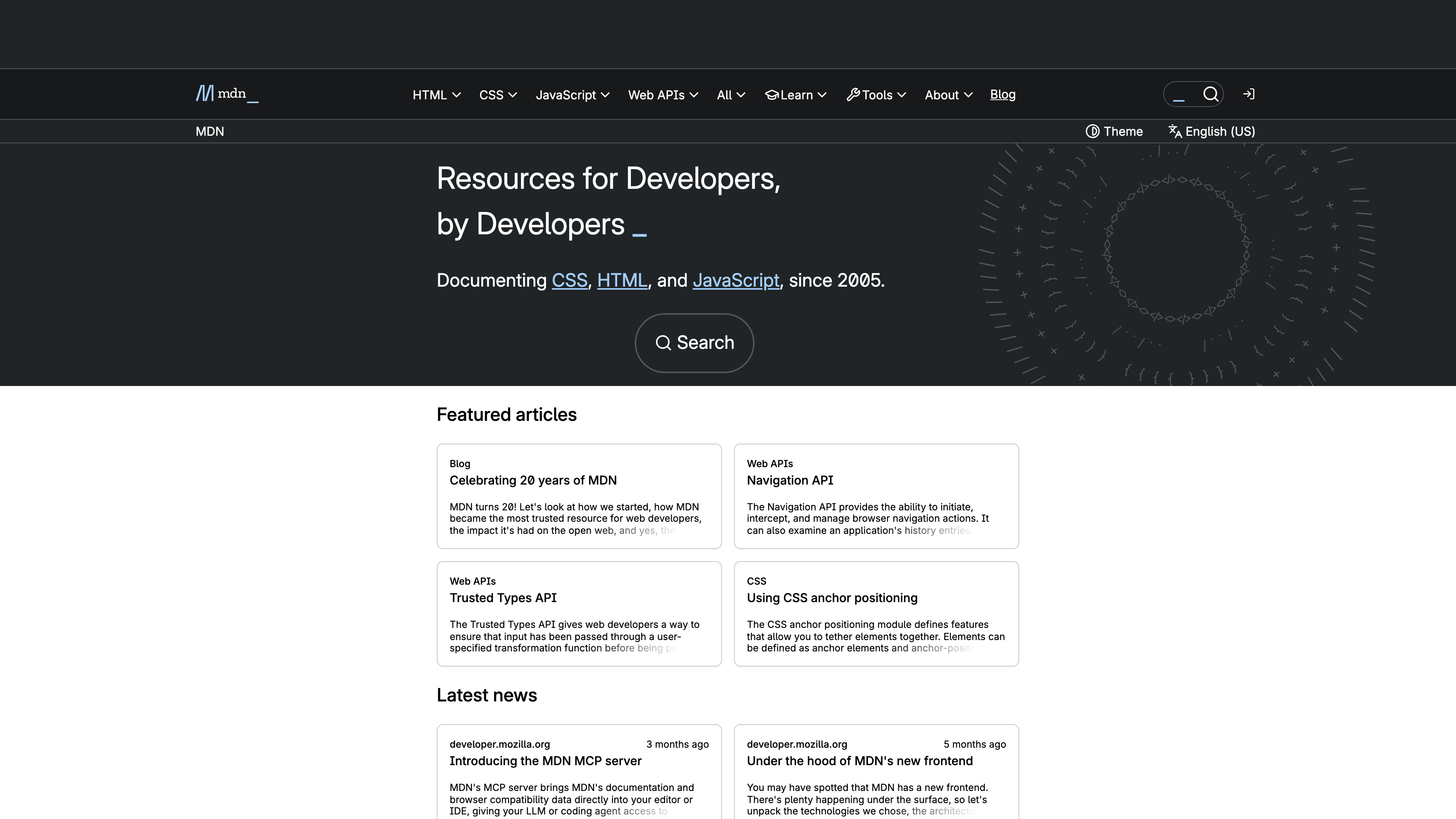
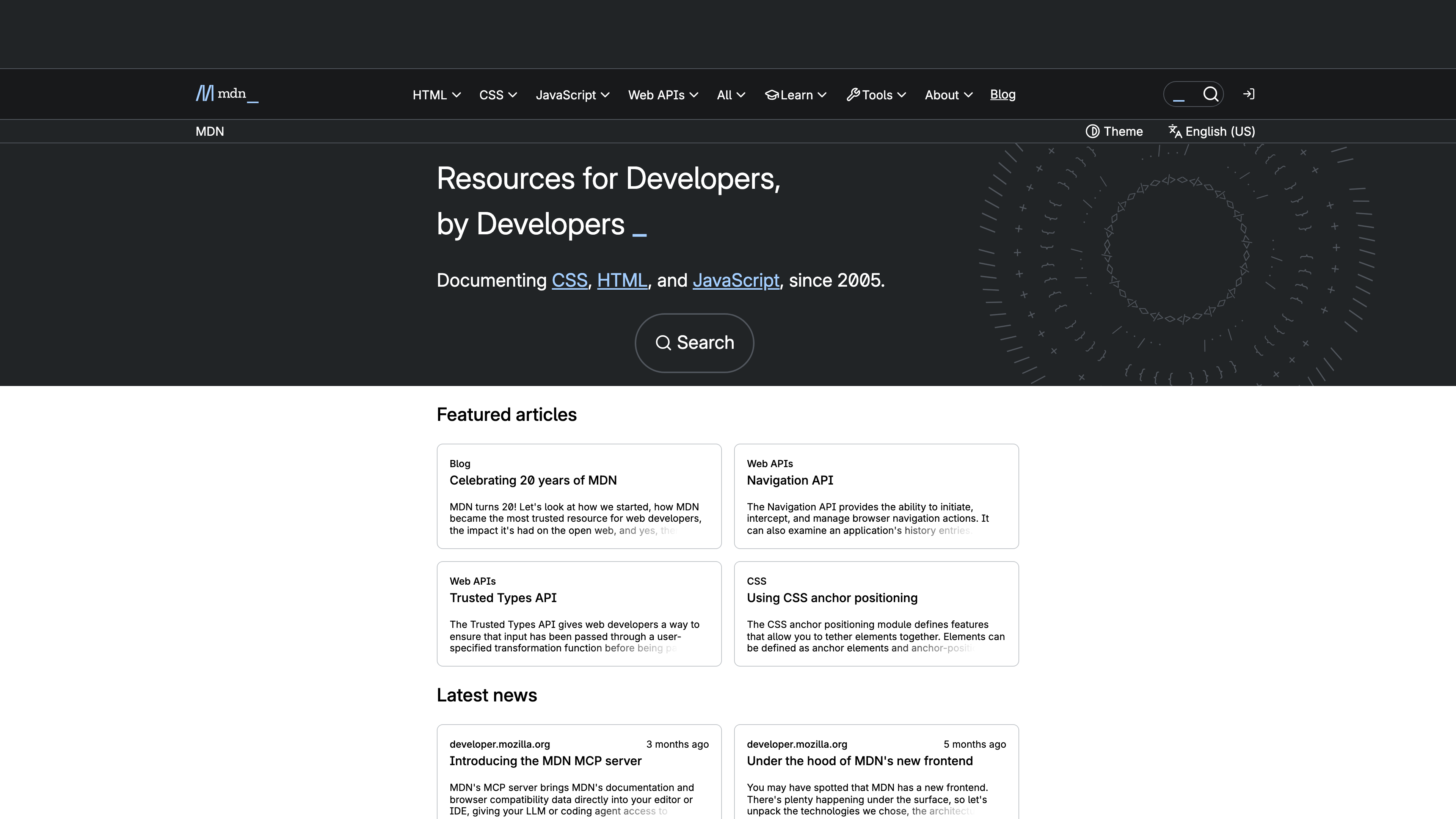
The screenshot above shows the MDN homepage: the top navigation is organized by technology area (HTML, CSS, JavaScript, Web APIs), with Learn, Tools, and Blog as separate sections. The hero line notes "Documenting CSS, HTML, and JavaScript, since 2005", followed by featured articles and the latest news. (Ad slots were hidden for this capture; see "Limitations" below for how advertising works on MDN.)
At a glance
- URL: https://developer.mozilla.org/
- Type: Web platform documentation repository and learning resource (open-source, community-maintained)
- Cost: All docs and tutorials are free; an optional MDN Plus subscription adds premium features (see below)
- Registration: None needed for reading; editing happens via pull requests on GitHub; collections and notifications require a free Mozilla account
- Languages: English is the source language; seven actively maintained human-translated locales, including Simplified and Traditional Chinese; German and Italian are offered as experimental machine-translated locales
- Launched: 2005
- Operated by: Mozilla Corporation, together with Open Web Docs and a worldwide volunteer community
Background
MDN launched in 2005 as the Mozilla Developer Center (codename DevMo), a community-driven wiki whose seed content came from Netscape's DevEdge developer site, licensed to the Mozilla Foundation by AOL. The project was renamed Mozilla Developer Network (MDN) in 2010 and later MDN Web Docs. Around 2017, Microsoft, Google, and Samsung each announced they were retiring their own web documentation projects and consolidating their docs on MDN. (Sources: MDN About page, MDN Web Docs on English Wikipedia.)
On December 14, 2020, MDN moved off its custom wiki platform (Kuma) onto a static publishing platform called Yari, and all documentation was converted to Markdown in the mdn/content GitHub repository — editing became a standard pull-request workflow. In January 2021, Open Web Docs was founded as a non-profit that employs technical writers to work on MDN full-time, funded by corporate and individual donations; it remains one of MDN's most productive contributors.
The site has kept evolving since: a major redesign and the paid MDN Plus subscription arrived in March 2022; 2023–2024 brought the Playground code editor, the AI Help assistant, HTTP Observatory, the MDN Blog, and the MDN Curriculum for front-end learners. In August 2025, MDN shipped a rebuilt front end that replaced the React single-page app with server-rendered HTML and Lit web components, deliberately preferring Baseline "Widely available" web features. In July 2025 the MDN blog celebrated the project's 20th anniversary, reporting nearly 14,000 English documentation pages, more than 33,000 localized articles, and compatibility data covering close to 18,000 features.
What's on the site
The core of MDN is reference documentation: HTML elements and attributes, CSS properties and at-rules, the JavaScript language and standard library, hundreds of Web APIs, and HTTP headers and methods. Pages typically include syntax, examples, specification links, and security or usability notes. A Baseline badge at the top of reference pages (for example, "Widely available") helps readers judge whether a feature is safe to use in production.
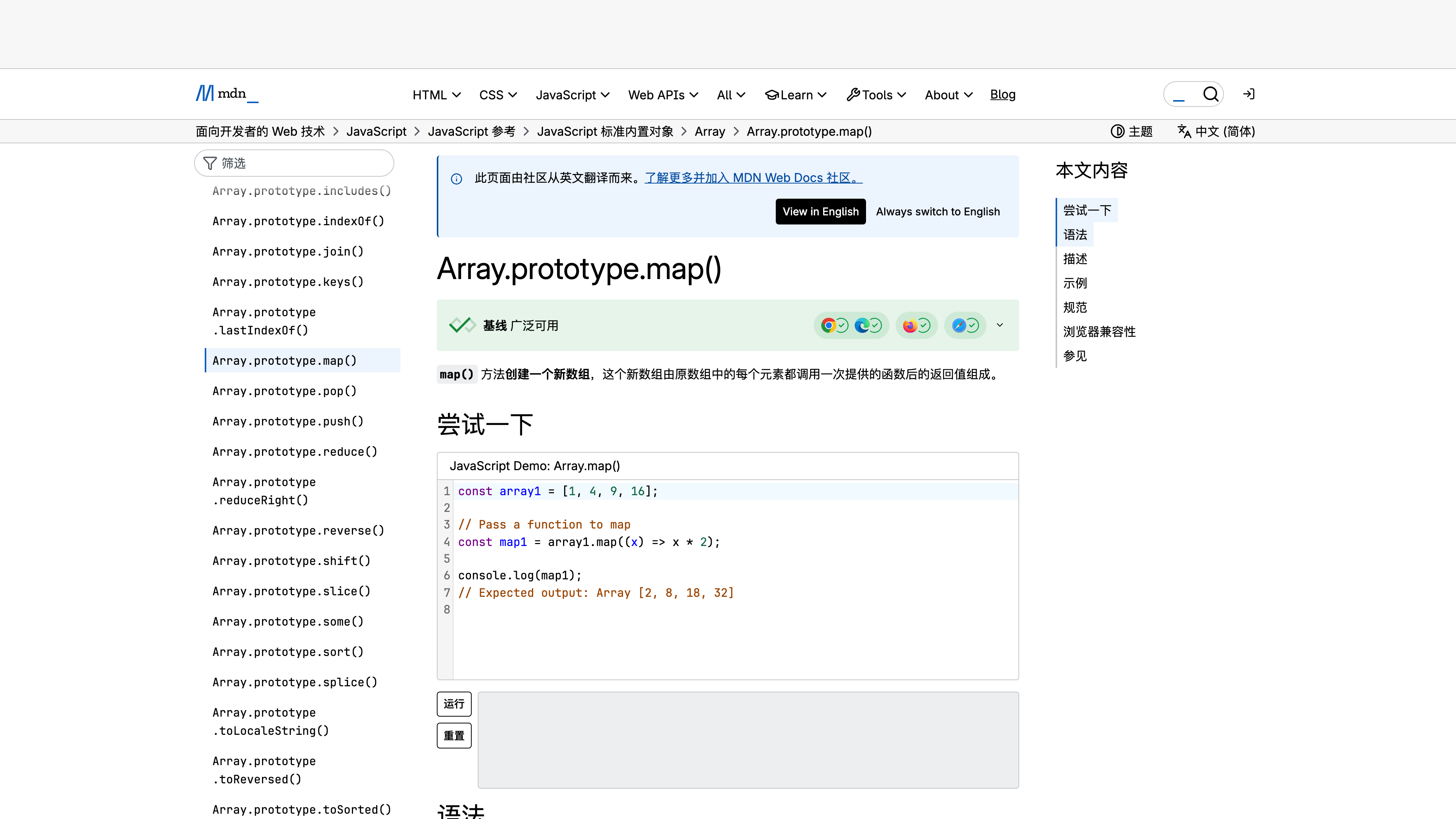
The screenshot above shows the Array.prototype.map() page in Simplified Chinese: a green badge marks the feature as Baseline "Widely available" alongside major browser icons, the "Try it" block embeds a runnable interactive example, and the notice at the top explains that the page was translated from English by the community — which is how all localized MDN content is produced.
The compatibility table at the bottom of each reference page is powered by the standalone browser-compat-data (BCD) project, covering the major desktop and mobile browsers plus runtimes such as Node.js and Deno. Third-party tools like Can I use build on the same dataset.
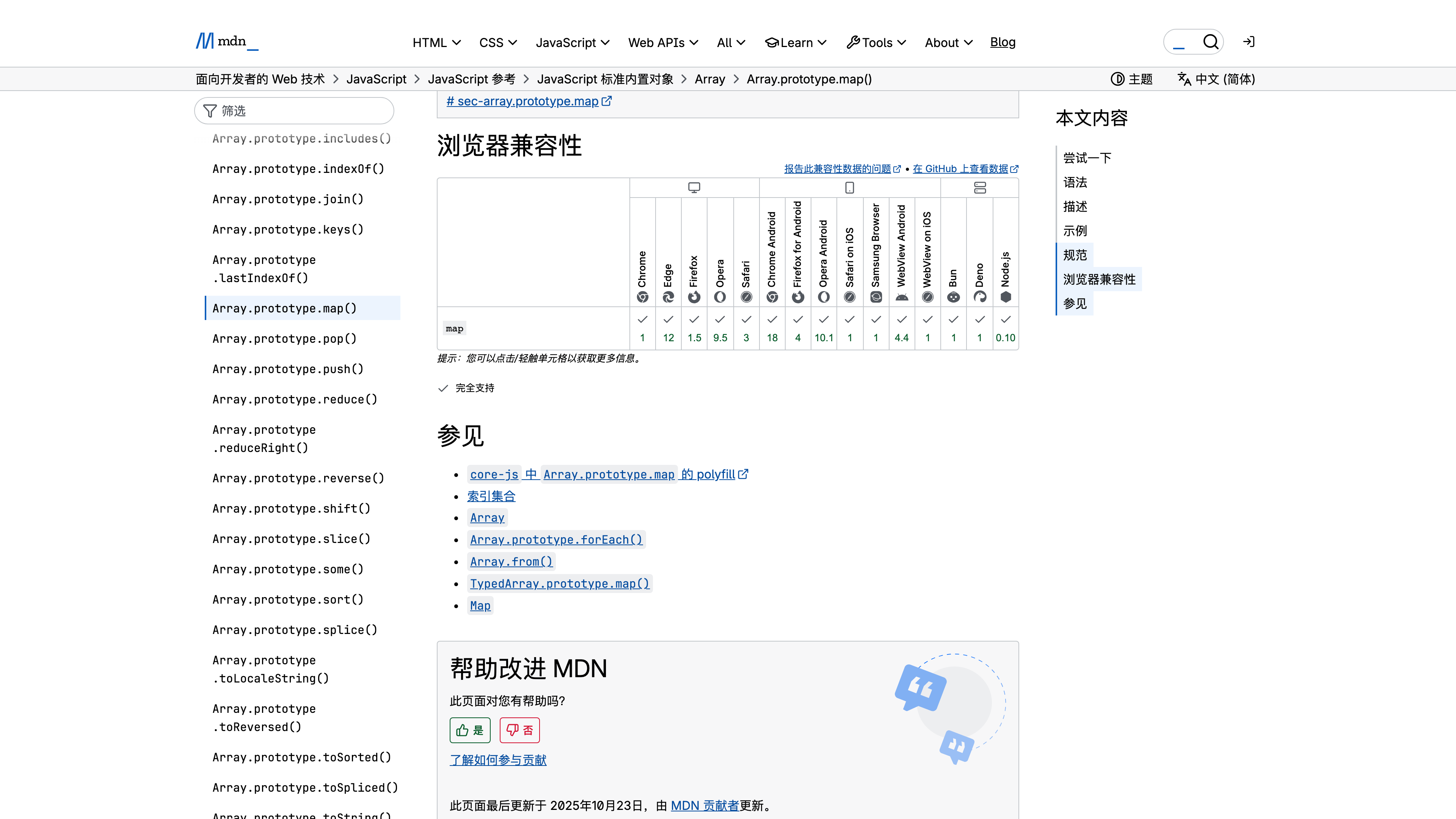
The screenshot above is the compatibility table for map(): browsers and runtimes are listed across the top, the numbers in each cell are the versions that introduced support, and cells expand to finer-grained sub-feature notes.
Beyond the reference, MDN runs a set of companion sections:
- Learn web development and the MDN Curriculum: a structured learning path for beginners. The Curriculum defines the essential skill set for new front-end developers — free and self-paced — and the Learn section's core modules follow it, with a paid interactive course offered through partner Scrimba (Curriculum page, last updated October 2025).
- Playground: an online editor for writing and running HTML/CSS/JS, with sharing available after signing in.
- HTTP Observatory: a website security-header scanner that moved to MDN in 2024.
- MDN Blog: running since May 2023, publishing web technology explainers, tutorials, and MDN announcements.
- AI Help: a question-answering assistant powered by OpenAI GPT-4o and GPT-4o mini, with answers that cite MDN pages.
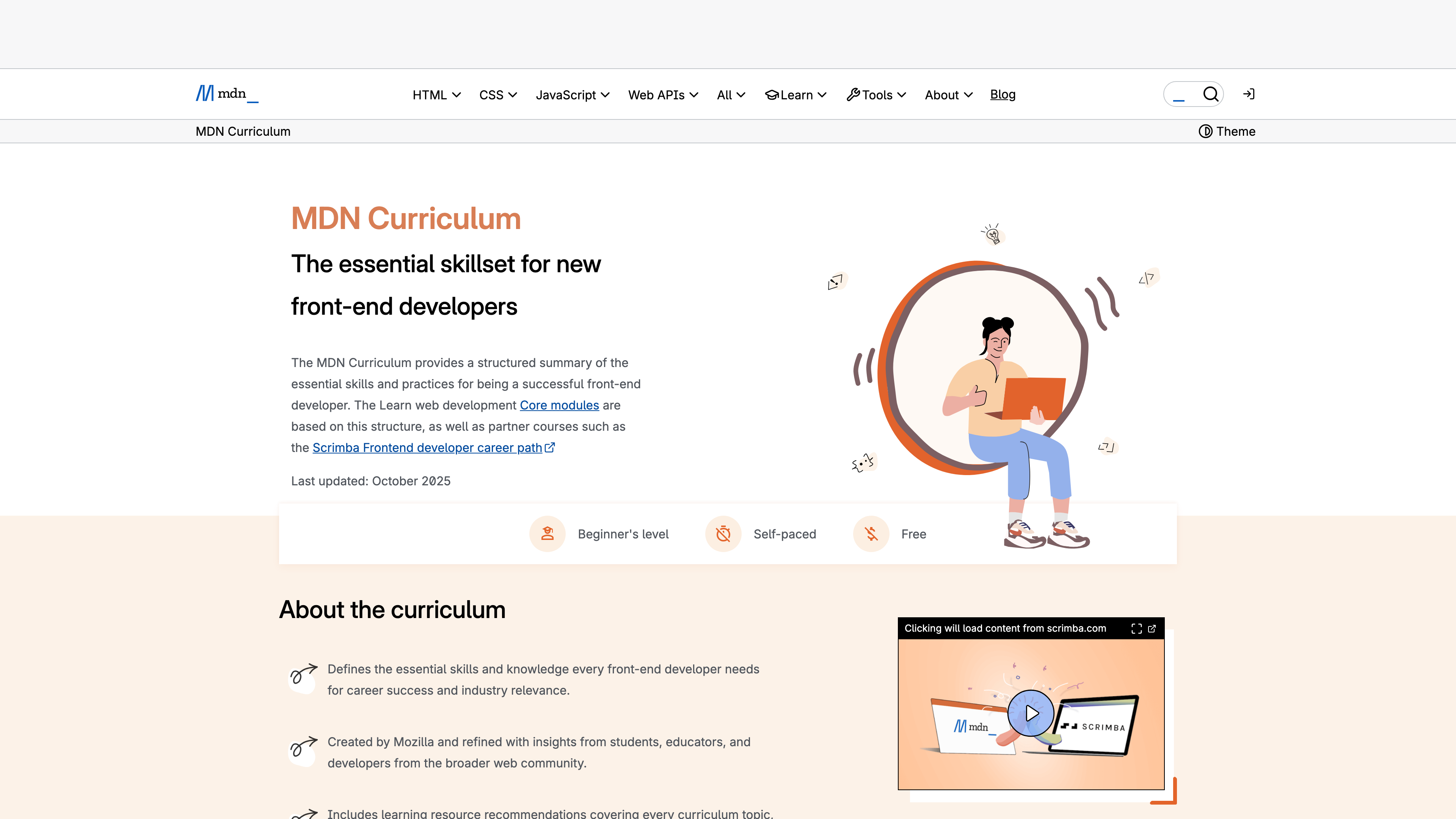
The screenshot above shows the MDN Curriculum page, which groups front-end skills into Getting started, Core, and Extensions modules; both the Learn section and the Scrimba partner course build on this structure.
Accounts, subscriptions, and open capabilities
No account is needed to read anything. A free Mozilla account unlocks Collections, compatibility-change notifications (Updates), and Playground sharing. On top of that sits MDN Plus, a paid subscription for heavy users; as of 2026-09-02, the official tiers are: Core (free; up to 3 collections, AI Help limited to 5 questions per day), MDN Plus 5 at US10/month (adding early access to new features), with two months free on annual billing. Per the MDN Plus Terms of Service, the paid service is only available in 15 countries — the US, Canada, the UK, Germany, France, Italy, Spain, Belgium, Austria, Switzerland, the Netherlands, Ireland, Malaysia, New Zealand, and Singapore — and requires a Mozilla account.
For developers, the open capabilities matter more:
- Open-source repositories: the documentation source lives in mdn/content (10,964 stars and 23,230 forks as of 2026-09-02), translations in mdn/translated-content, compatibility data in mdn/browser-compat-data, and the platform code (yari, fred) is public as well — anyone can open a PR to fix the docs.
- Open licensing: documentation is published under CC BY-SA and code samples under CC0 (details below), so the material can be legally quoted, translated, and remixed.
- MDN MCP server: an experimental MCP server launched in June 2026 that feeds MDN documentation and compatibility data directly into AI tools such as VS Code, Cursor, and Claude Code, at
https://mcp.mdn.mozilla.net/.
Copyright and content policy
MDN's documentation text is licensed under Creative Commons Attribution-ShareAlike 2.5 or later (CC BY-SA 2.5+): reuse requires attribution to "Mozilla Contributors" with a link to the source page, and derivative works must be shared under the same terms. Code samples added on or after August 20, 2010 are CC0 (public domain); earlier samples are under the MIT license. Mozilla's trademarks, logos, and the site's look and feel are not covered by the Creative Commons license. Contributing to MDN means agreeing to publish under these terms, and MDN explicitly rejects content copied from other sources.
Good use cases
- Looking up exact syntax, parameters, and specification links for HTML elements, CSS properties, and JavaScript APIs
- Checking whether a web feature is supported in your target browsers (compatibility tables plus Baseline badges)
- Learning front-end development from scratch via the Learn web development modules and the Curriculum
- Reading documentation in Chinese and other languages (translations are volunteer-maintained)
- Reusing CC-licensed content for translations, teaching materials, or datasets; feeding authoritative docs into AI coding tools via the MCP server
Limitations
- Advertising: non-paying visitors see banner and sidebar ads on the homepage and content pages; ad-free browsing is a paid MDN Plus feature.
- Uneven translations: non-English content depends on volunteer teams and can lag behind the English source, and some pages remain untranslated. Locales without sufficient maintenance capacity were archived when the platform migrated in late 2020.
- Regional restrictions on Plus: the paid subscription is sold in only 15 countries; mainland China, Taiwan, and Japan are not on the list.
- AI features need caution: AI Help answers can still be wrong; MDN's earlier AI Explain feature was rolled back with a public postmortem in 2023 after quality concerns.
- No one-on-one support: the MDN team states explicitly that it cannot help with general coding or debugging questions — those belong on Stack Overflow and similar communities.
- Focused on open web standards: framework-specific coverage (React, Vue, and friends) is limited; the frameworks' own documentation remains the primary source.
Alternatives to consider
- web.dev: Google's web developer resource, oriented toward performance and best-practice guidance rather than neutral reference material.
- Can I use: a focused feature-support lookup tool whose data comes from MDN's browser-compat-data project.
- W3Schools: a commercially operated tutorial site with similar coverage but a different editorial model and licensing terms.
References
- MDN Web Docs homepage and About page (positioning, history timeline, scale figures; checked 2026-09-02)
- Attribution and copyright licensing (CC BY-SA 2.5+ and CC0 terms)
- MDN Web Docs localization (active and archived locales)
- Celebrating 20 years of MDN (content scale and contributor figures)
- Launching MDN's new front end (2025 front-end rebuild)
- Introducing the MDN MCP server (MCP service)
- MDN Plus page (plans and pricing; checked 2026-09-02) and MDN Plus Terms of Service (availability)
- mdn/content on GitHub (star and fork counts; checked 2026-09-02)
- Open Web Docs (organization mission and funding model)
- MDN Curriculum (curriculum structure; last updated October 2025)



