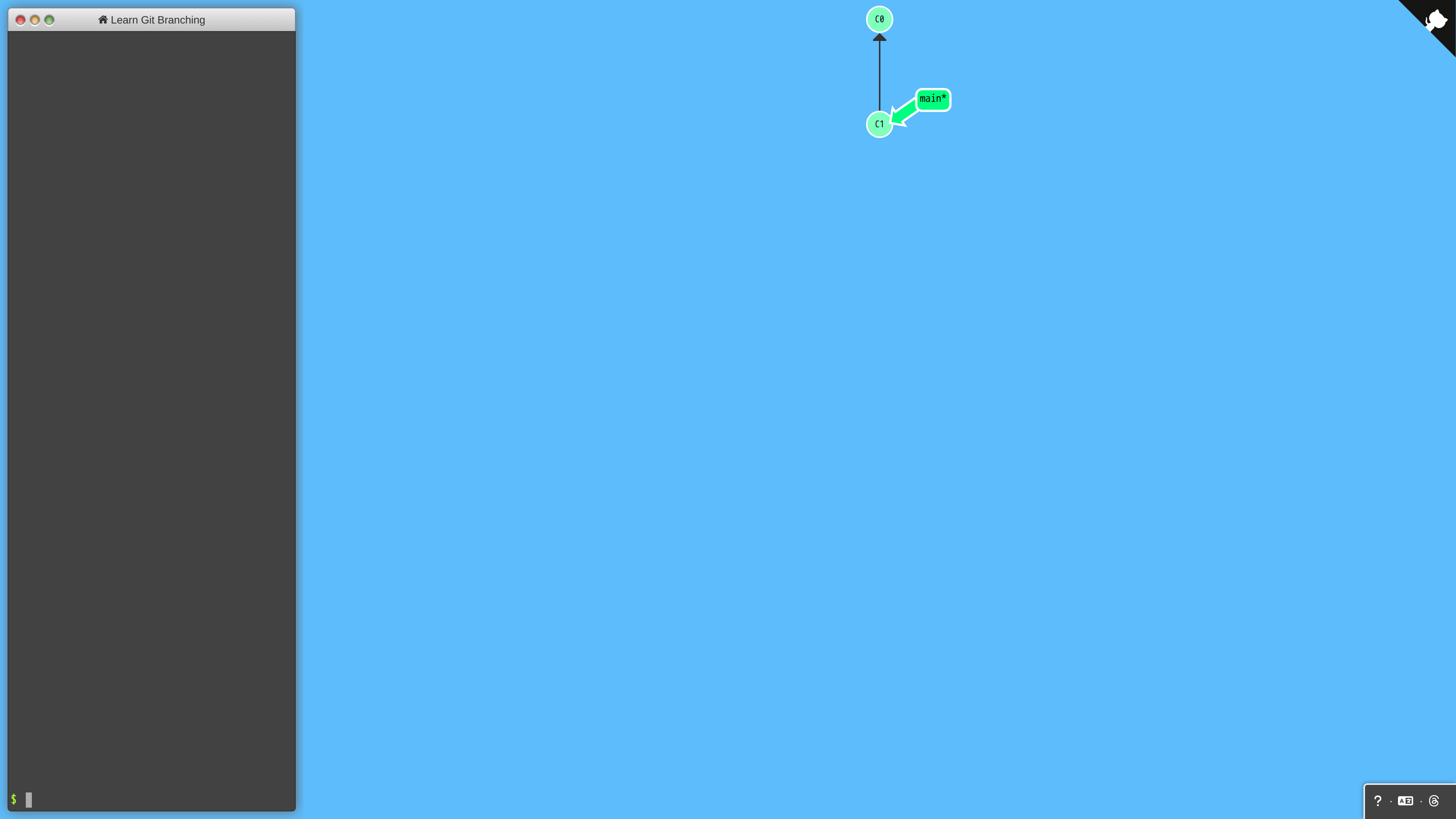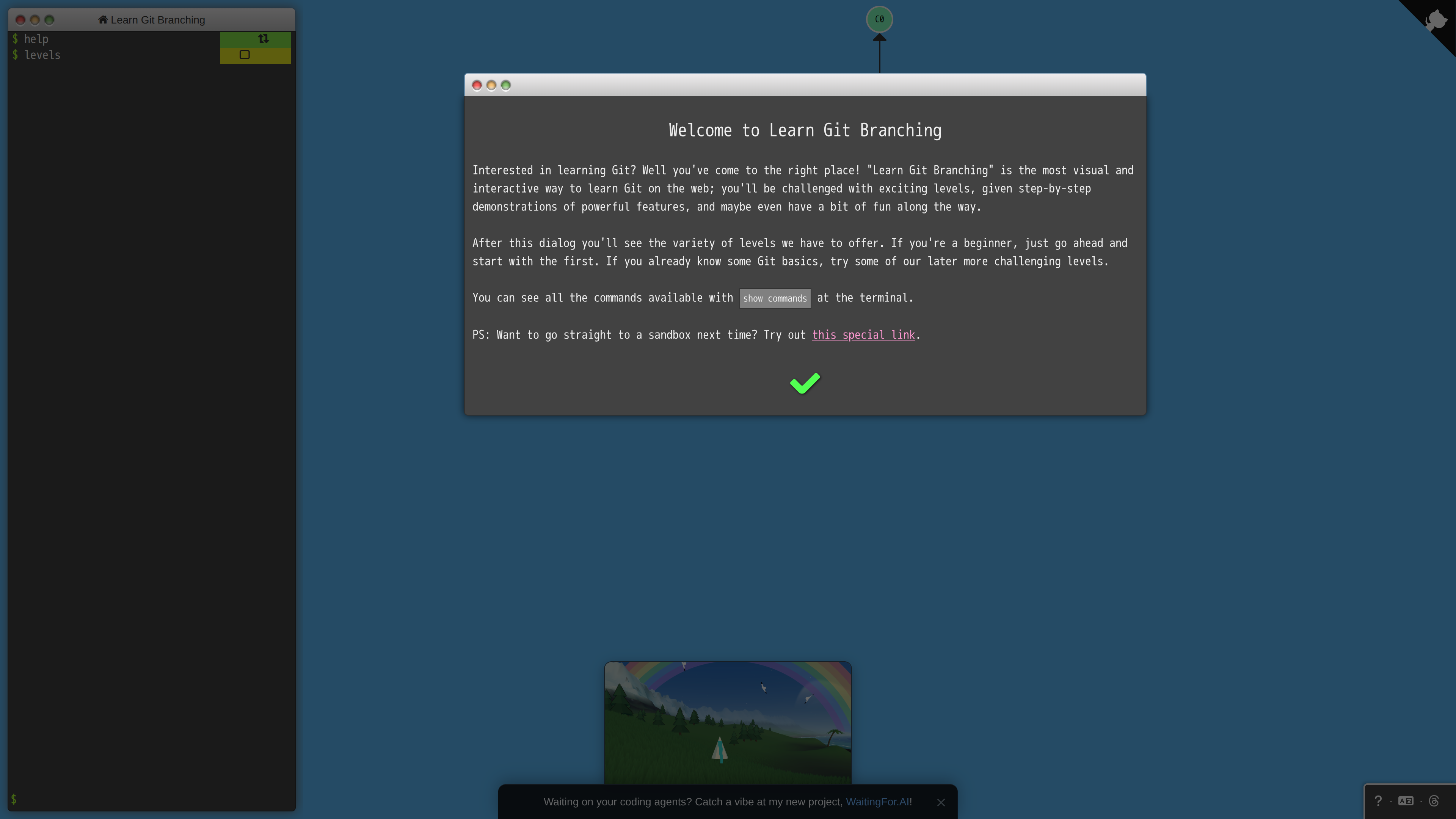
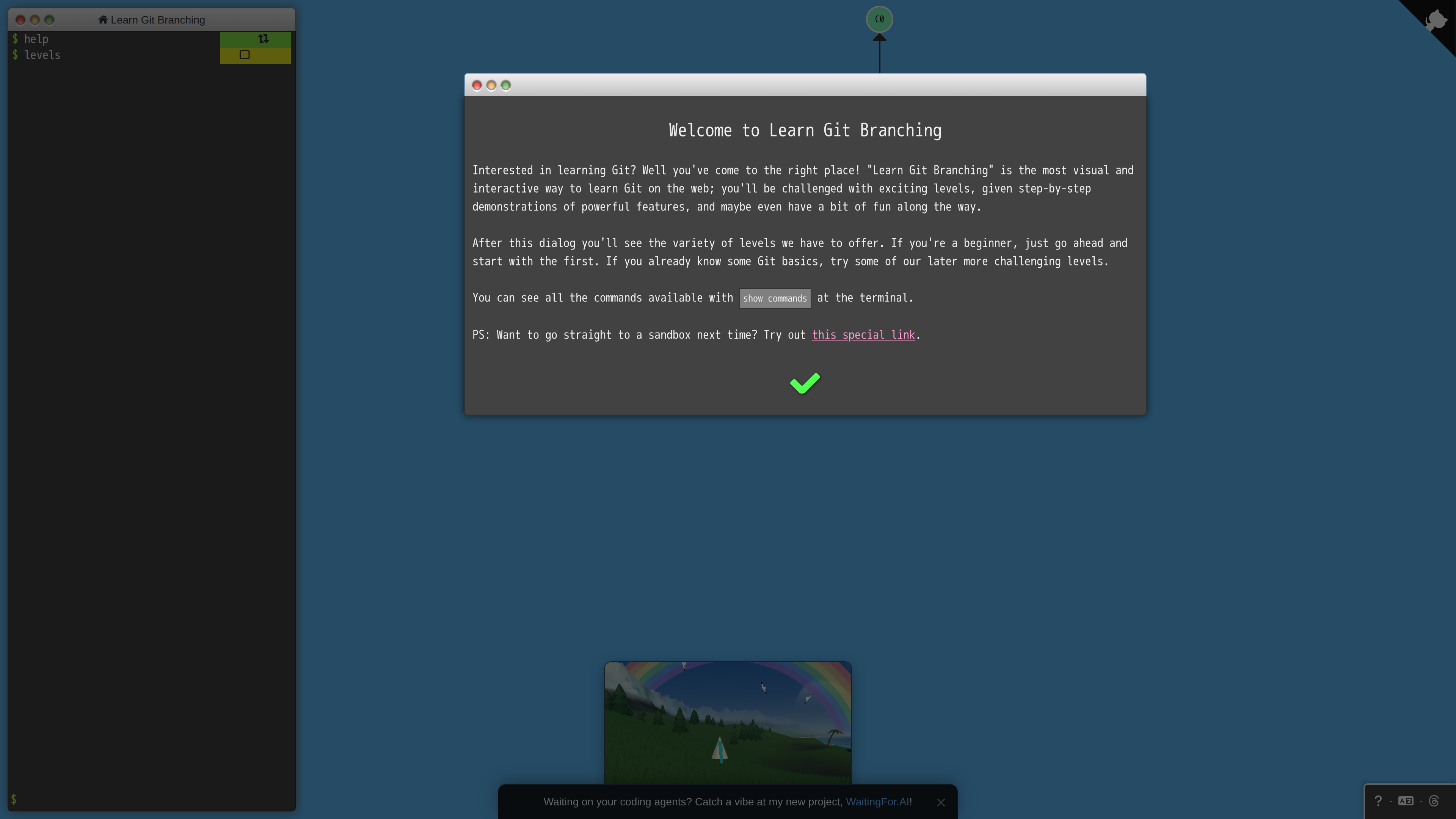
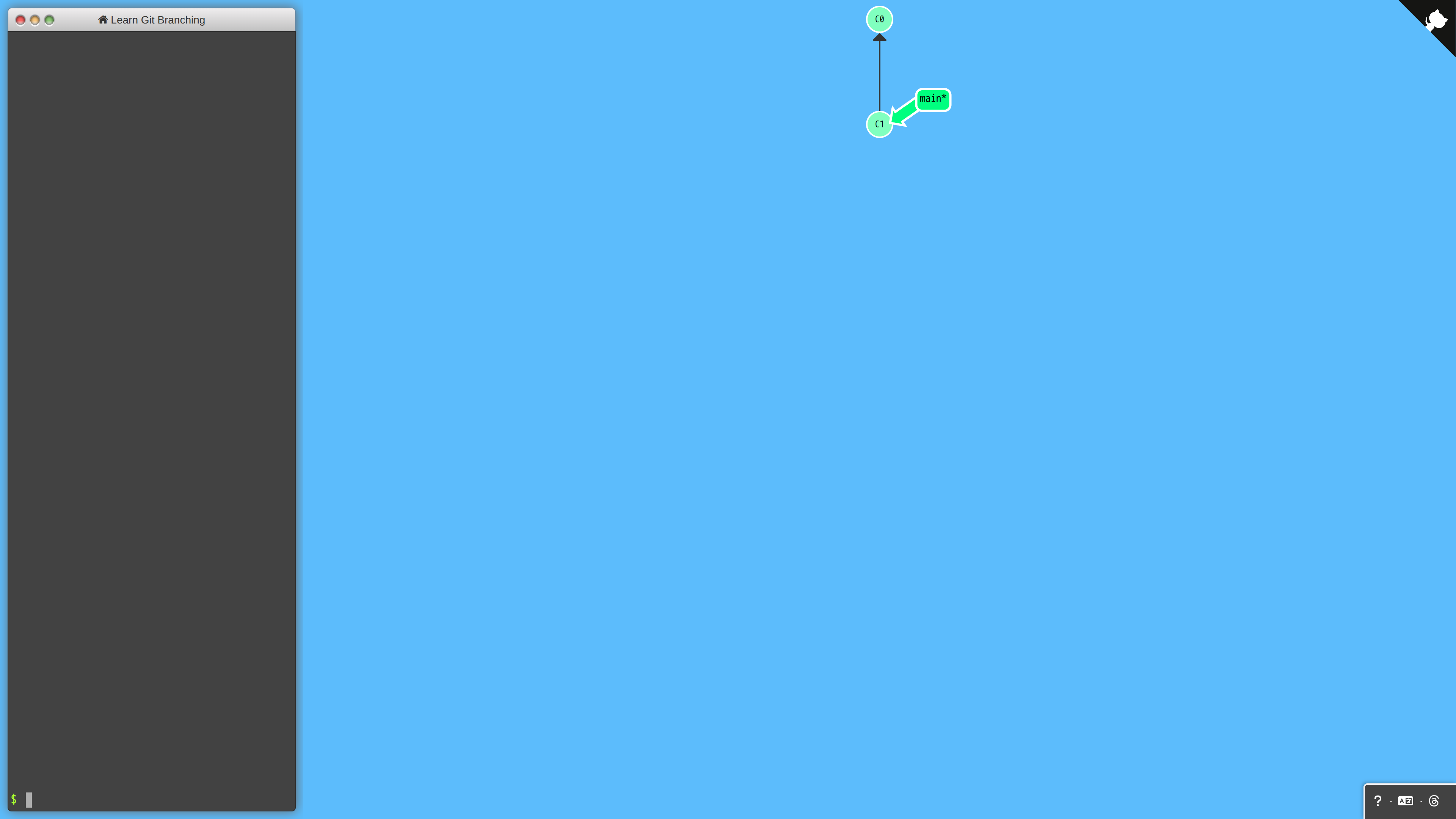
Learn Git Branching is a browser app for learning Git visually: type real git commands into the terminal on the left and the commit tree on the right immediately animates branches moving and merging. Peter Cottle started it in 2012; the GitHub repository is MIT-licensed, has gathered about 34k stars as of 2026-09-30 and is still actively maintained. The app runs entirely client-side — there is no backend.
At a Glance
| Item | Details (as of 2026-09-30) |
|---|---|
| URL | learngitbranching.js.org |
| Type | Visual Git learning tool / sandbox |
| Cost | Free |
| Account | None required |
| Languages | About 24 languages, including Simplified and Traditional Chinese |
| License | MIT |
Core Features
- Levels: about 34 levels (per the count in the repo's translation guide) organized into series covering commits, branches, merges, rebasing, HEAD and relative refs, then remote collaboration with clone, fetch, push and pull. Each level shows a target tree to reproduce, and a "git golf" mechanic rewards solving with the fewest commands.
- Sandbox mode: a scratch repository you can manipulate freely, with teaching commands like
undo,resetandgit fakeCreateRemoteto simulate a remote; a set of commands can be shared via URL parameters for others to replay. - Level builder: the
build levelcommand walks you through authoring a custom level and exporting it as JSON. - Demos: a
?demolink plays back an automated demonstration.
Background
Peter Cottle built an early version of the tool in 2012 while at Google (the repository was created in August 2012) and has maintained it for over a decade, migrating the front-end stack several times (it is now a Vite-built React/Flux app). Translations are community-contributed, and TRANSLATING.md documents the localization process.
Good For
- Git beginners who need to connect real commands with visible outcomes;
- Team training and classrooms — instructors can demo merge vs. rebase live in the sandbox;
- Experienced developers checking obscure command behavior, or building custom levels to challenge colleagues.
Limitations
- It is a simulator: no real file system or remote server is involved, and
git fakeCreateRemoteis a teaching prop. - Levels cover Git's core concepts but not engineering workflow topics such as review processes, hooks or submodules.
- The interface is keyboard-command-driven, so mobile with a virtual keyboard is mediocre.
- Progress lives in browser local storage and does not sync across devices (an inference from its fully client-side architecture).