
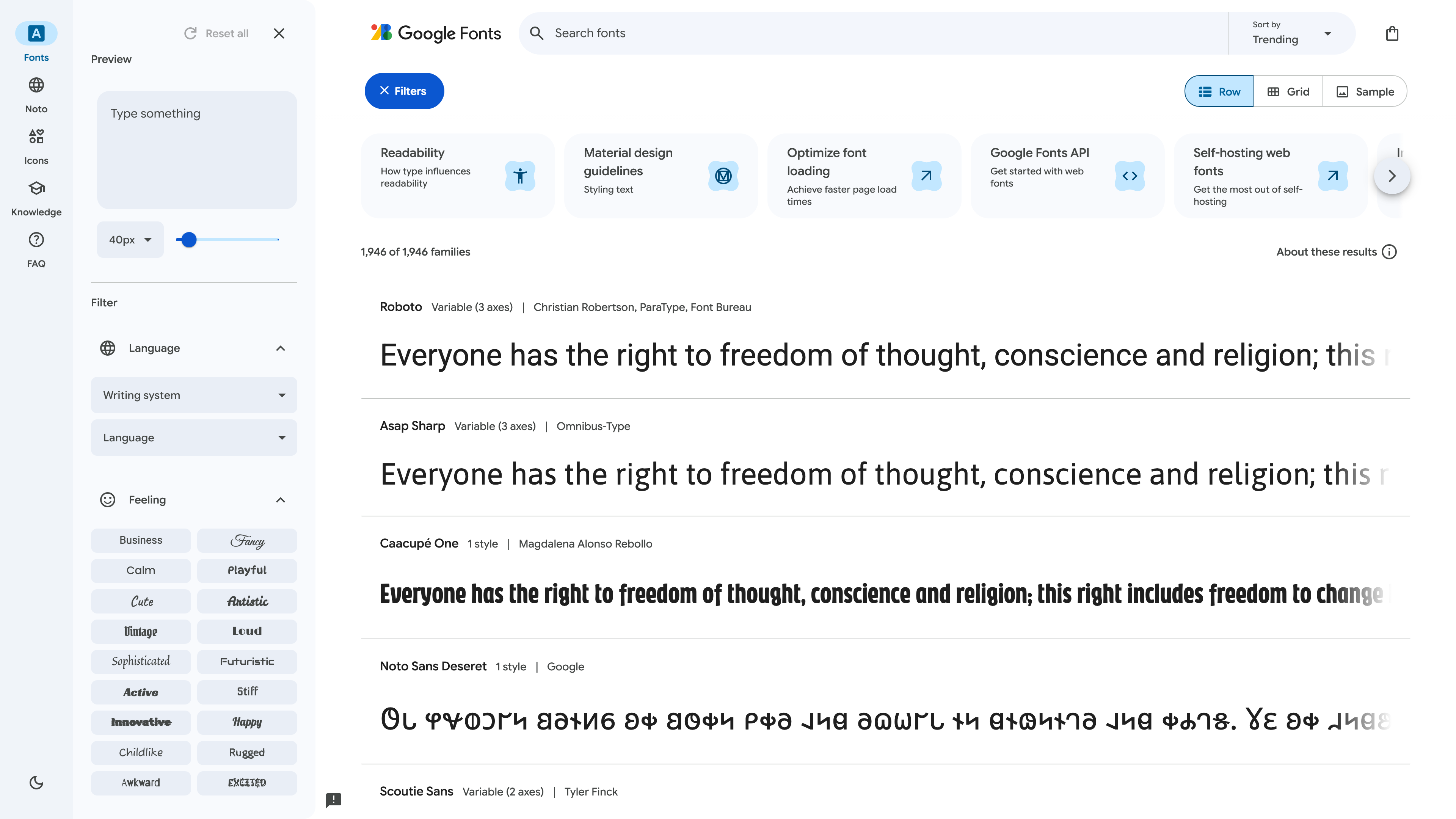
Google Fonts is Google's free font library and web font delivery service: open the catalog to browse, test, and download typefaces, or copy a single CSS link to serve them on your site from Google's CDN. Launched in 2010 as Google Web Fonts, its defining difference from paid font marketplaces is that every family in the catalog is published under an open-source license such as the SIL Open Font License 1.1 or Apache License 2.0, free for commercial and non-commercial use alike. As of 2026-09-02, the catalog holds 1,946 font families, 558 of them variable fonts, alongside 3,900+ open-source Material Symbols icons.
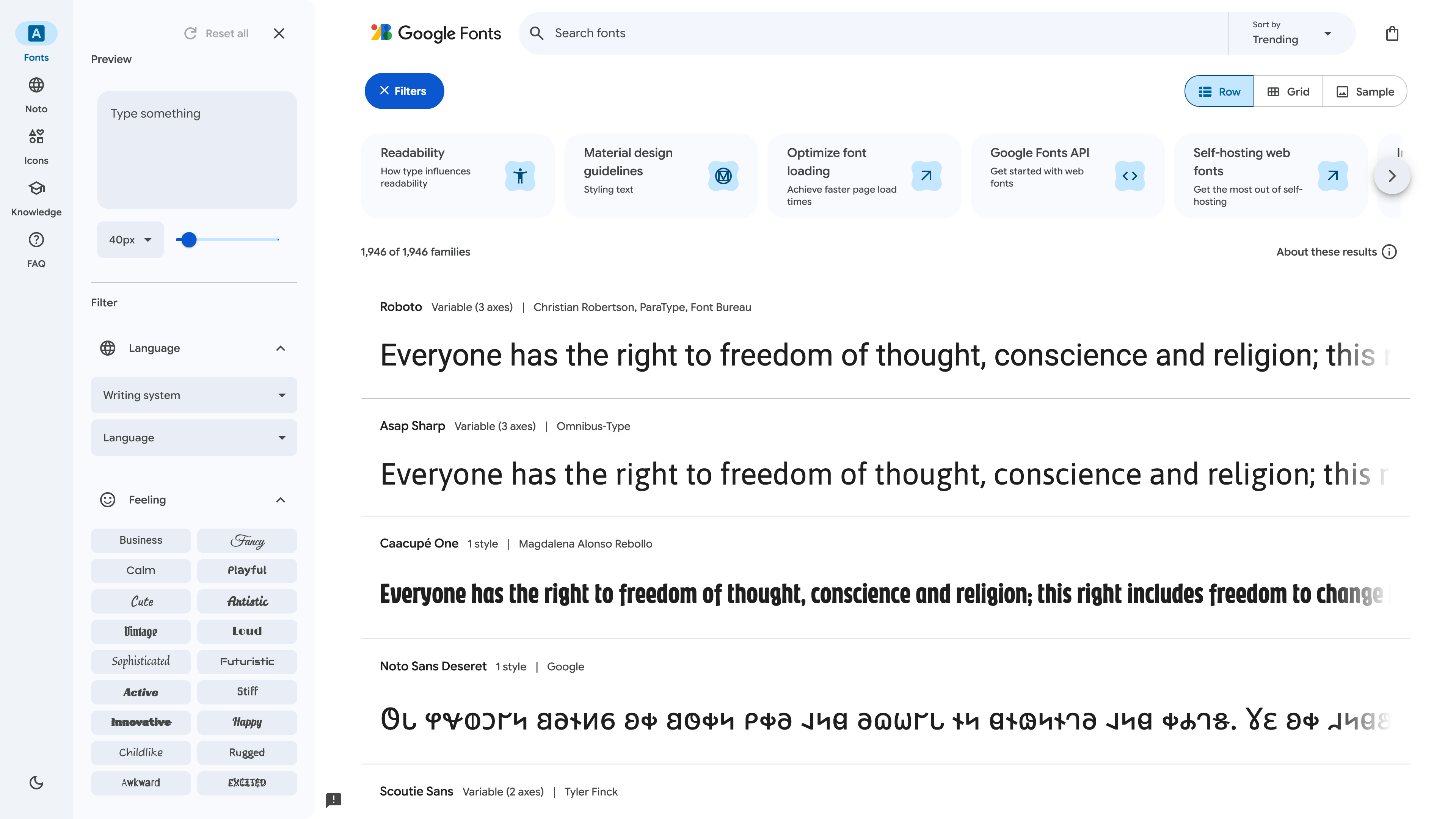
The home page above shows the live catalog size (1,946 families) at the top of the list; the first entry, Roboto, is tagged “Variable (3 axes)” to indicate a variable font and its axis count. The left rail filters by writing system, language, and “Feeling” (Business, Calm, Playful, …), with a custom-text preview box on top, while the cards above the list link to the Knowledge typography lessons, font-loading performance guides, the Developer API, and self-hosting documentation.
At a glance
- URL: https://fonts.google.com/; font files and source repository at https://github.com/google/fonts
- Type: open-source font catalog and web font delivery service (plus an icon font library)
- Cost: free; all fonts cleared for commercial use
- Account: none needed to browse, embed, or download; the Developer API requires a Google Cloud API key
- Interface language: English (the fonts themselves cover Latin, Cyrillic, Arabic, Chinese, Japanese, Korean, and many other scripts)
- Launched: 2010
- Operator: Google
Background
Google Fonts launched in 2010 as Google Web Fonts, with the goal of letting any web page use server-hosted typefaces through a single stylesheet link instead of relying on whatever fonts visitors had installed locally. The catalog interface was redesigned in 2011, 2016, 2020, and 2023; variable font support arrived in March 2020, and open-source icons (Material Icons) followed in March 2021.
The whole catalog is maintained in the open: the official google/fonts GitHub repository stores every font file plus per-family metadata (METADATA.pb) and doubles as the issue tracker and submission pipeline for new families; it had 20,434 stars as of 2026-09-02. 212 catalog families belong to Google's Noto project, which aims to provide open typefaces for all modern and ancient scripts — “no more tofu” (□□□) — including dedicated families for Simplified and Traditional Chinese, Japanese, and Korean.
The catalog and how to search it
Families are grouped into five categories — Sans Serif (720), Display (468), Handwriting (358), Serif (349), and Monospace (51), counted from official metadata on 2026-09-02 — and can be filtered by writing system, language, technical attributes such as weight and width, and mood tags. Each family page offers custom-text previews, glyph and language coverage, and the license text; families tagged Variable expose interactive axis sliders.
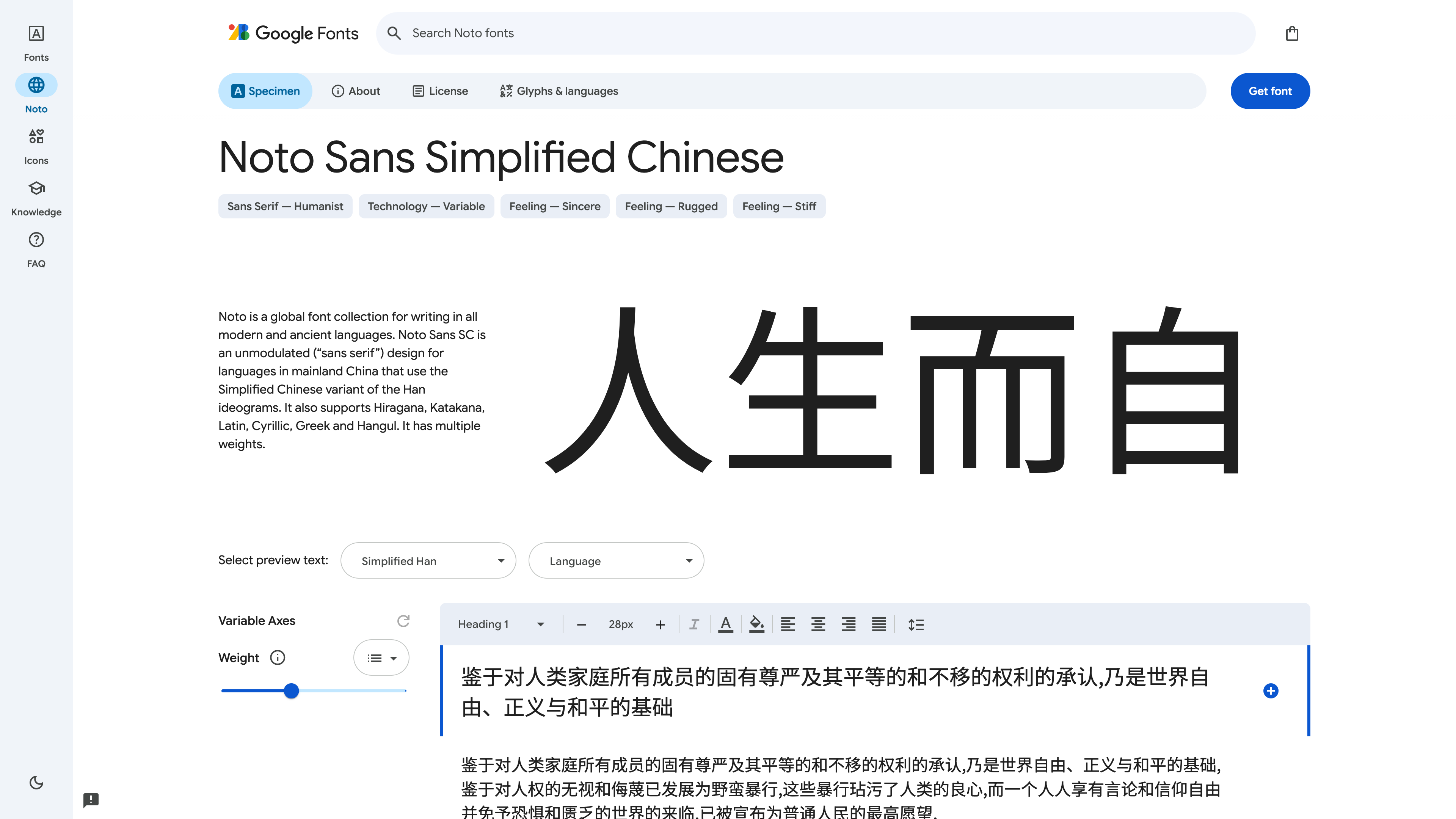
The screenshot above shows the Noto Sans SC family page: the specimen area renders live Chinese text, the “Variable Axes” panel provides a Weight slider, a tag below the title marks it as a variable font, and the “Get font” button at top right collects both the embed code and the full download. Noto Sans SC covers Simplified Chinese Han ideograms alongside Latin, Cyrillic, Greek, Japanese kana, and Korean hangul, making the Noto Sans family a common choice for mixed-script pages.
Embedding, downloads, and APIs
Web embedding uses the CSS API v2: add one stylesheet link to https://fonts.googleapis.com/css2?family=... and the browser fetches CSS and WOFF2 files from Google's servers. The API supports requesting multiple families at once, variable-axis ranges via the wght@200..900 syntax, loading behavior control with display=swap, and a text= parameter that subsets the font to only the characters you need — Google says this can shrink the font payload by up to 90% for title-style usage.
If you would rather not depend on Google's CDN, several official and community paths exist: “Get font” on any family page downloads the full TTF package; the GitHub repository offers a ZIP snapshot of the entire library (over 1 GB); the official Knowledge section has a dedicated self-hosting guide, and the community project Fontsource ships the fonts as NPM packages for build-tool integration. For developers, the Developer API returns metadata for all families as REST JSON (an API key is required), and both Android's Downloadable Fonts and Google Workspace documents draw on the same library.
The Material Symbols icon library
Since 2021, Google Fonts has also hosted Google's open-source icons. As of 2026-09-02, the newer Material Symbols set contains 3,903 icons (each in Outlined, Rounded, and Sharp styles), while the legacy Material Icons set holds about 2,160 in five styles. Material Symbols ships as a single variable font file with four adjustable axes: fill (FILL), weight (wght, 100–700), grade (GRAD), and optical size (opsz, 20–48).
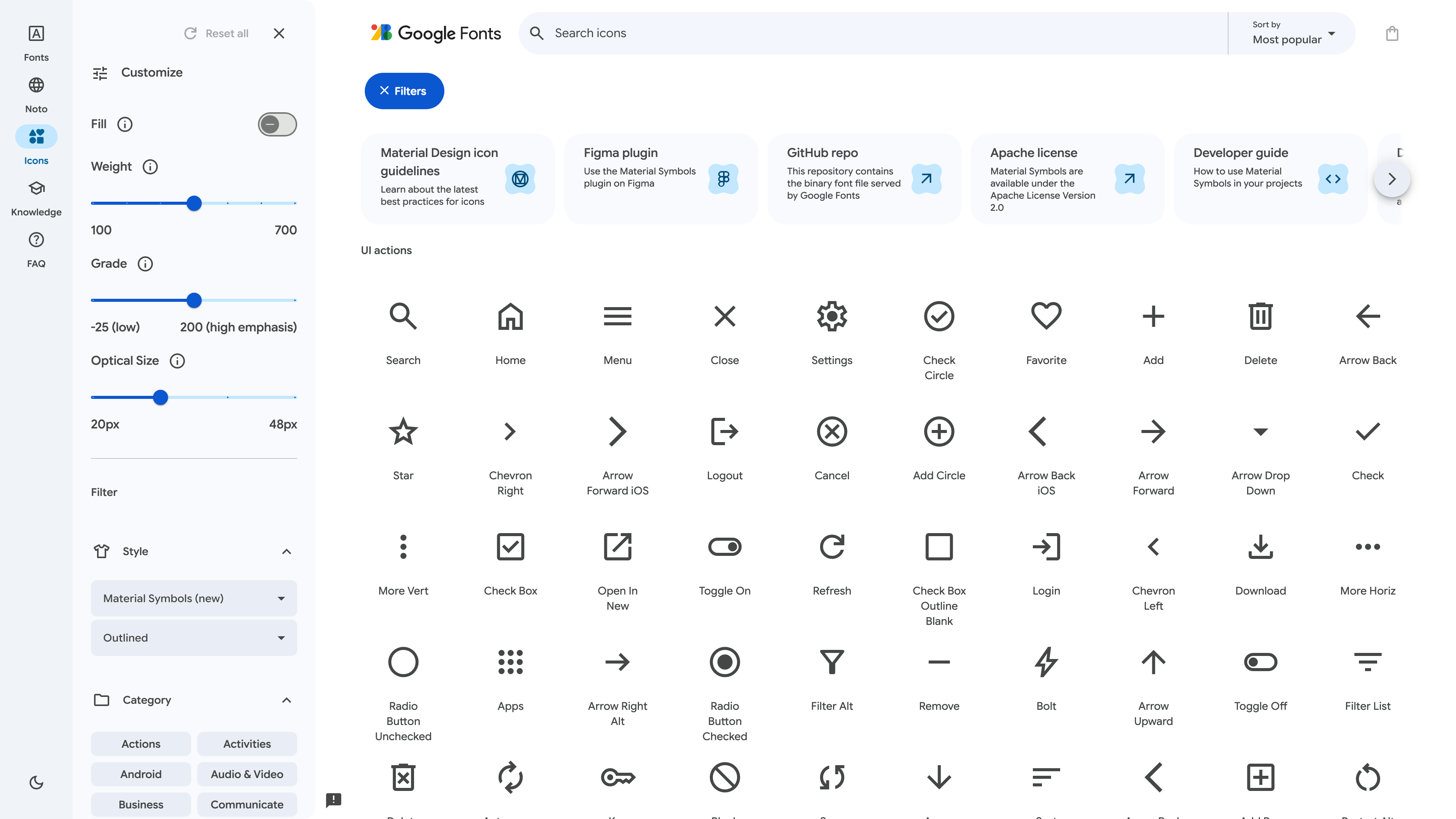
The icon browser above puts the four axis sliders in the left rail; clicking any icon in the grid yields SVG/PNG downloads and the font embed code. On the web, icons render through typographic ligatures — you write the icon's name as text in your HTML. Because loading all 3,800+ icons weighs about 295 KB, Google recommends the icon_names= parameter to bundle only the icons you use (1.7 KB in the documented example). The icons are published under the Apache License 2.0.
Licensing
The license structure is spelled out in the official repository README: the large majority of fonts use the SIL Open Font License 1.1, some use the Apache License 2.0, and the Ubuntu family uses the Ubuntu Font License 1.0 — all libre licenses permitting free use, modification, and redistribution in commercial products. Google's developer site likewise states the fonts can be used “in any non-commercial or commercial project.” Two details are worth attention: some OFL fonts enable the Reserved Font Name clause, which forbids reusing the original font name in modified versions; and every family directory carries its own LICENSE file, which is the authoritative text. The icon fonts (Material Symbols and Material Icons) are uniformly Apache 2.0.
The privacy controversy and the self-hosting answer
Google Fonts' best-known controversy played out in Germany: on 20 January 2022, the Munich I Regional Court (LG München I, case 3 O 17493/20) ruled that a website embedding fonts dynamically through the Google Fonts API transmitted the visitor's IP address to Google without consent, violating the GDPR. The court awarded the plaintiff €100 in damages and ordered the practice stopped, reasoning that the operator could easily have self-hosted the fonts, so no “legitimate interest” justified connecting to Google's servers. From August 2022, the judgment fueled a wave of mass warning letters (Abmahnungen) in which thousands of German website operators received demands for small three-figure payments.
Note that the ruling targets the practice of fetching fonts from Google's servers at page-load time, not the font files themselves: downloading or self-hosting the fonts on your own infrastructure avoids the issue entirely. A technical shift has also weakened the old case for CDN embedding: since Chrome 86 introduced HTTP cache partitioning in October 2020 (with Safari and Firefox moving earlier or around the same time), the cross-site shared font cache no longer exists, so the “your visitors probably already have Roboto cached” argument is obsolete.
Where it fits
- Websites and apps that need royalty-free, commercially usable typefaces, especially for mixed-script typography (the Noto families)
- Design mockups and desktop publishing: download the TTFs and use them in Figma, Office, or any other software
- Variable-font and responsive-typography experiments: continuous weights and widths in a single file
- Open-source icons in a consistent style: Material Symbols pairs naturally with Material Design
- Building a font pipeline: integrate via the GitHub repo, the Developer API, or Fontsource
Limitations
- CDN embedding does not work reliably in mainland China: like other Google services, fonts.googleapis.com and fonts.gstatic.com are not stably reachable there, so sites serving that audience must self-host or use a mirror.
- The privacy cost of dynamic embedding: whenever fonts load from Google's servers, visitors' IP addresses and request metadata are sent to Google — processing that an EU court has ruled requires a legal basis.
- Catalog boundaries: only libre-licensed fonts are included; commercial foundries' paid typefaces are absent, and the interface is English-only.
- Uneven quality and overexposure: family quality varies, and popular faces like Roboto and Open Sans are used by so many sites that they carry little visual distinction.
- Silent version updates: the font files behind a given embed link are revised upstream over time, so rendering details can change.
Alternatives
- Adobe Fonts: a subscription-based commercial font library bundled with Creative Cloud, with a very different licensing model.
- Fontsource: self-hostable NPM packages of Google Fonts and other open-source typefaces, suited to modern build pipelines.
- Bunny Fonts: a zero-tracking, GDPR-friendly drop-in CDN compatible with the Google Fonts API.
Sources
- Google Fonts catalog (family count and filtering, checked 2026-09-02)
- google/fonts on GitHub (license structure, full-library ZIP, self-hosting paths; star count checked 2026-09-02)
- Google Fonts - Wikipedia (2010 launch, redesign timeline, variable font and icon milestones)
- CSS API v2 documentation (embed syntax, axis ranges, text= subsetting)
- Developer API documentation (REST metadata endpoint)
- Material Symbols guide (icon axes, Apache 2.0, icon_names subsetting)
- activeMind.legal: the Google Fonts ruling (LG München I, 2022-01-20, 3 O 17493/20)
- wicki.io: Google Fonts after cache partitioning (impact of Chrome 86 cache partitioning on CDN embedding)



