Google Arts & Culture (artsandculture.google.com) is Google's online culture platform: working with museums, archives and heritage institutions around the world, it digitizes artworks, artifacts and historic sites and presents them — free — as ultra-high-resolution images, virtual walkthroughs and curated stories. If you want to get close enough to The Starry Night to see the brushstrokes, or "visit" the Louvre from your couch, this is where that happens (Google's overview, checked 2026-10-04).
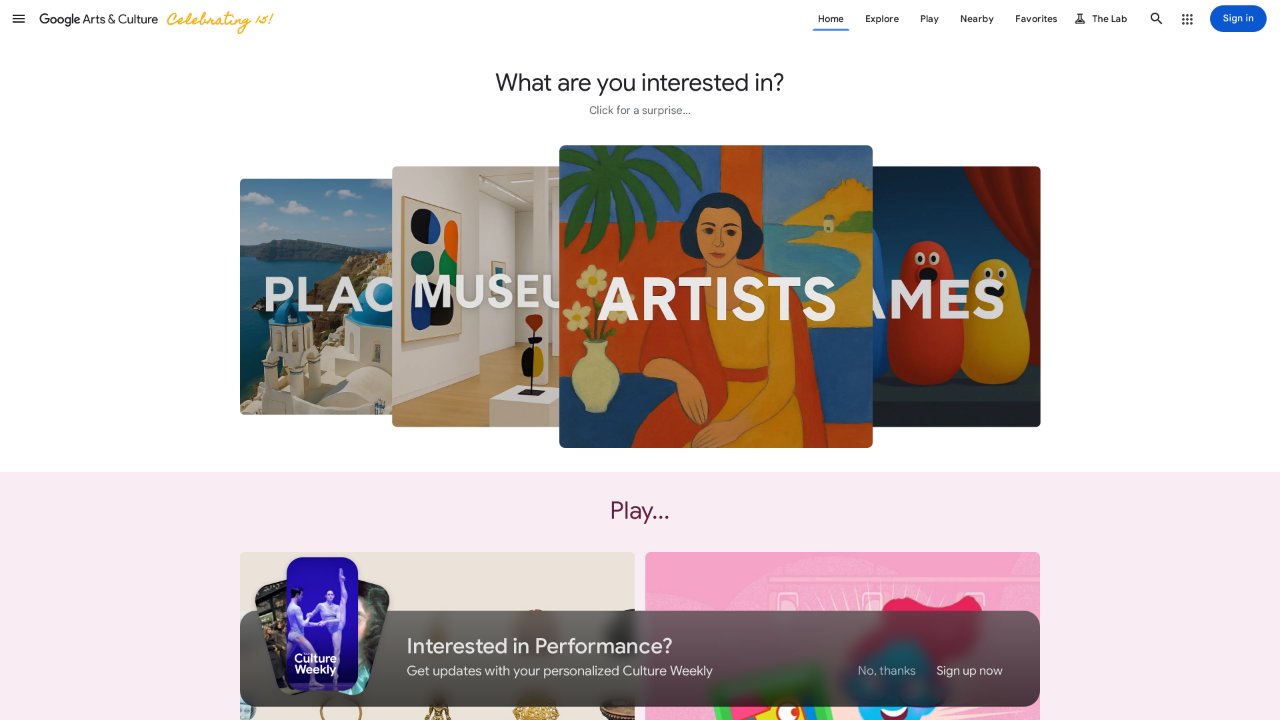
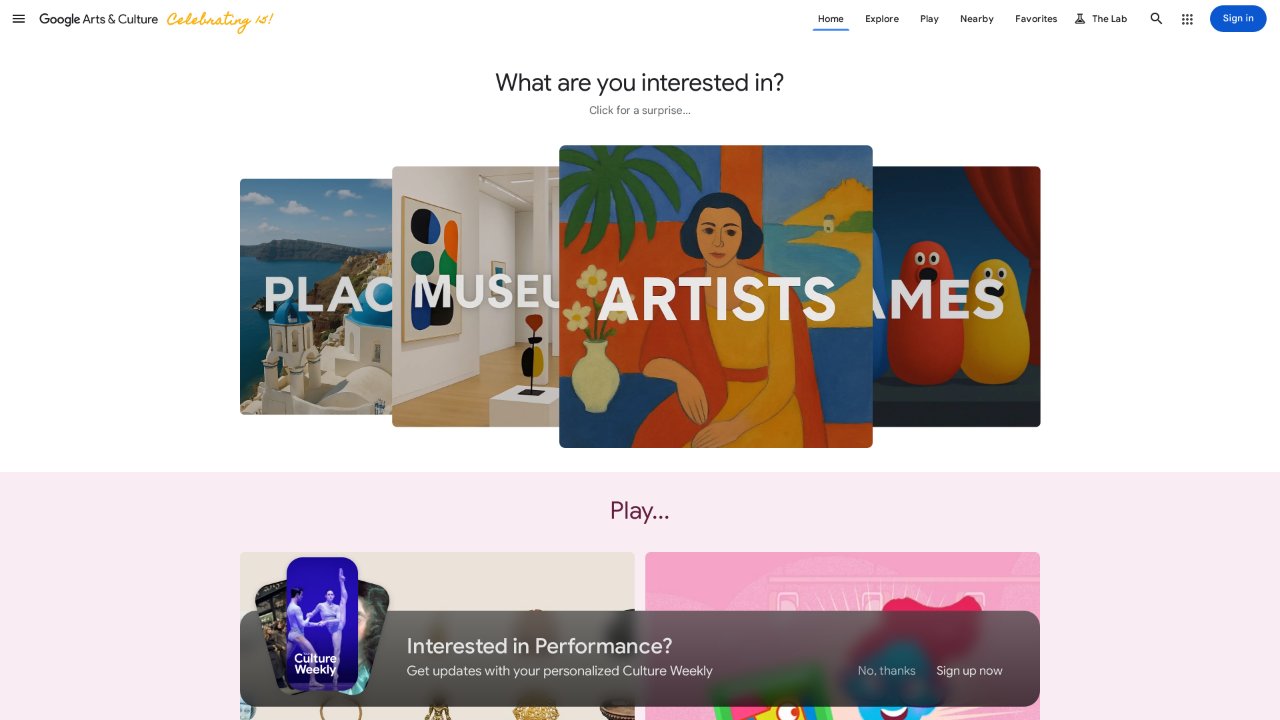
The homepage (screenshot from 2026-10-04).
Quick facts
| Item | Details |
|---|---|
| URL | https://artsandculture.google.com/ |
| Type | Online culture / museum digitization platform |
| Pricing | Free |
| Account | Browsing needs no account; saving favorites requires a Google account |
| Interface | Multiple languages including Chinese (some content English-only) |
Background
The project launched on February 1, 2011 as Google Art Project, with a few hundred works from 17 museums — including Tate, the Met and the Uffizi; by April 2012 it had expanded to 151 institutions in 40 countries and 34,000 artworks. The platform was redesigned and renamed Google Arts & Culture in 2016, run by the Google Cultural Institute (Wikipedia, Google's tenth-anniversary post, checked 2026-10-04).
Per Google's own figures, the platform now supports 2,000+ cultural institutions across 80+ countries, with 200,000+ high-resolution images of original artworks, 7 million+ archival artifacts, 1,800+ Street View museum captures and 3,000+ expert-curated online exhibitions (Google support page, as of 2026-10-04).
Core capabilities
- Ultra-high-resolution images: selected masterpieces were captured with a custom Art Camera at gigapixel scale — zoom in until brushstrokes and craquelure fill the screen.
- Virtual walkthroughs: Street View technology takes you inside museum galleries, archaeological sites and cultural landmarks.
- Online exhibitions and stories: expert-curated photo essays organized by artist, movement, period and theme.
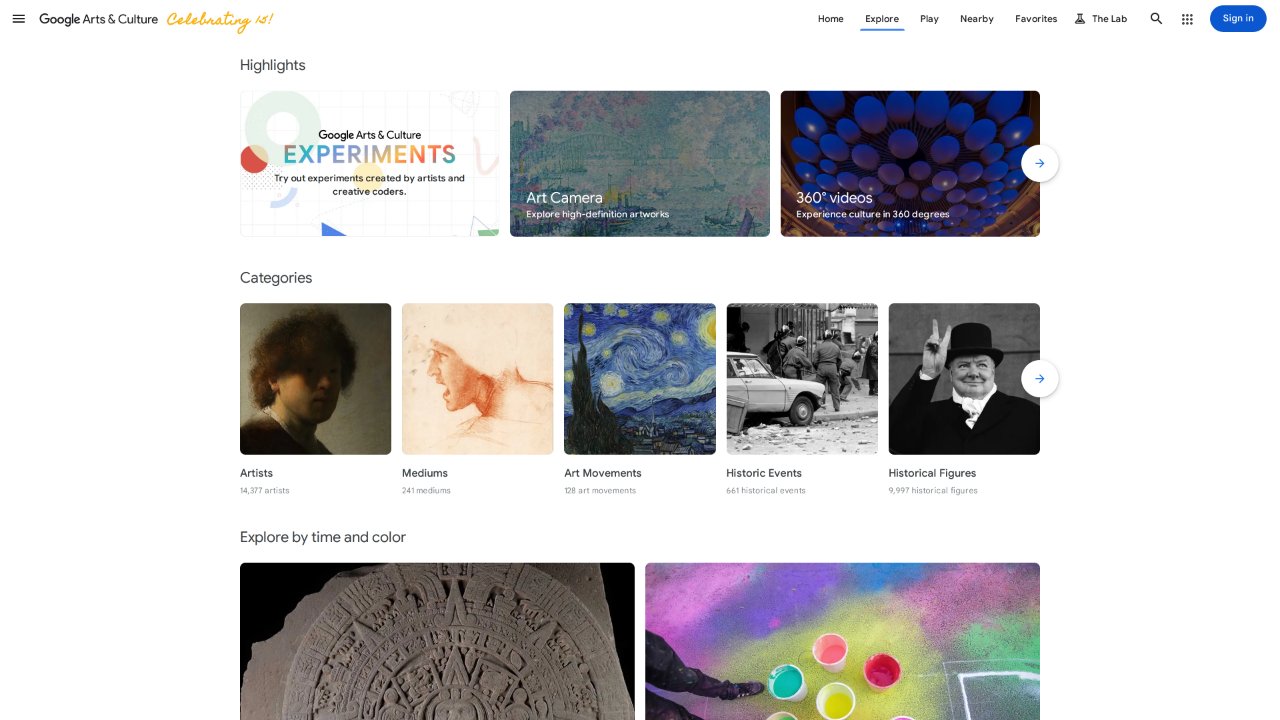
- Exploration dimensions: browse by artist, medium, art movement, historical event — even by color.
- Mobile extras: the iOS/Android app adds playful features like Art Selfie (matches your selfie to portrait paintings) and Art Transfer; some features are app-only.
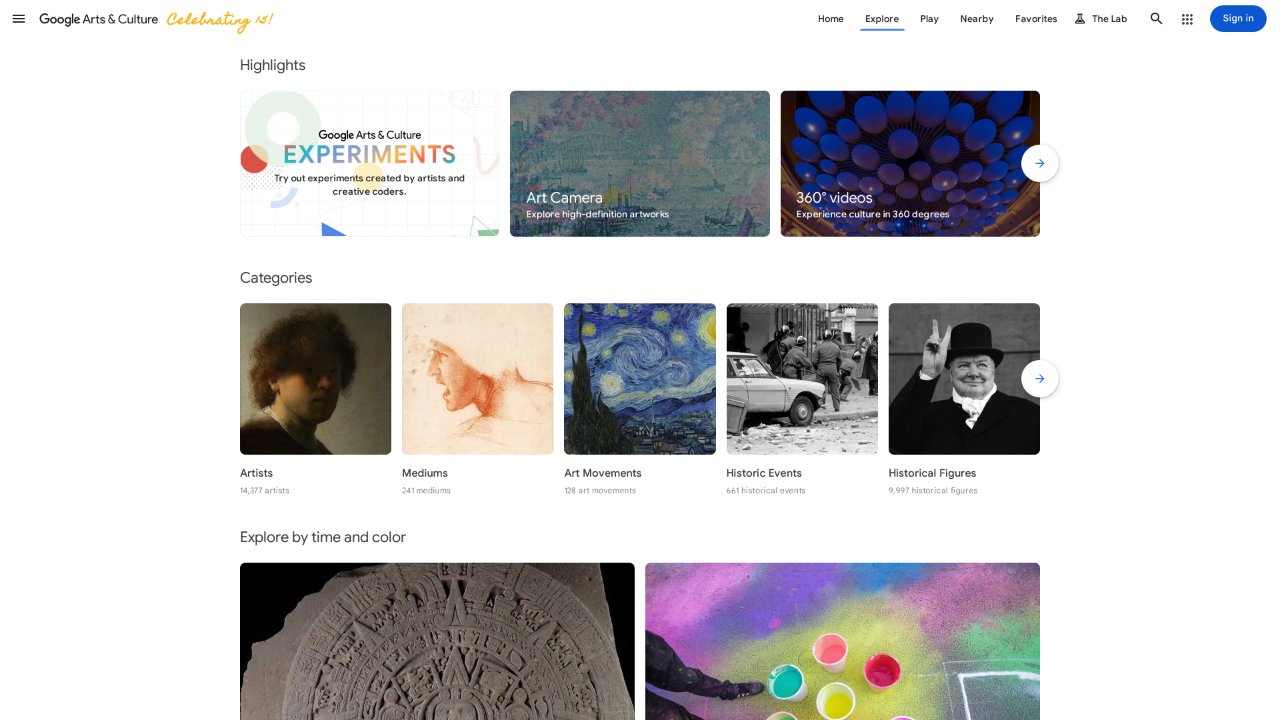
The explore page (2026-10-04): browse partner collections by theme and institution.
Content rights
Image rights for the collections remain with the partner institutions or rights holders; the platform is for viewing, and its terms do not allow commercial reuse of high-resolution images. For public-domain images, follow each institution's own open-access policy (e.g. The Met's Open Access).
Good for
- Art and design students: studying originals in high resolution, browsing systematically by movement.
- Pre-trip scouting: preview galleries and highlights before planning a museum visit.
- Teachers: curated stories and high-res material for classroom projection.
- Anyone: an effectively endless online museum.
Limitations
- Depth depends on what each institution supplies: many items are low-resolution or thinly documented, and Chinese-language coverage is limited.
- High-resolution images can't be downloaded as originals; academic citation should go back to the institution's own site.
- Some interactive features (Art Selfie and friends) exist only in the mobile app.
- The interface defaults to English, with occasional machine-translation artifacts.
Alternatives
- The Met's online collection: the benchmark for single-institution open access, with freely usable public-domain images.
- Digital Dunhuang (数字敦煌): high-resolution digitization of the Dunhuang caves.
- WikiArt: a community-built art encyclopedia — broad coverage, uneven image quality.