Ghostty is a free, open-source terminal emulator built around a stated goal of balancing three qualities: rendering speed, feature depth, and a platform-native experience. Its shared core is written in Zig, with a Swift/AppKit interface and Metal rendering on macOS, and a GTK4 interface with OpenGL rendering on Linux. Version 1.0 was released in December 2024. Where many terminals trade off between fast, feature-rich, and native, Ghostty's official position is that it aims to be competitive in all three.
Overview
- URL: https://ghostty.org
- Type: Open-source terminal emulator (desktop application)
- Cost: Free, under the MIT license
- Platforms: macOS 13+ and Linux (Wayland/X11); Windows support is planned but not yet available
- Current version: 1.3.1 (released March 13, 2026)
- Interface language: English
Background
Ghostty was started by Mitchell Hashimoto, co-founder of HashiCorp, where he served as CEO and later CTO before leaving in 2023; he was part of the initial engineering team behind Terraform, Vagrant, and other HashiCorp products. According to his personal blog, the project began in 2022 as a way to learn Zig and graphics programming, with no original intention to release it. After a lengthy private beta, Ghostty 1.0 was publicly released on December 26, 2024.
Hashimoto is explicit that Ghostty is a passion project he works on in his free time, not a full-time job for any of its maintainers — a point stated in the official documentation as well.
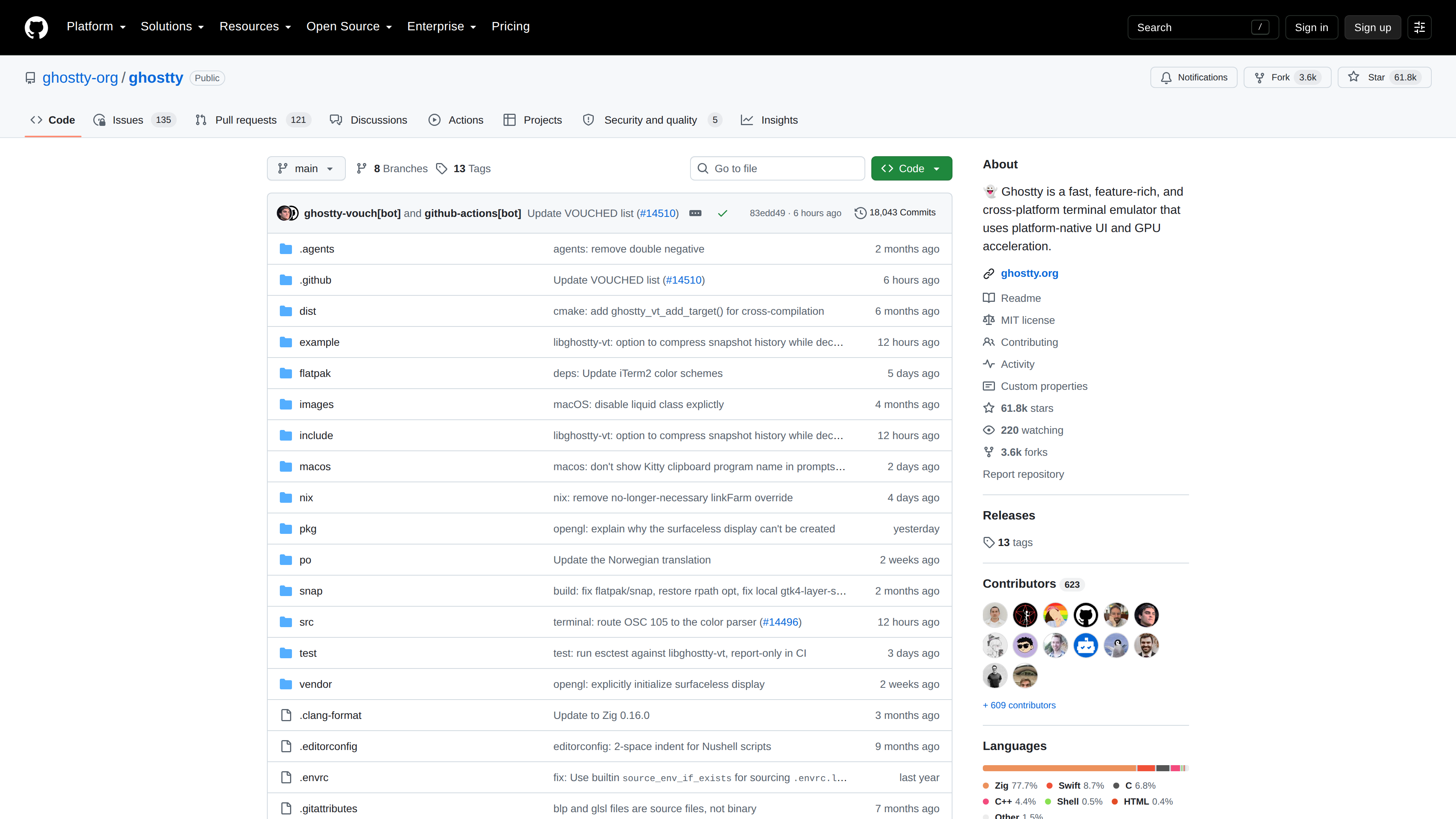
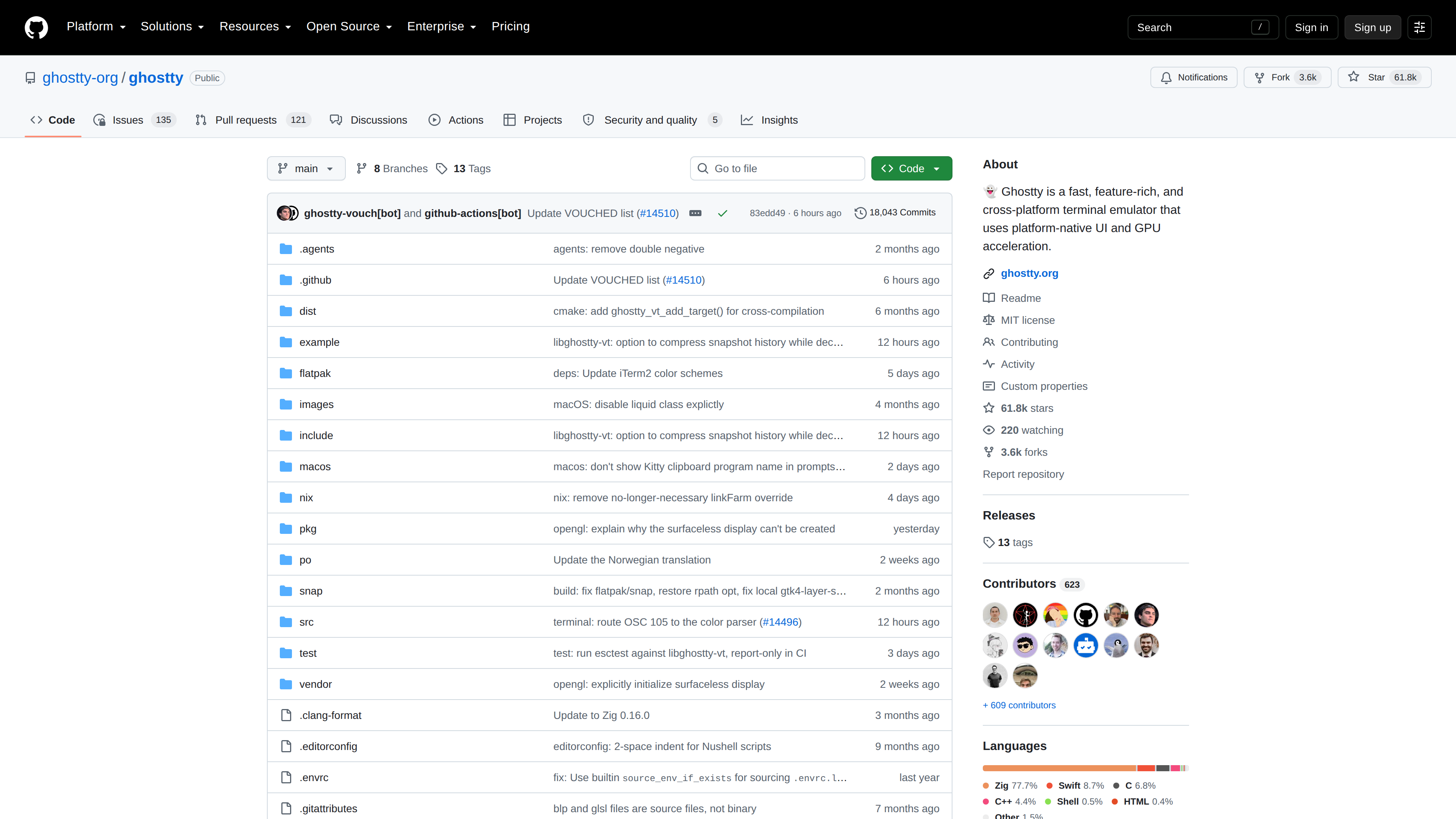
The source code lives in the ghostty-org/ghostty repository on GitHub under the MIT license. As of 2026-10-02, the repository has about 61.8k stars and 623 contributors, with roughly 77.7% of the code in Zig plus Swift (macOS UI) and C/C++. The latest stable release, 1.3.1, shipped in March 2026, and the repository saw commits within the last day, indicating active maintenance.
Key Capabilities
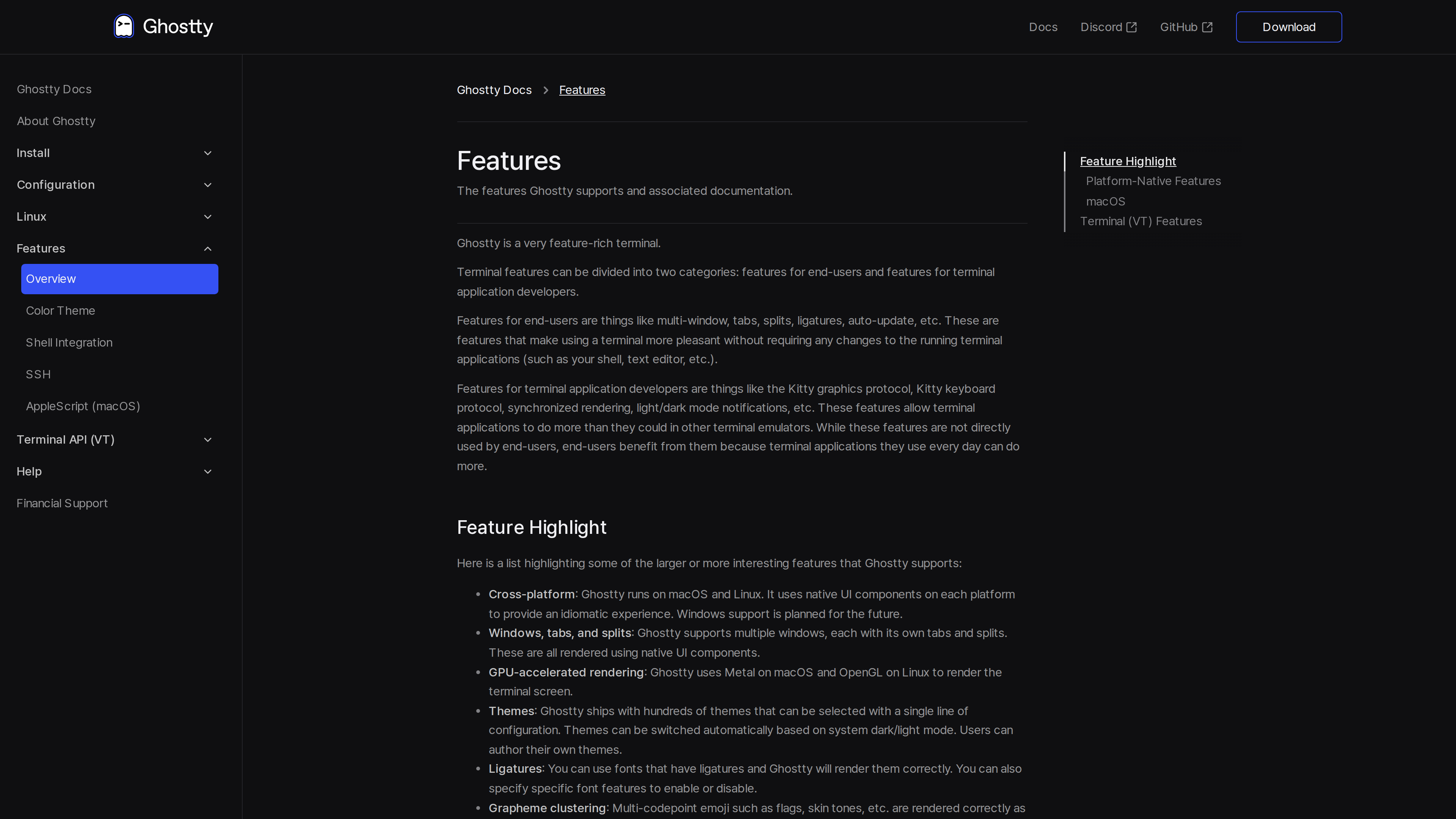
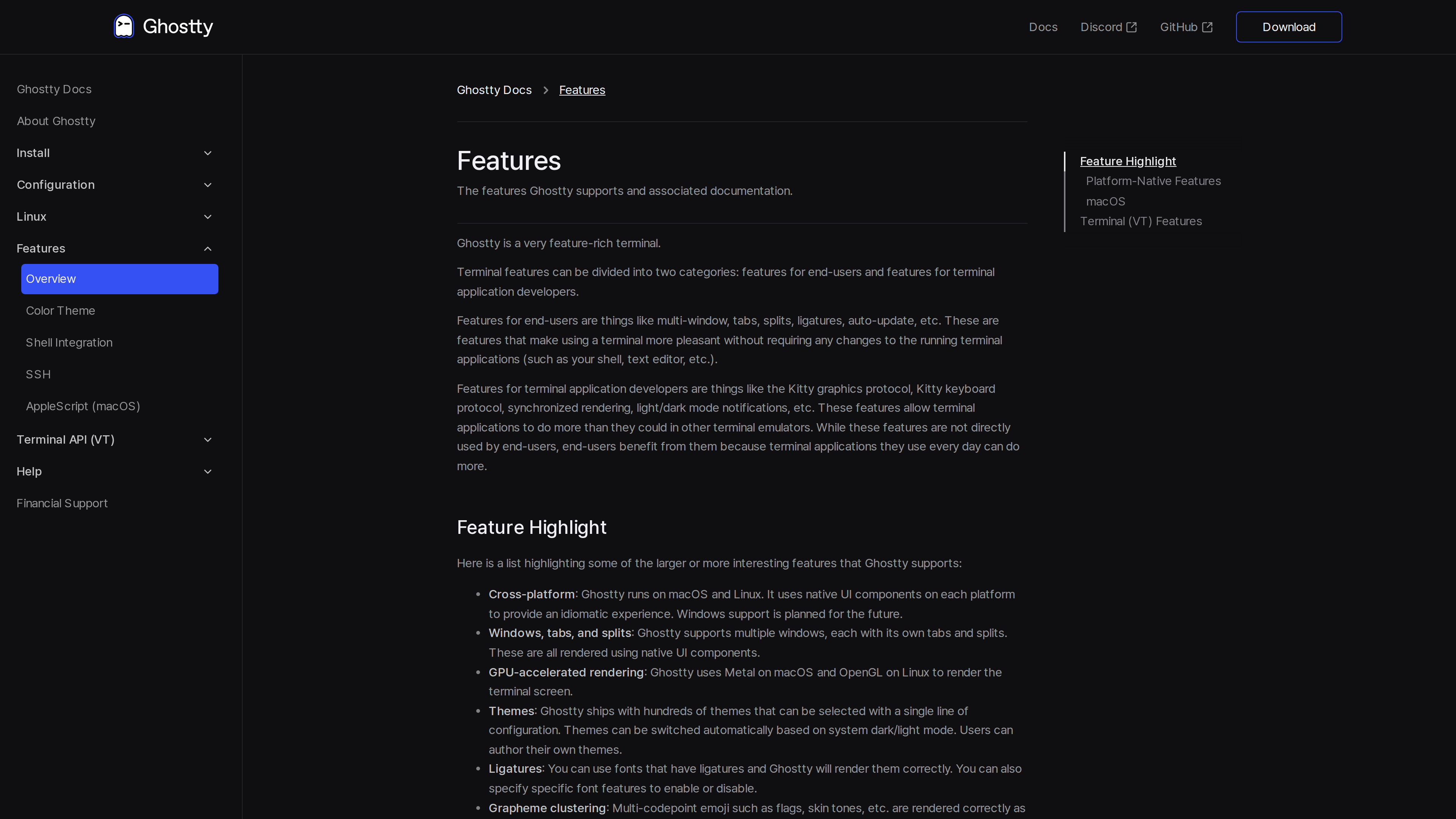
Platform-native UI. This is Ghostty's most visible differentiator. The macOS app is written in Swift on top of AppKit/SwiftUI; the Linux app is written in Zig against the GTK4 C API. Both sit on a shared Zig core called libghostty. Tabs, splits, and error dialogs use native OS components, and default keybindings follow each platform's conventions. The macOS build also integrates Quick Look, secure keyboard entry, and window state restoration.
GPU-accelerated rendering. The terminal screen is rendered with Metal on macOS and OpenGL on Linux.
Feature depth. Ghostty ships with hundreds of built-in themes that can switch automatically with the system light/dark mode. It supports ligatures, correct grapheme-cluster rendering for multi-codepoint emoji, hyperlinks, the Kitty graphics protocol (images inside the terminal), the Kitty keyboard protocol, and synchronized rendering. It also provides shell integration, SSH integration, a drop-down Quick Terminal on macOS, and an AppleScript automation dictionary.
Zero-configuration philosophy. Ghostty is designed to work out of the box: it embeds JetBrains Mono as the default font along with Nerd Fonts symbols, so most users need no configuration at all. When adjustments are wanted, it uses a plain-text key = value file (config.ghostty, in the XDG config directory or macOS Application Support).
Installation and Platforms
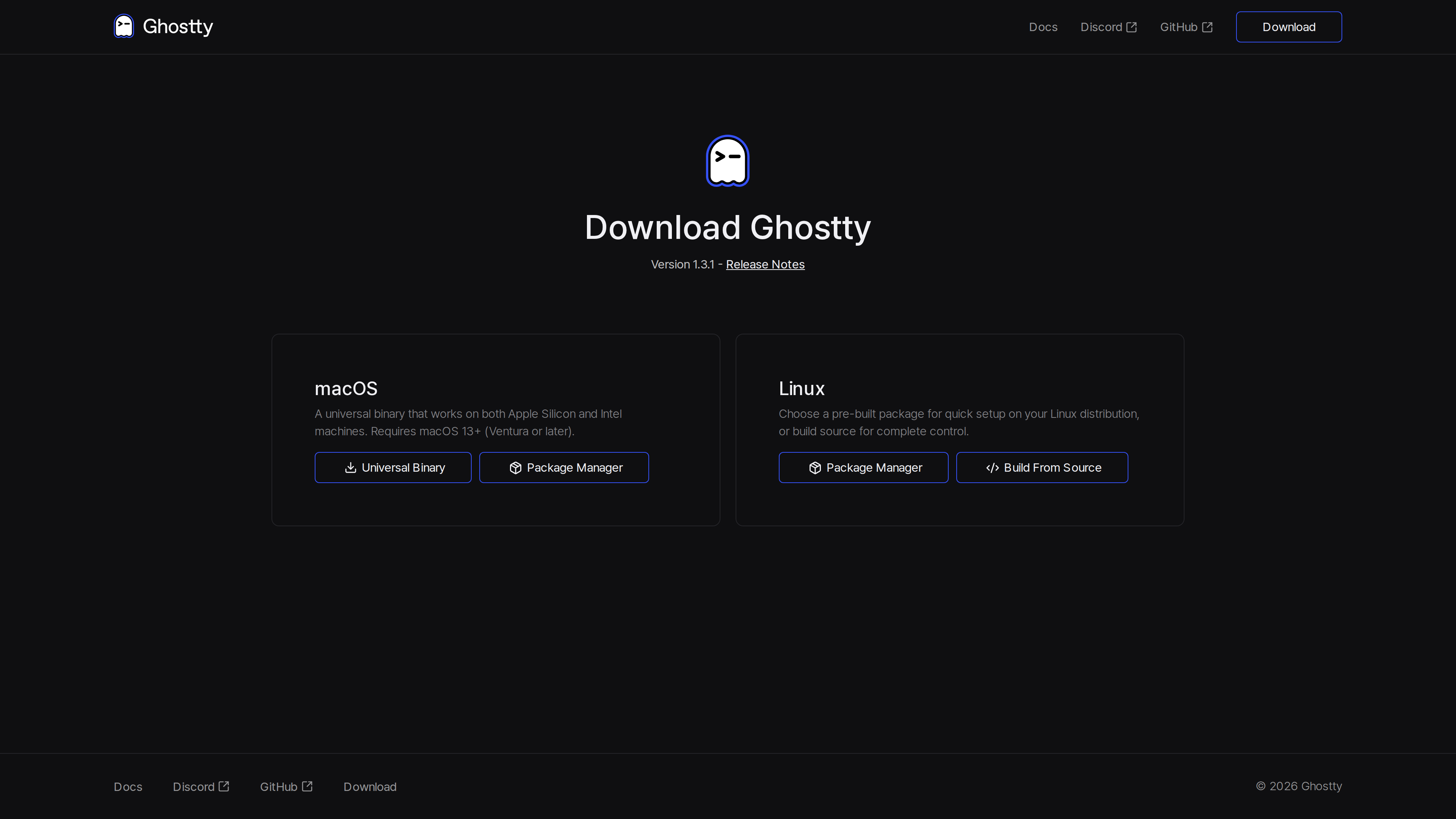
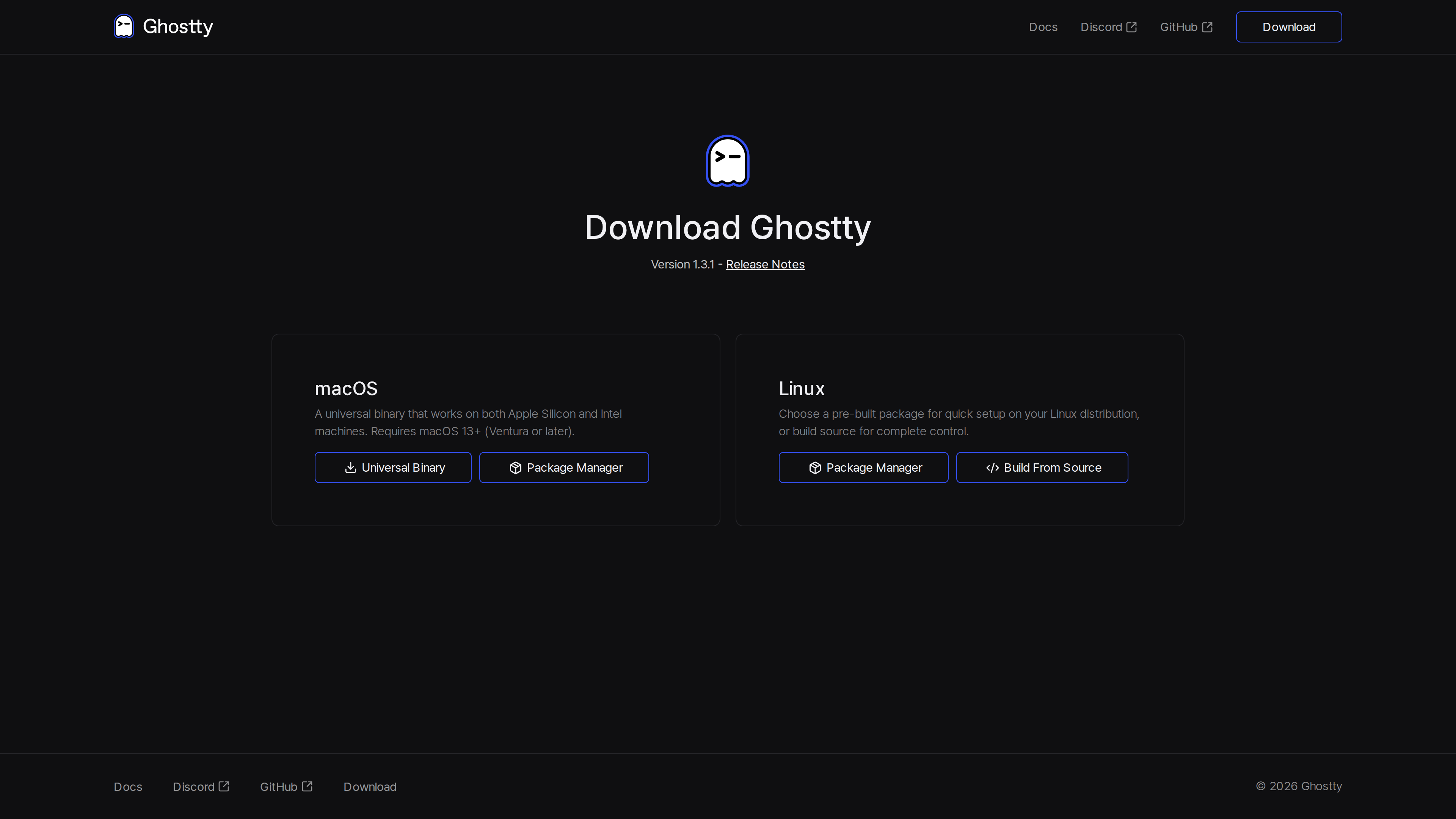
macOS is the only platform with official prebuilt binaries: the download page offers a signed and notarized universal .dmg (Apple Silicon and Intel, requiring macOS 13 or later), and community-maintained options include Homebrew (brew install --cask ghostty) and the ghostty-bin package in Nixpkgs.
On Linux, the project does not distribute binaries itself. Installation relies on distribution packages (built and tested by distro maintainers) or building from source, with support for both Wayland and X11. The 1.2.x series, for example, requires GTK 4.14 / libadwaita 1.5 or newer, with minimums pegged to recent Debian, Fedora, and Ubuntu LTS releases.
Who It's For
- macOS users who want a modern terminal whose shortcuts and window behavior follow system conventions, with support for inline images and ligatures;
- Linux users (especially on GNOME/GTK desktops) who want a terminal that matches the desktop look and feel, with Wayland support;
- Developers who spend their day in terminal applications like Neovim or Zellij and want to take advantage of modern protocols such as the Kitty graphics and keyboard protocols;
- Users who prefer sensible defaults but still want a text configuration file for fine-grained control.
Limitations
- No Windows version. The documentation says Windows support is planned for the future; as of 2026-10-02 it is not available.
- Linux installation varies by distribution. There are no official Linux binaries, so package freshness depends on each distro's maintainers.
- Configuration is text-only for now. A GUI for configuration is on the roadmap but not yet implemented.
- Left-to-right text only. Right-to-left scripts such as Arabic and Hebrew get grapheme-cluster-level rendering but are not fully supported.
- A spare-time project. By the author's own description, Ghostty is maintained as a passion project, so response times differ from commercial products.