Chrome Music Lab (musiclab.chromeexperiments.com) is a set of interactive music experiments from Google Creative Lab: a dozen-plus small web toys, each illustrating a musical concept — rhythm, melody, harmony, spectrograms, chords — that you can play with instantly. No account, nothing to install. The stated goal is "making learning music more accessible," and by all appearances it has become a staple of music classrooms (official About, checked 2026-10-04).
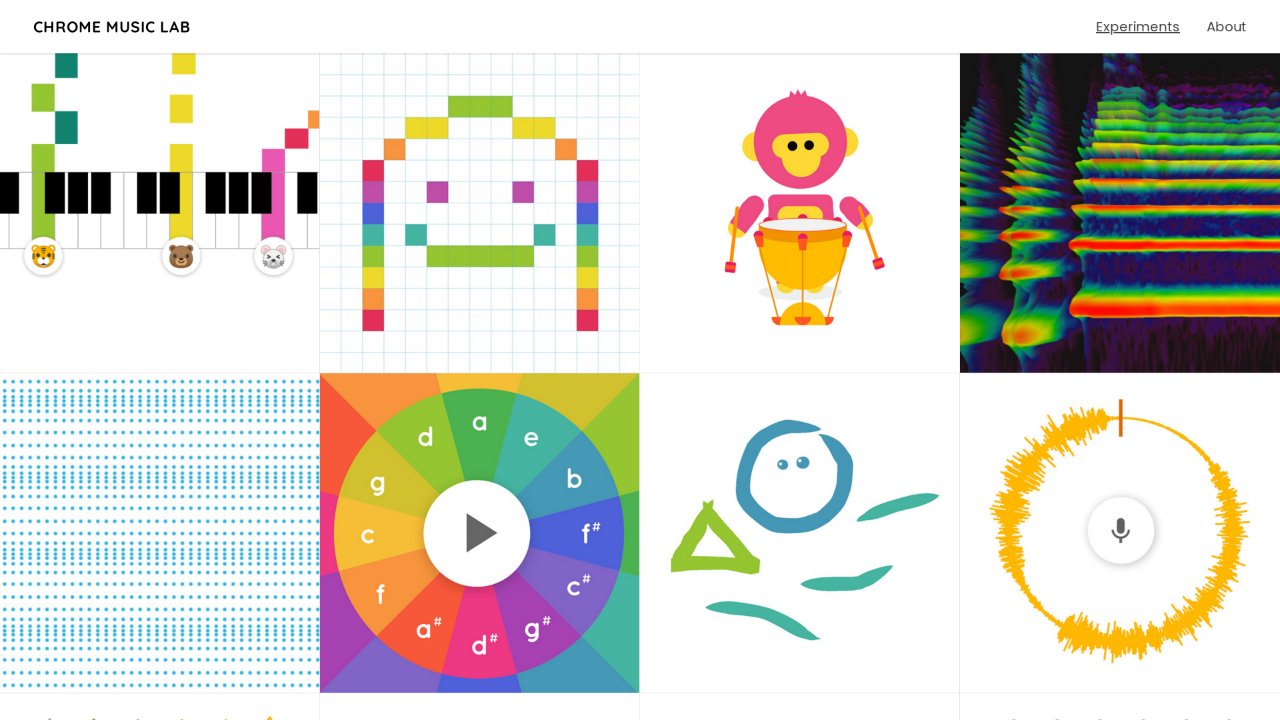
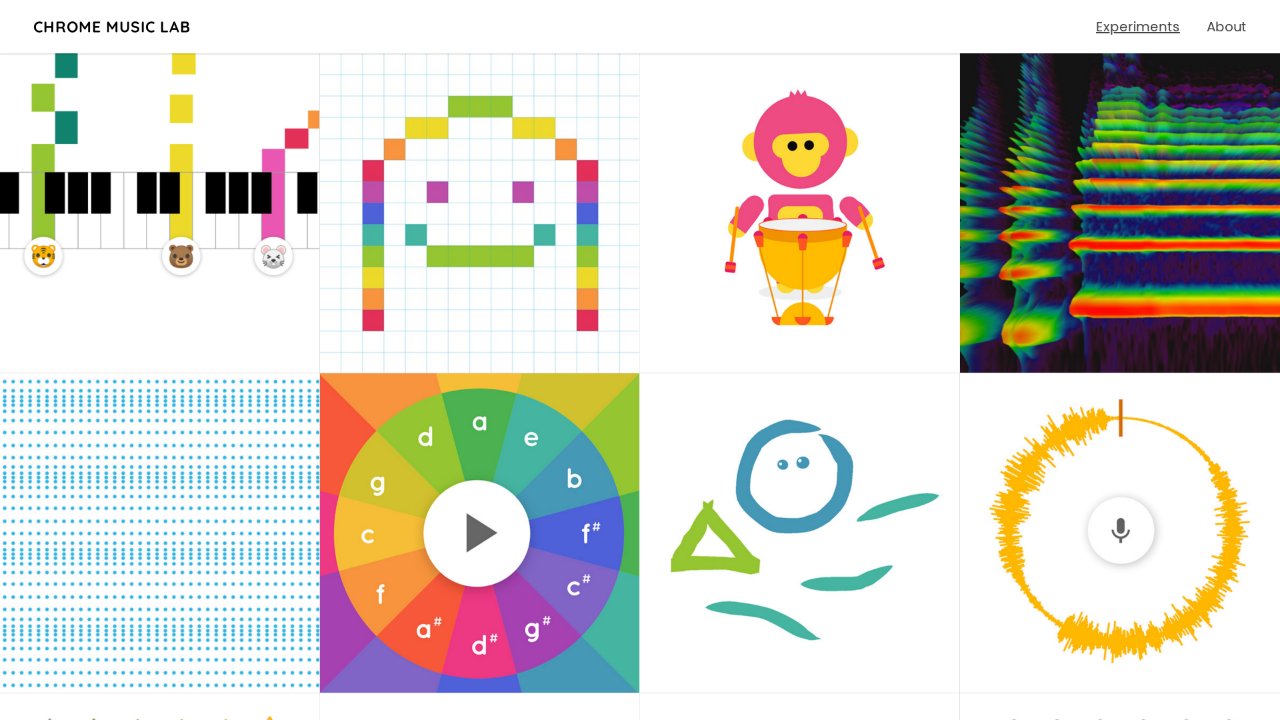
The homepage (screenshot from 2026-10-04): every experiment is a card in the grid.
Quick facts
| Item | Details |
|---|---|
| URL | https://musiclab.chromeexperiments.com/ |
| Type | Music-education interactive experiments (web toolset) |
| Pricing | Free |
| Account | None |
| Interface | English (highly visual, so the language barrier is low) |
Background
Chrome Music Lab launched on March 9, 2016, timed with Music in Our Schools Month in the US, aiming to lower the barrier to music learning using open web technology (Google's launch post). Its most popular experiment, Song Maker, arrived in February 2018, built by Google Creative Lab with Yotam Mann and Use All Five (Experiments with Google, checked 2026-10-04).
Core capabilities
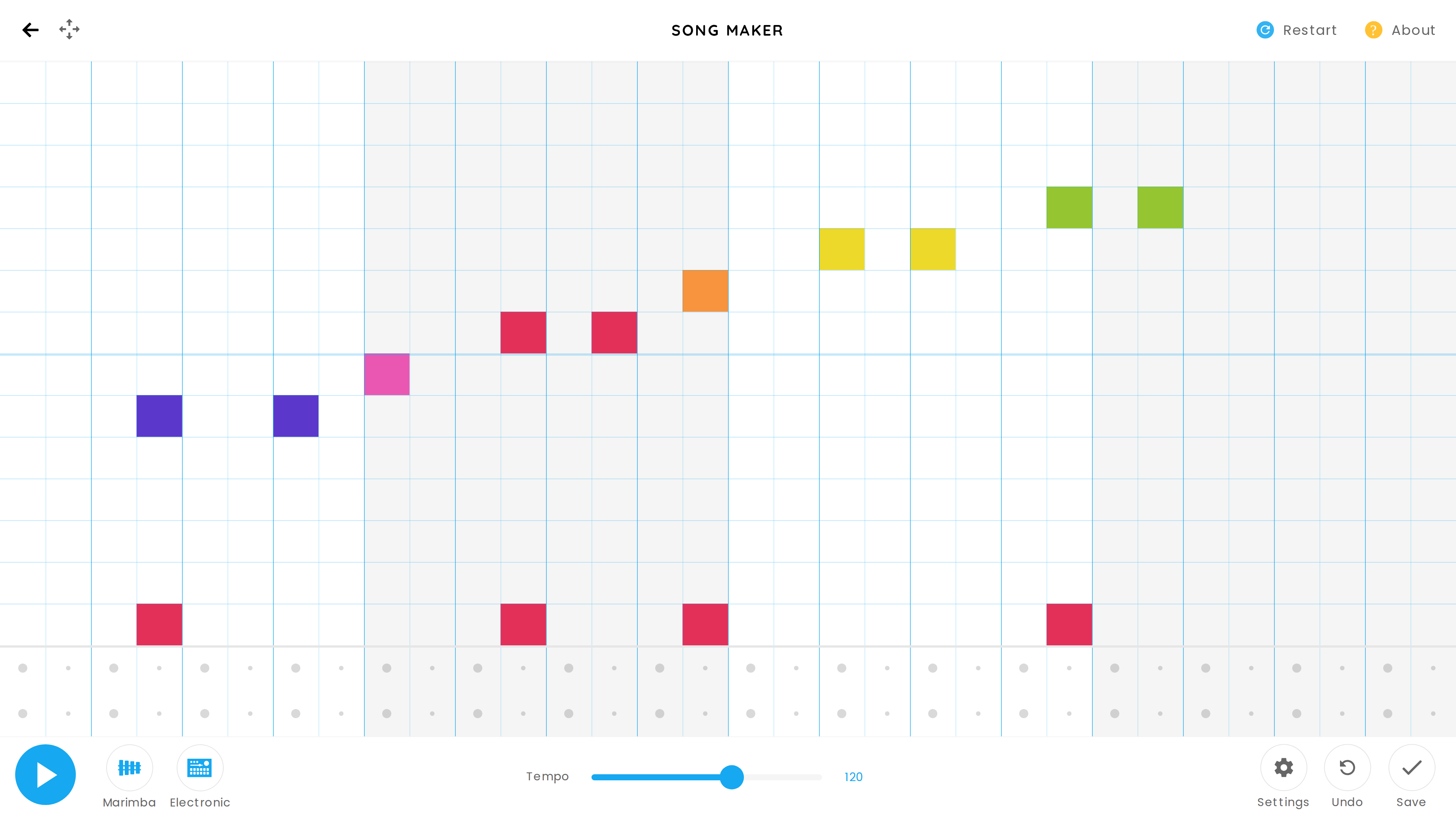
- Song Maker: a grid-based composer — fill in cells to write melodies and drum patterns, with MIDI input support; finished songs can be shared as links.
- Rhythm / Melody / Chords / Arpeggios: small visualizations of rhythm patterns, pitch relationships, chords and arpeggios.
- Spectrogram / Sound Waves / Voice Spinner: draw the sound itself — spectrograms, waveforms, and a spinning visualization of your voice through the microphone.
- Kandinsky / Oscillators: turn drawings into music and explore timbre through oscillators — art-meets-science territory.
- Open source: experiments are built with Web Audio API, WebMIDI and Tone.js, and most of the code is published on GitHub for building your own.
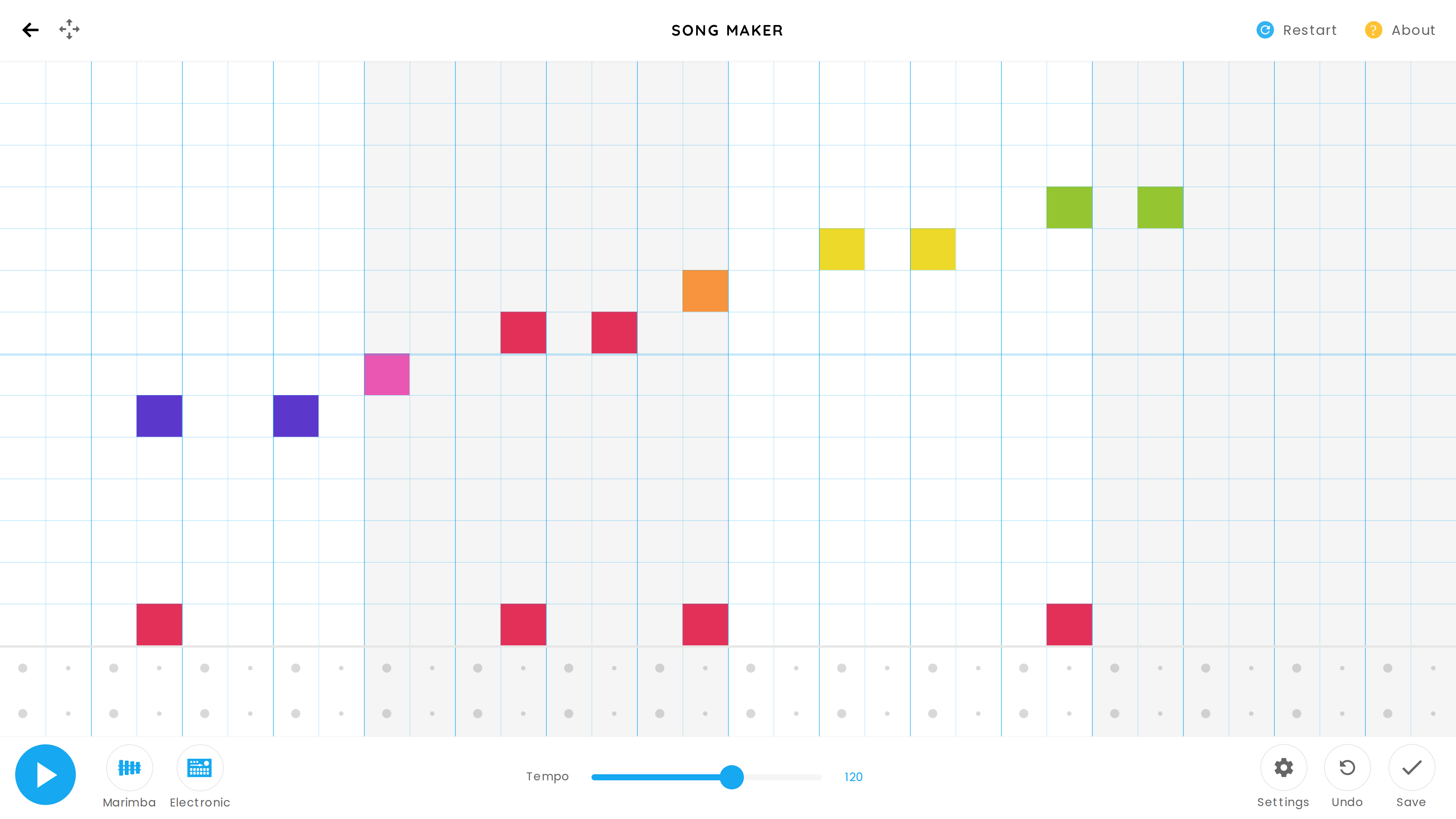
Song Maker (2026-10-04): melody goes in the upper grid rows, percussion below, with instrument and tempo controls alongside.
Good for
- Music beginners and classrooms: making abstract ideas (spectra, chords, rhythm patterns) tangible.
- First-time songwriting: a few minutes in Song Maker yields a shareable tune.
- Developers playing with sound: the open-source code doubles as Web Audio teaching material.
- Idle fun: clicking around is a legitimate use.
Limitations
- The experiments are standalone — there's no curriculum progression, so self-learners will want a teacher or textbook alongside.
- Song Maker songs persist only as shared links; with no account system, recovering work across devices is clumsy.
- English interface (though heavily visual), and no export of standard audio stems.
- It's a set of experiments, not a tool: for actual music production, GarageBand or BandLab go much further.
Alternatives
- Ableton's Learning Music: a more structured interactive course on music production — also free and browser-based.
- BandLab: a full online DAW for real multitrack creation.
- Theory trainers: ToneGym, Hooktheory and similar services focused on ear training and theory.