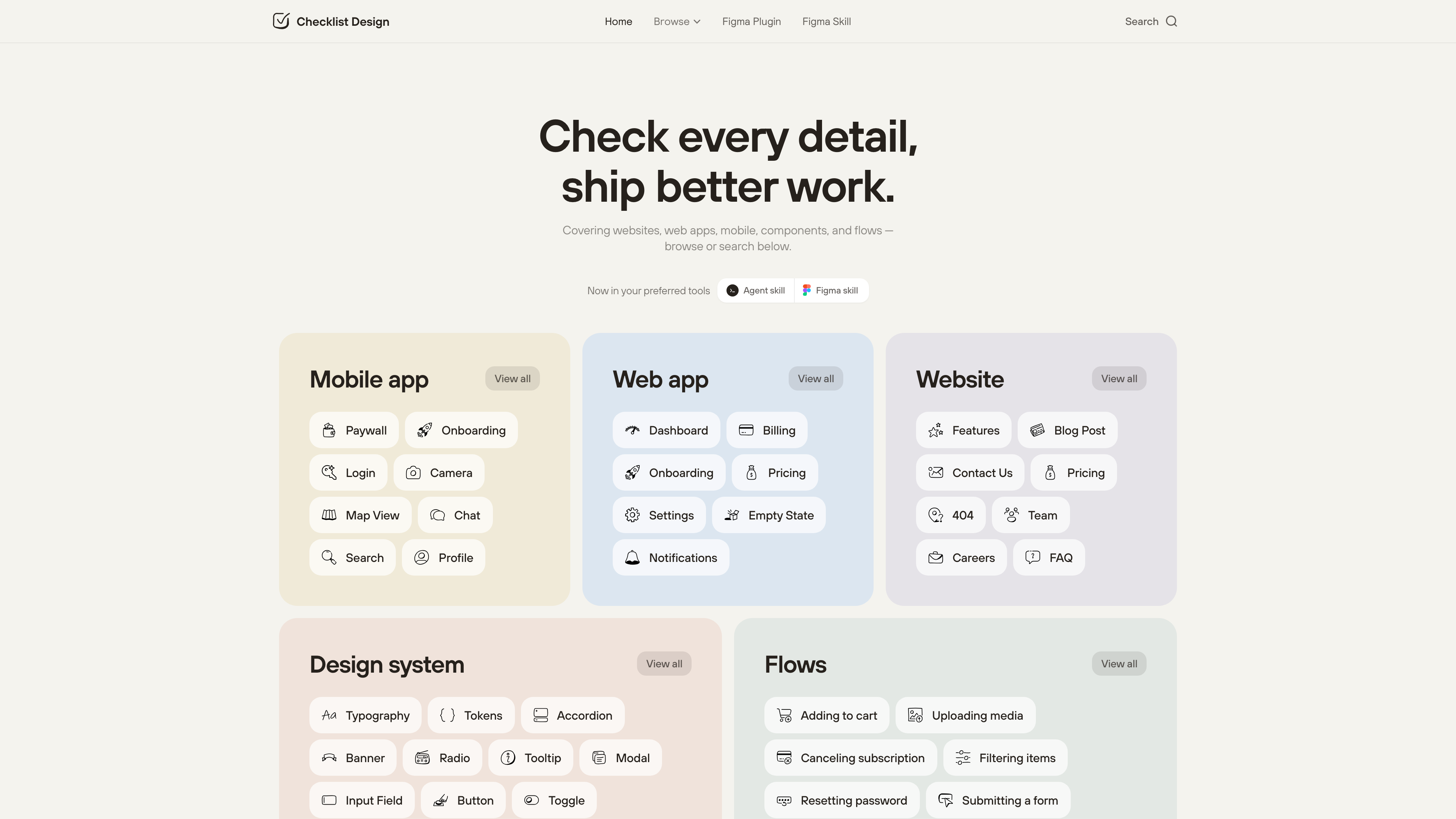
Checklist Design (checklist.design) is a library of interface design checklists. It turns the details that are easy to forget when designing a page, component or end-to-end flow into lists you can work through item by item before shipping, instead of relying on memory. As of 2026-09-21 the site lists 129 checklists across five categories — Website, Web App, Design System, Mobile and Flows — all free to read with no account required. The same catalogue is also available as a Figma plugin with AI-powered design reviews, and as an MIT-licensed, open-source AI agent skill.
At a glance
- URL: https://www.checklist.design/
- Type: Design checklist library / design reference
- Cost: Web checklists are free with no paywall; the Figma plugin's AI reviews include a free monthly allowance, with paid credit packs beyond that
- Sign-up: None for browsing or ticking checklists; progress is stored only in your browser
- Language: English only
- Size: 129 checklists in 5 categories (as of 2026-09-21, per the category counts on the Browse page)
Background
Checklist Design was created by designer George Hatzis — the site footer credits him and links to his personal site, and his LinkedIn profile describes him as an independent product design lead, previously at Australian health-tech company Eucalyptus.
In the site's About page he explained the origin: moving from project to project, he kept missing fundamental parts of the experience — not from lack of knowledge, but from information overload — so he wrote down the critical pieces of each screen and ticked them off on every revisit. It worked, so he made more and shared them. The essay quotes Atul Gawande's The Checklist Manifesto on good checklists being reminders of only the most critical steps, and the same story was picked up by Smashing Magazine's September 2022 round-up of UX checklists. Note that the About page itself has since been taken down (it returned a 404 as of 2026-09-21; the summary above is based on a cached copy). According to the privacy policy, the site is now operated by Checklist Design Pty Ltd, registered in Australia.
The checklists and how you use them
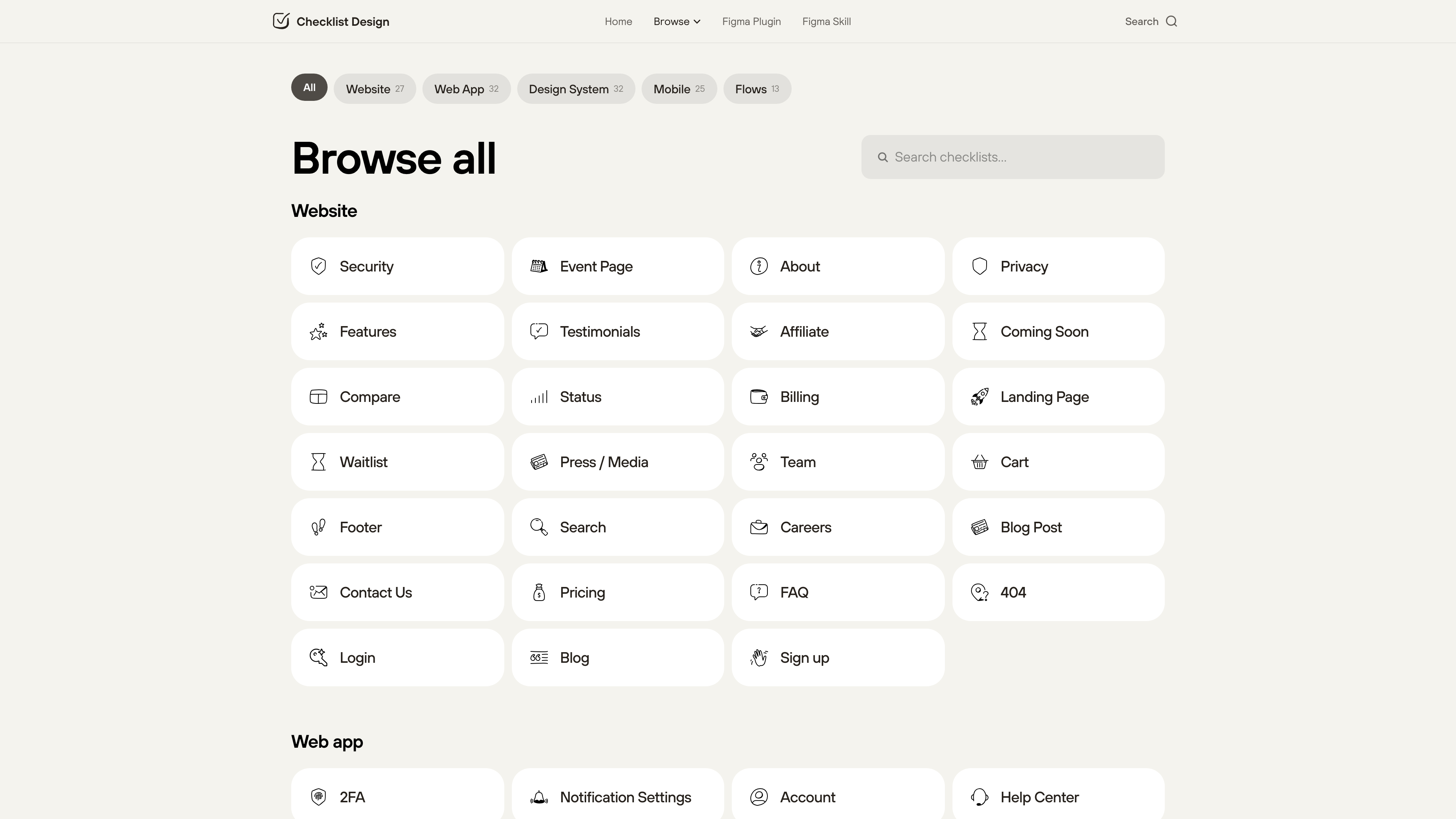
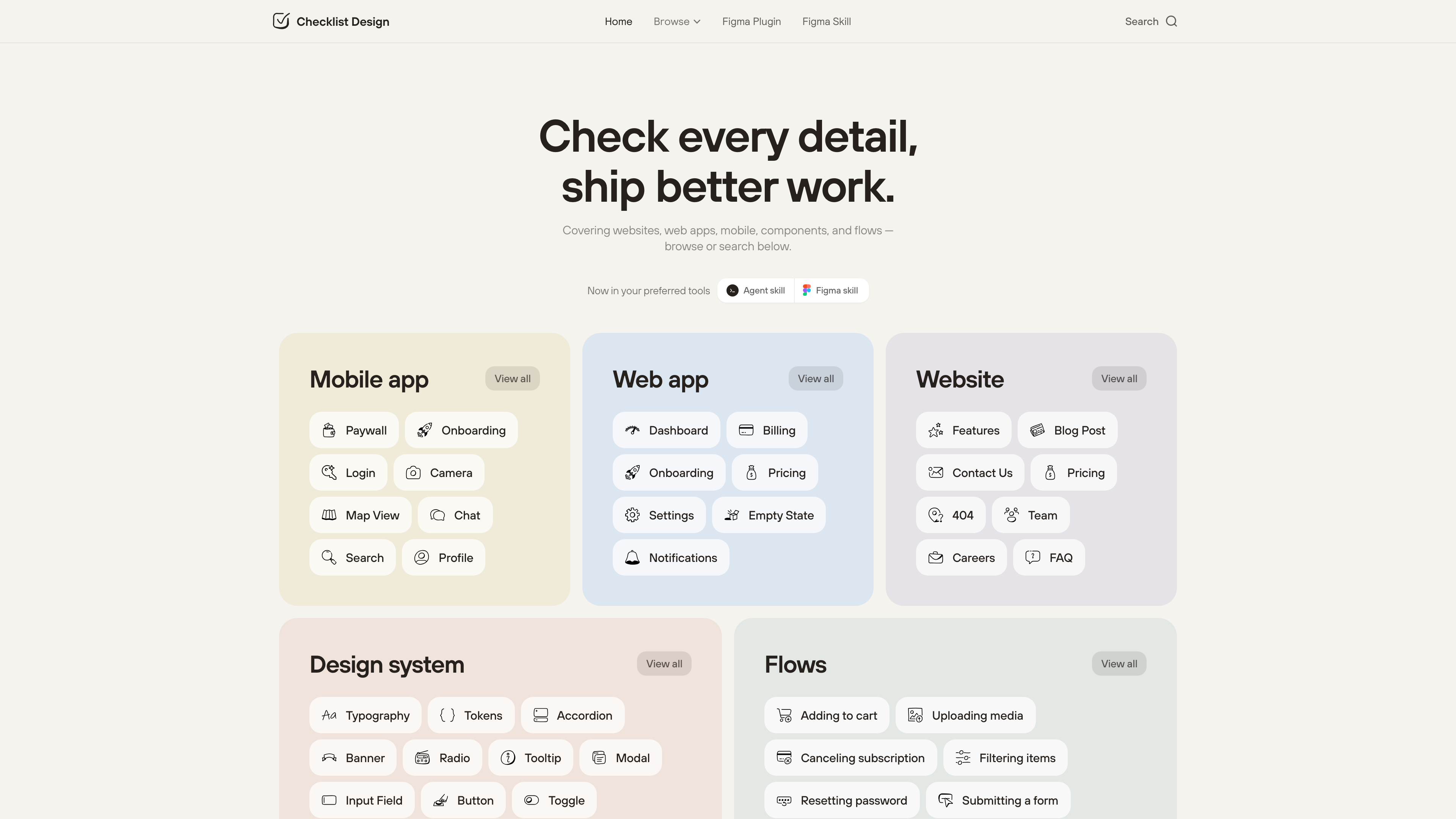
The five categories break down as: Web App 32, Design System 32, Website 27, Mobile 25 and Flows 13 (as of 2026-09-21). The coverage is concrete: Website includes Login, Pricing, 404, FAQ and Footer; Design System includes Button, Modal, Color System and Accessibility; Flows covers complete journeys such as cancelling a subscription, resetting a password and submitting a form.
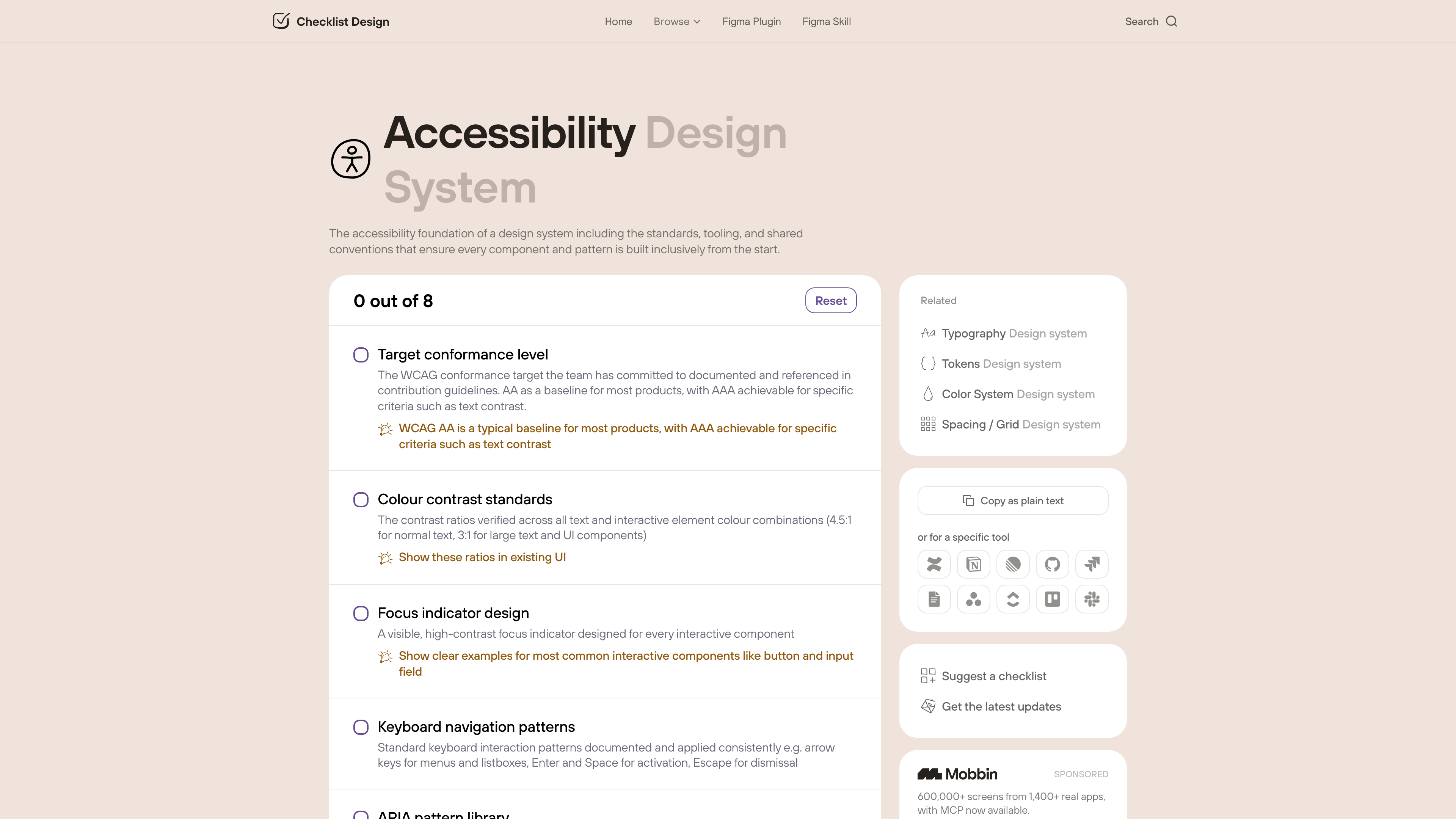
Each checklist is a set of items with a name and a one-line explanation. Some items carry an extra tip (the Login checklist suggests placing the reset-password link near the password field), and some lists separate required items from an Optional section. A counter at the top shows "N out of M" progress with a Reset button. Ticked state is written to browser localStorage and never sent to a server, so progress does not survive switching browsers or devices.
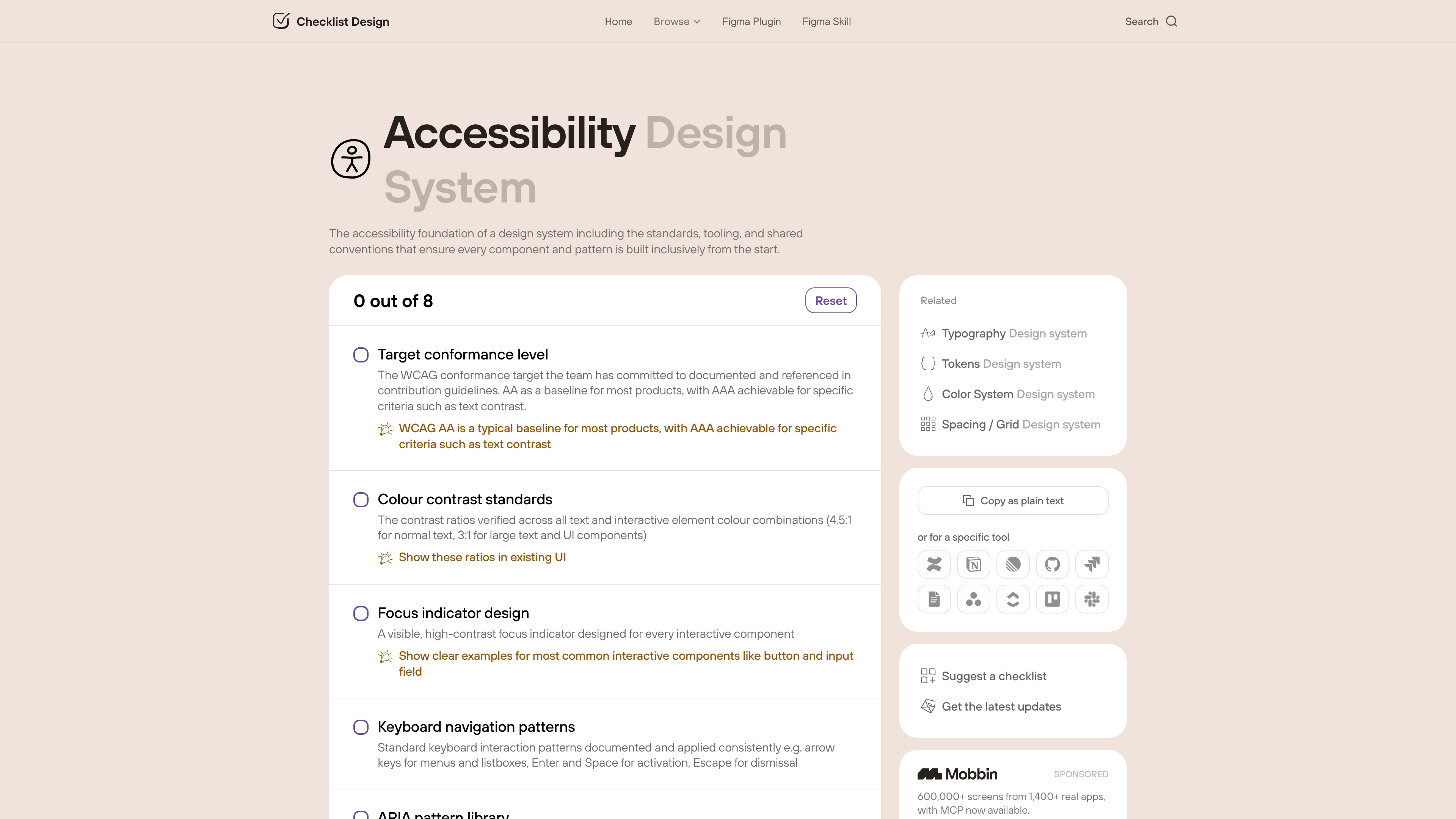
The lists are built for team workflows: every checklist can be copied as plain text, or formatted for a specific tool — Confluence, Notion, Linear, GitHub, Jira, Google Docs, Asana and ClickUp — so pasting produces a ready-made task list. A "Suggest a checklist" button in the sidebar opens a "Request a checklist" form (name, optional description, optional notification email), which is how readers can propose new lists. Updates are announced through the email newsletter and the author's X account, @george_hatzis.
Figma plugin and AI design reviews
The Figma plugin, promoted on the homepage, turns the checklists into an "AI-powered design review": select any Figma frame and the plugin reports what's working, what's missing and what to improve. The privacy policy documents the implementation: the free allowance is metered per month using a hashed Figma user identifier; a screenshot of the selected frame is transmitted only temporarily and sent to Anthropic's Claude API for analysis, with neither the image nor the result retained afterwards; additional usage is sold as credit packs handled by payment processor Polar; plugin accounts sign in with an email magic link, no passwords involved. In 2026 the author announced on LinkedIn that the plugin had passed 3,600 installs (a self-reported figure we could not independently verify).
Open-source agent skill and Figma skill
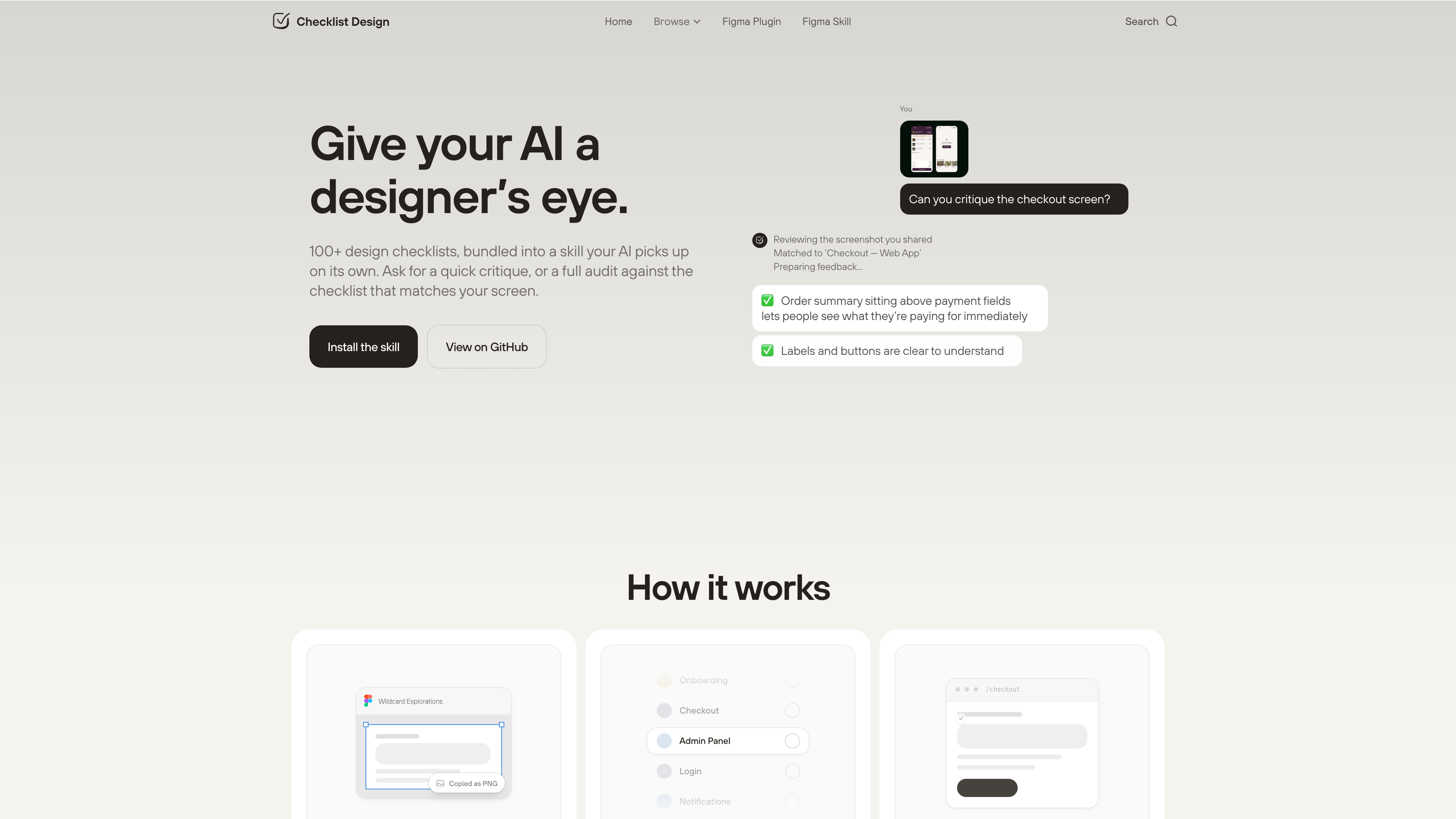
Since July 2026 the catalogue has also been published as an open-source skill built to the Agent Skills standard, in the GitHub repository Checklist-Design/skills under the MIT license. According to the README, 112 published checklists ship inside the skill as local reference files, so matching a screen to a checklist and reading its items are local file reads with no network or API dependency. The skill offers two modes — audit (an item-by-item pass marking each as present, partially present, missing or not applicable) and critique (a broader design review) — and picks one automatically when given a screenshot. Installation is a single command, npx skills add checklist-design/skills, working with around twenty tools including Claude Code, Cursor, OpenAI Codex, GitHub Copilot, Gemini CLI and Windsurf; a fuller Claude Code plugin adds a trigger hook. A scheduled GitHub Action rebuilds the bundled checklists from the website daily and only cuts a release when content actually changes (as of 2026-09-21 the latest release is v3.2.4 from 2026-09-07, and the repository has about 52 stars). A matching Figma skill is also listed in Figma's community AI skills library.
Privacy and content policy
Checklist Design is not a user-generated-content platform: all checklists are written and curated by the author, and the only reader input channels are the "Request a checklist" suggestion form and the email subscription. The privacy policy commits to the Australian Privacy Principles, GDPR and CCPA, names its sub-processors (Supabase for the database, Anthropic for AI analysis, Polar for payments, Resend for email), states that the website uses Google Analytics (with consent requests for non-essential cookies shown to EEA, UK and Swiss visitors), and promises not to sell user data or use it for advertising.
On content licensing, a distinction matters: the website itself carries no open content license for the checklist text, so treat it as ordinary copyrighted material when quoting; the MIT license applies only to the GitHub skill repository and the checklist files bundled there.
Pricing and business model
The web checklists are entirely free, with no paywall or account tiers. The two visible revenue sources are the Figma plugin's paid credit packs for AI reviews and footer-listed sponsors (design-screen library Mobbin and design livestream community Rectangles).
Where it fits
- Pre-handoff self-checks, especially for the screens every project rebuilds — login, pricing, checkout;
- Junior designers learning what a page or component is typically made of, and building a checking habit;
- Teams copying a checklist into Notion, Linear or GitHub as a shared review or acceptance baseline;
- AI-assisted workflows, where the open-source skill makes an agent review an interface against the checklists instead of returning a generic "looks good".
Limitations
- English only: neither the checklists nor the interface are localised, so non-English teams will need to translate before adopting them.
- Progress stays on one device: ticked state lives in browser localStorage — clearing site data, switching browsers or switching devices loses it, and there is no account sync.
- One-person operation: updates depend on a single maintainer with no public roadmap; the footer's About and Terms links currently lead to a 404 page (verified 2026-09-21), while the Privacy page works.
- Figma metrics unverifiable: install counts and ratings live on the Figma Community page, which blocks automated access, so we could not confirm them for this article.
- Generic by design: the checklists are cross-project best practices. They contain no judgement about your industry, audience or compliance obligations, and they are no substitute for user research and real testing.