Canva (canva.com) is an online design and publishing platform that runs entirely in the browser: start from a template, drag in images, text, graphics and video, and export anything from a poster or slide deck to a résumé or simple website. Its pitch is "design for people who aren't designers" — a much lower learning curve and starting cost than professional software like Photoshop (About Canva, checked 2026-10-04).
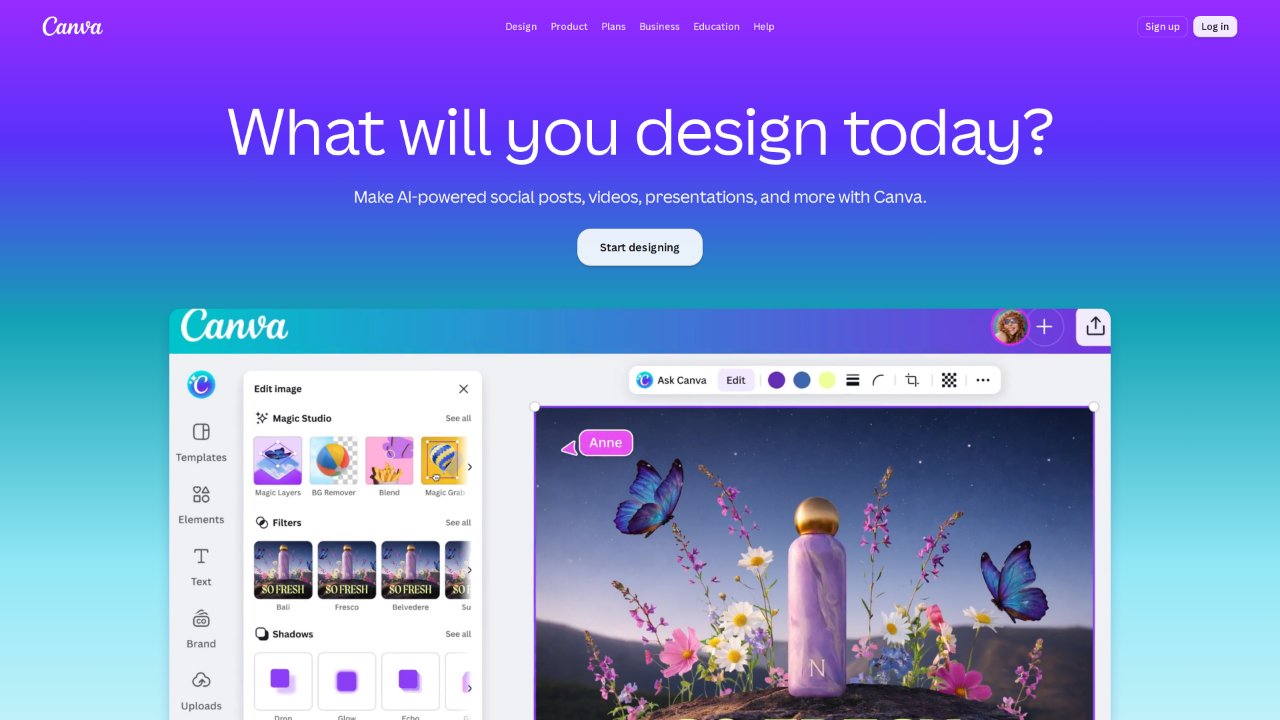
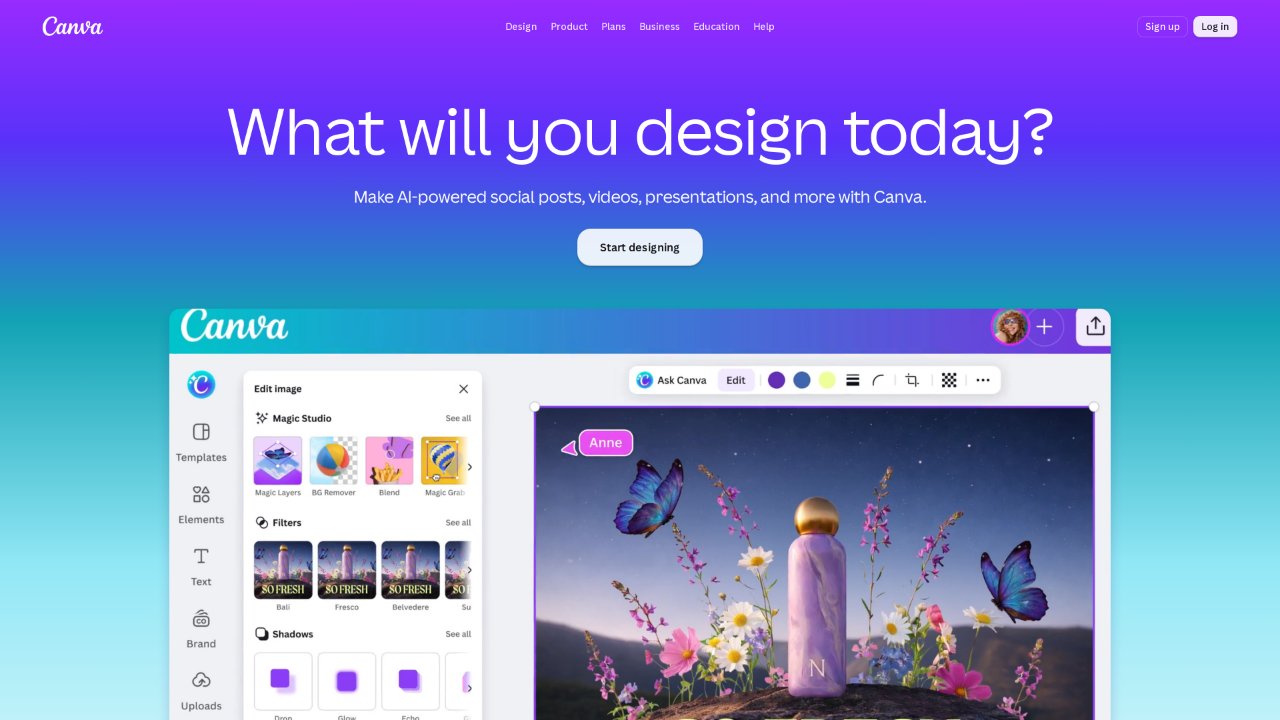
The homepage (screenshot from 2026-10-04) leads with design scenarios and recommends templates by use case.
Quick facts
| Item | Details |
|---|---|
| URL | https://www.canva.com/ |
| Type | Online graphic design platform (SaaS) |
| Pricing | Free 18/mo or US25/person/mo or US$250/person/yr; Enterprise by quote; free for K-12 education and eligible nonprofits (as of 2026-10-04, pricing) |
| Account | Browsing templates needs no account; creating and saving designs requires a free account |
| Interface | Available in multiple languages including Simplified/Traditional Chinese and English |
Background
Canva was founded in Sydney by Melanie Perkins, Cliff Obrecht and Cameron Adams, launching publicly in August 2013 with a drag-and-drop editor plus a library of over a million photographs, graphics and fonts (2013 launch announcement). It has since grown from a social-media graphic tool into a visual office suite spanning docs, decks, whiteboards, video and websites, acquiring free stock libraries Pixabay and Pexels, professional design software maker Serif (whose Affinity suite was relaunched as a free app in 2025) and generative-AI company Leonardo AI (Wikipedia, checked 2026-10-04).
On scale: Canva's own 2025 year-in-review says the community reached 260 million monthly users; the company reported more than 265 million monthly active users and over 31 million paying users by the end of 2025, with roughly US$4 billion in annualized revenue (Canva 2025 wrap, TechCrunch 2026-02-18, as of 2026-10-04).
Core capabilities
- Template-first editor: the free tier offers 1,000+ design types and 1.6M+ templates, with 4.7M+ free photos, videos, graphics and audio tracks (pricing page). The editor handles multi-page documents, layers, guides and real-time collaboration.
- Many output types: posters, Presentations, Canva Docs, Whiteboards, a video editor, simple Websites and print ordering, all managed under one account.
- AI features (Magic Studio): text-to-image, copywriting, background removal and object erasing; the free tier carries monthly AI usage limits, raised on paid plans.
- Brand and teams: paid plans add Brand Kit, template locking, approval flows and a content planner.
- Companion pro tools: subscriptions include access to Affinity (the consolidated free professional design app); print services ship physical goods like business cards and posters.
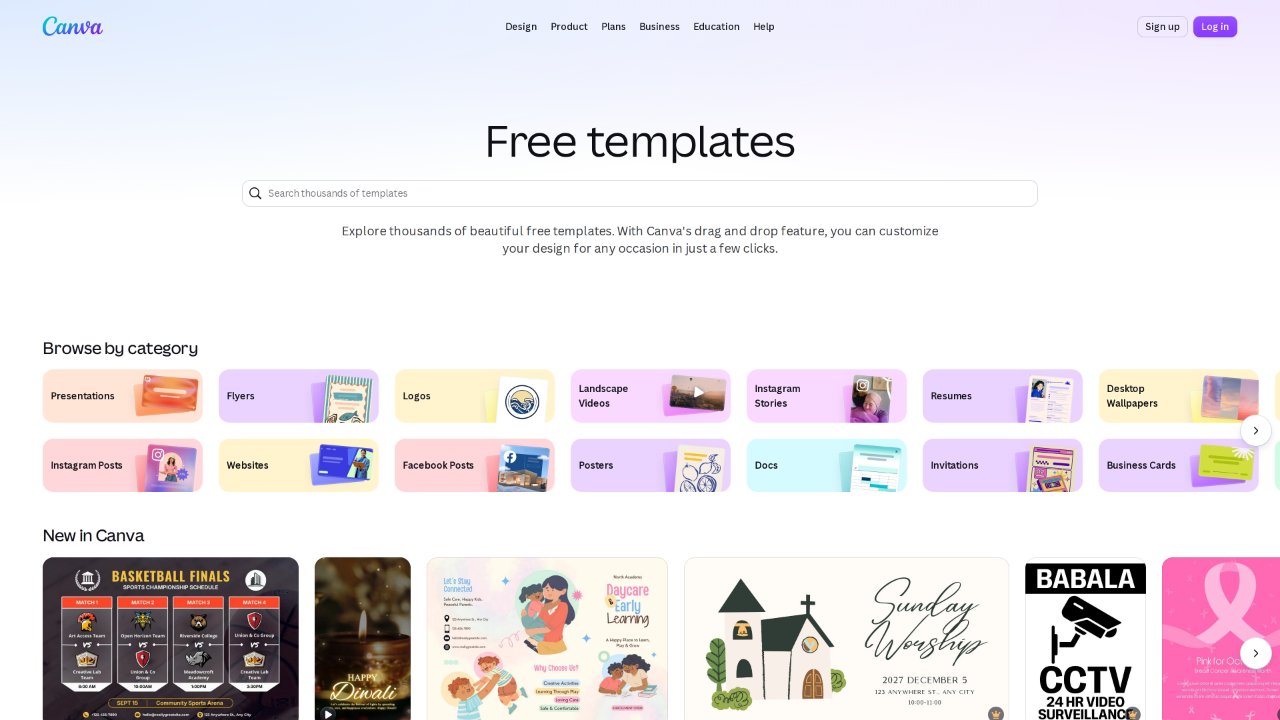
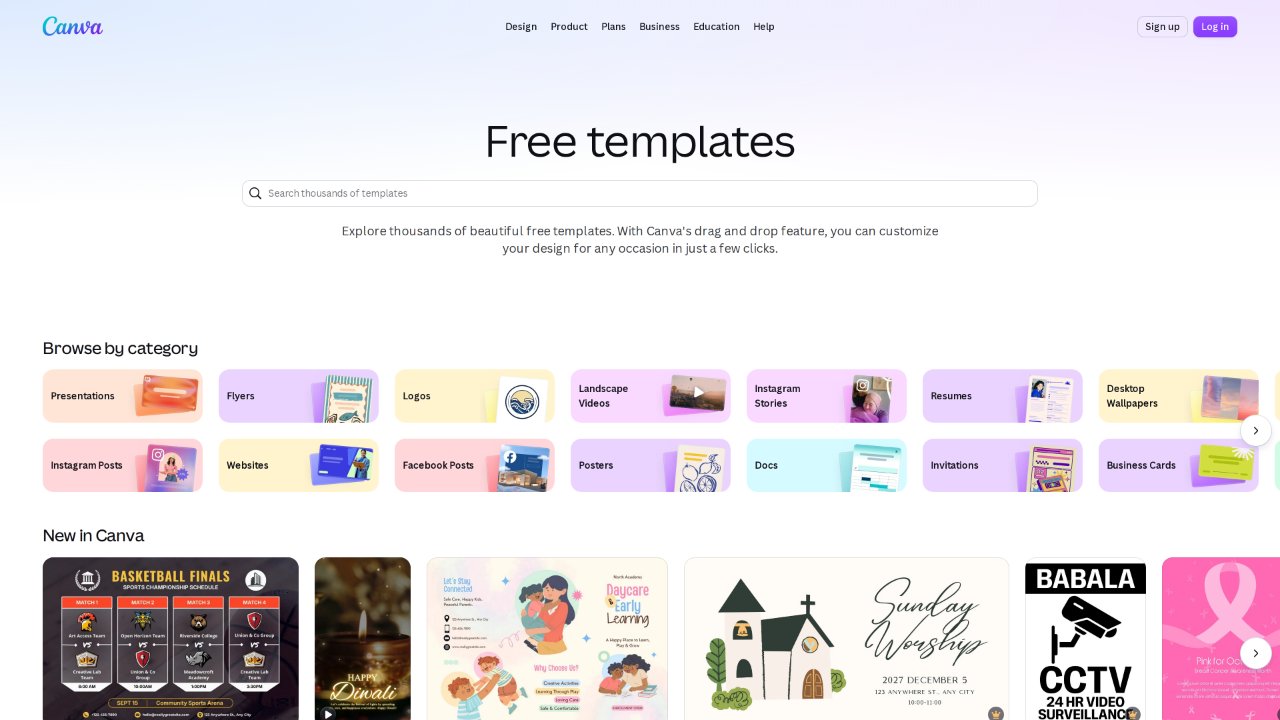
The template library (2026-10-04), organized by purpose and style — the practical starting point for most users.
Content licensing
Canva's content (photos, icons, illustrations, video, audio, fonts, templates) comes in Free and Pro categories. Exporting a design containing content is governed by the Content License Agreement: content may be used in personal and commercial designs, but cannot be resold or redistributed unmodified (e.g. repackaging assets as a stock library); when a design mixes categories, the most restrictive applies (licensing explainer). Free users see watermarks on Pro content and can remove them for $1 per design or by subscribing. Using content as-is on merchandise for resale (e.g. T-shirt prints) requires meaningful modification first — the clause beginners trip over most often.
Good for
- Non-designers who need to ship visuals fast: social covers, posters, course materials, event collateral.
- Small teams standardizing brand output via templates and Brand Kit.
- Lightweight video and decks, especially when online collaboration matters.
Limitations
- Fine typography, complex retouching and professional prepress still belong to Affinity/Adobe-class tools; export formats and color management (e.g. CMYK) have boundaries.
- The free tier caps content, storage (5GB) and AI usage, and popular templates are heavily reused.
- Pricing has shifted several times; team billing is per seat and adds up; templates and AI features are account-bound and effectively unusable offline.
- Commercial terms for AI-generated content change with policy updates — check the current AI terms before commercial use.
Alternatives
- Affinity (also Canva-owned): a free professional desktop design suite for pixel-level control.
- Adobe Express: Adobe's comparable template-driven online tool, tied into Creative Cloud.
- Pixso / 即时设计: Chinese collaborative design tools with friendlier access for teams in China.